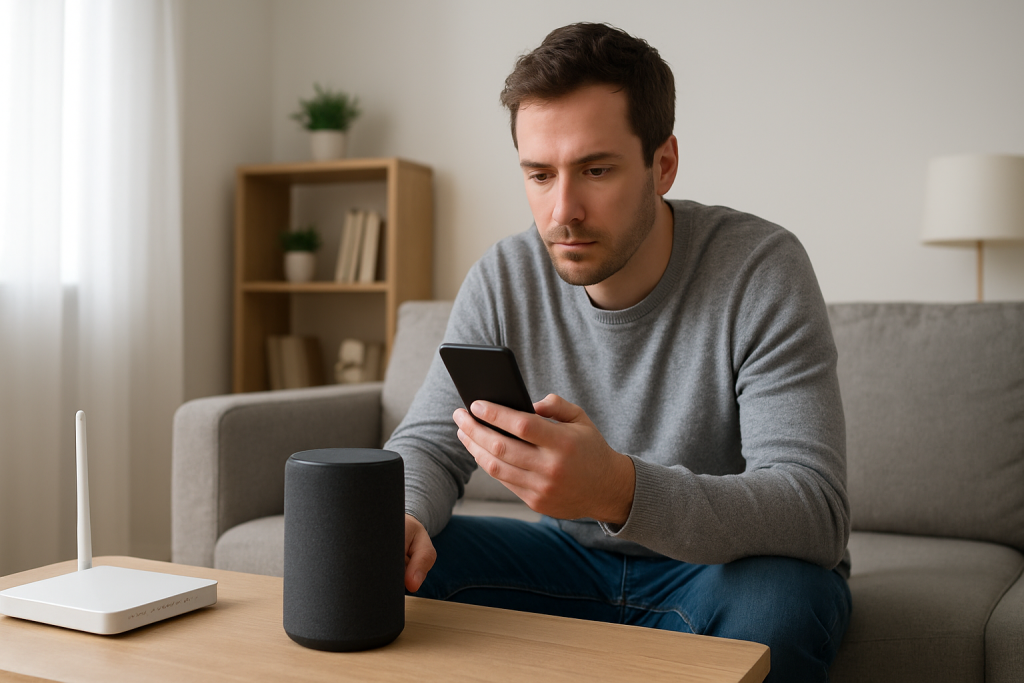
Alexa Keeps Listening Randomly: How to Stop False Wakeups
Quick Answer
Most “Alexa is listening randomly” reports are false wakeups: your Echo hears something that sounds enough like the wake word (“Alexa,” “Echo,” “Computer,” or “Amazon”) and briefly opens the microphone. TVs, soundbars, and echoey rooms are the most common triggers because speech and certain tones can resemble the wake word.
The fastest fixes are to check what audio is triggering it (TV/dialogue, ads, YouTube, podcasts), change the wake word, and adjust device placement so the Echo isn’t pointed at a loud speaker or sitting in a reflective corner. Then review Voice History to confirm whether it’s truly false wakeups and not a routine or skill firing.
Why This Happens
Alexa devices constantly listen locally for a short “wake word” pattern. They are not recording everything, but they are always monitoring sound for that specific trigger. When a TV line, a background voice, or a reflected echo matches the pattern closely enough, the device can falsely wake and start listening for a command.
False wakeups are usually tied to the acoustic environment, not your Wi-Fi. The microphone array is designed to pick up voices across a room, which is helpful for normal use but also makes it sensitive to TV dialogue, reverb, and overlapping voices.
Common technical causes closely tied to sound and wake word detection
1) TV dialogue and streaming content that “sounds like Alexa.” Some voices, accents, and phrases (“I’ll ask ya…,” “Alex, uh…,” “let’s…”), especially when compressed by a TV speaker, can resemble the wake word. Commercials and YouTube videos are frequent culprits because they include clear, front-facing speech.
2) Echoing rooms and reflective placement. Hard surfaces (tile, bare walls, windows) create reflections that smear speech. This can make a non-wake phrase resemble the wake word to the device. Echos are worse when the Echo is in a corner, on a shelf, or near a wall.
3) Multiple Alexa devices hearing the same sound. In homes with more than one Echo, a TV-triggered false wakeup can “hop” to the wrong device. You may notice a device in another room lighting up, which makes it feel random.
4) Microphone sensitivity interacting with nearby speakers. If an Echo is close to a soundbar, subwoofer, or a TV speaker, the audio hitting the microphones can be unusually strong and distorted. Distortion can increase false positives.
5) Wake word choice and household names. If someone in the home is named “Alex,” or you frequently say “Alexa” in conversation (or in a show you watch), false wakeups will happen more often. This is a common user mistake: keeping the default wake word even when it regularly appears in daily audio.
6) Overlooked technical cause: audio feedback loops. If the Echo volume is high and it’s playing content with speech (news, podcasts), it can occasionally “hear” itself in a reflective room or via a nearby speaker and wake again. This is more likely when the device is close to a wall or in a cabinet.
Real-world scenario
In an apartment living room with a TV and a soundbar, the Echo is placed on the same media console. At night, the room is quiet except for the TV. A streaming show plays dialogue with heavy compression and background music. The Echo hears a phrase that resembles “Alexa,” lights up, and starts listening. Because the room is reflective and the soundbar is close, the false wakeups happen several times per evening.
Step-by-Step Fix
Confirm it’s a false wakeup using Voice History.
What to do: Open the Alexa app > More > Activity > Voice History. Tap the most recent entry that matches the time you saw the light ring or “listening” animation. Play back the audio snippet (if available) and read the transcript.
What the result means: If you hear TV audio, a conversation, or noise that resembles the wake word, it’s a classic false wakeup. If you see a routine name, a skill, or “Alexa started” without a wake word, it may be automation, not acoustic triggers.
If it fails / next: If there’s no entry at all, it may have woken but didn’t send audio to the cloud (brief false trigger) or the device is on a different account. Proceed to the next step to rule out configuration causes.
Change the wake word to reduce acoustic matches.
What to do: Alexa app > Devices > Echo & Alexa > select your device > Settings (gear) > Wake Word. Switch from “Alexa” to another available option.
What the result means: If false wakeups drop immediately, your trigger was speech content that frequently matches “Alexa” (TV dialogue, people saying “Alex,” or common phrases that sound similar).
If it fails / next: If it still wakes randomly, the trigger is likely general acoustic distortion (echo, placement, loudspeaker proximity) rather than the specific word. Move on to placement and speaker interaction checks.
Run a “quiet room” test to prove it’s the TV or room acoustics.
What to do: For 10–15 minutes, keep the room quiet: TV off, music off, no conversation. Watch the Echo for false wakeups. Then repeat with the TV on at your normal volume for 10–15 minutes.
What the result means: If it only wakes with the TV on, the TV audio is the trigger. If it wakes even in silence, look for intermittent noises (HVAC clicks, fans, appliances) or configuration causes (routines/skills) in later steps.
If it fails / next: If you can’t reproduce it on demand, check the times it happens in Voice History and compare them with what was playing on the TV (specific channels, apps, or shows).
Change placement to reduce direct TV pickup and room reflections.
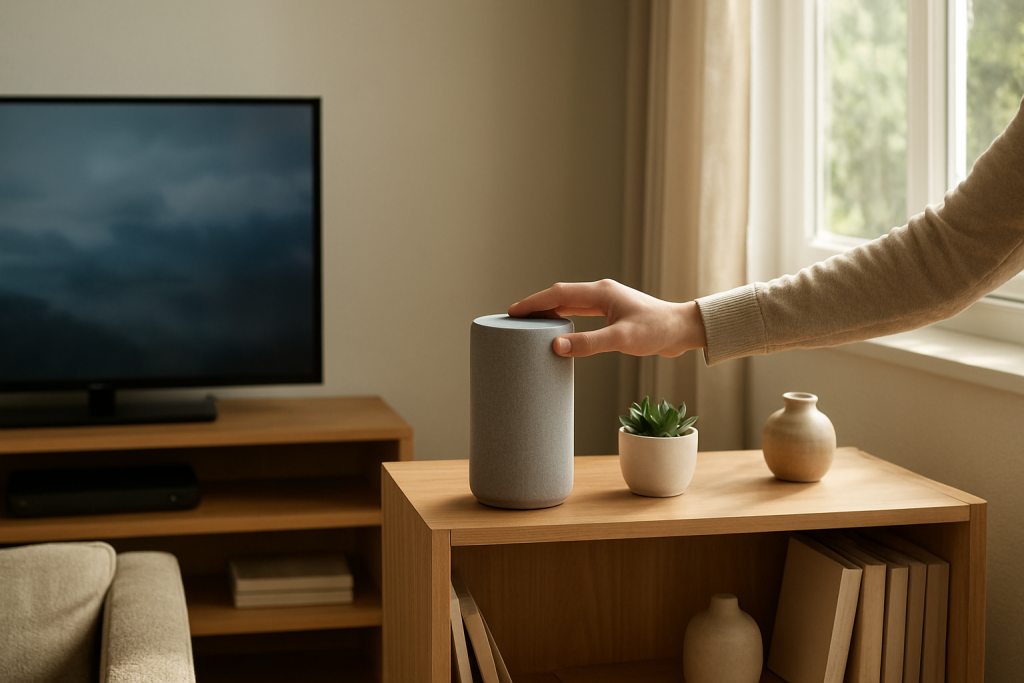
What to do: Move the Echo at least a few feet away from the TV/soundbar and avoid corners. Aim for a stable surface with some “soft” surroundings (curtains, furniture) rather than a bare wall. If it’s on the media console, try a side table instead.
What the result means: If false wakeups decrease, the microphones were being overloaded by direct speaker output or confused by reflections.
If it fails / next: If you can’t relocate it far, lower the TV/soundbar center-channel clarity slightly or reduce TV volume a notch and see if it changes the frequency of wakeups. Then continue to the next step to reduce sensitivity to nearby audio.
Reduce accidental triggers from your own audio playback.
What to do: If the Echo plays podcasts/news/TV audio through itself or a nearby speaker, lower Alexa’s volume slightly and disable “follow-up mode” if you use it (device settings > Follow-Up Mode).
What the result means: Lower volume and disabling follow-up mode reduce the chance that a partial phrase or reflected audio keeps the device in a listen-ready state.
If it fails / next: If the device still wakes during TV use, continue to check for routines/skills that can look like “random listening.”
Rule out routines and skills that mimic random activation.
What to do: Alexa app > More > Routines. Review any routines with triggers like “At time,” “Sunset,” “Location,” “Sound detection,” or “When this happens.” Also check More > Skills & Games > Your Skills and disable anything you don’t recognize.
What the result means: If a routine is firing at the same time you notice “listening,” it’s not a false wake word. It’s automation. Disabling or editing the trigger should stop it.
If it fails / next: If there are no relevant routines/skills, proceed to device/software checks and account consistency.
Do a controlled restart to clear stuck audio detection states.
What to do: Unplug the Echo for 30 seconds, then plug it back in. Wait until it fully reconnects. If you have multiple Echos, restart the one that falsely wakes most often first.
What the result means: If false wakeups suddenly become more frequent after a long uptime, a restart can clear temporary microphone processing glitches. This does not fix acoustic triggers, but it can remove “stuck” behavior.
If it fails / next: If the pattern doesn’t change, focus on environment and configuration rather than power cycling.
Advanced Troubleshooting
Account and cloud-related checks (important when history looks wrong)
Voice History not matching what you saw: If the device lights up but you don’t see corresponding entries, confirm the Echo is registered to the same Amazon account you’re checking in the app. In the Alexa app, select the device and verify it appears under your household’s device list. Mixed accounts in the same home can make events look “missing.”
Household profiles and voice profiles: If multiple adults share an Amazon Household, voice profiles can affect which account logs the interaction. This doesn’t cause false wakeups by itself, but it can make troubleshooting confusing. Temporarily use one phone/account to review Voice History consistently.
Network-related issue (only as it relates to false wakeups)
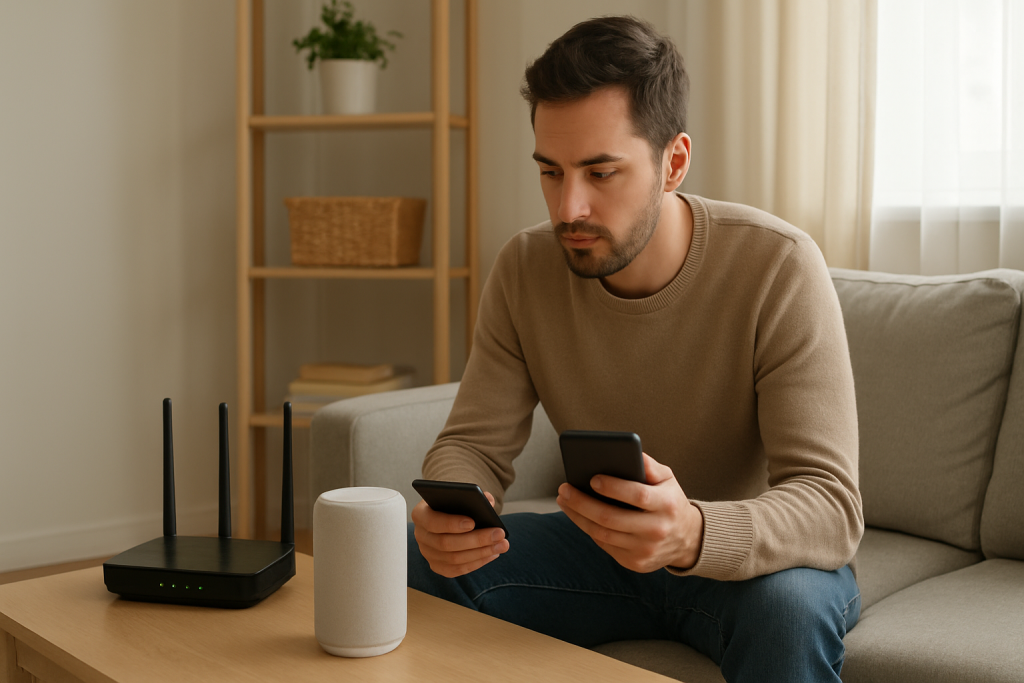
Wi-Fi does not cause the device to “hear” wake words, but it can affect what you observe. If the Echo has a weak connection, it may light up (local wake detection) and then fail to complete the request, making it seem like it’s listening for no reason. If you notice the light ring and then an error tone or “having trouble understanding,” check the device’s Wi-Fi signal in the Alexa app and move it slightly away from dense electronics or behind-TV cabling. The goal here is not to fix wake detection, but to avoid confusing a normal wake with a failed cloud request.
Firmware/software causes
Occasionally, a software update can change wake word sensitivity slightly. If false wakeups started suddenly and you have not changed the room setup, check whether it coincides with a device update or a new Alexa feature you enabled (such as sound detection). The practical response is still the same: change wake word, adjust placement, and review routines. If sound detection is enabled in routines (for example, “baby crying” or “beeping appliance”), disable it temporarily to see if the “random” behavior stops.
Configuration conflicts that look like random listening
Follow-Up Mode: When enabled, Alexa keeps listening briefly after a response. In a TV room, that extra window can capture TV dialogue and appear like a false wakeup chain.
Alexa Guard / sound detection features: If enabled, the device may listen for specific sounds. That is different from wake word listening and can be mistaken for it. If you don’t actively use these features, turn them off and observe whether the behavior changes.
Multiple devices responding: If more than one Echo is in range of the TV, the “wrong” device may wake. Rename devices clearly by room and watch which one is lighting up. This helps you relocate the correct unit or adjust its placement.
When to Reset or Replace the Device
Try a soft restart first (unplug for 30 seconds) if the behavior began recently, happens in bursts, or the device seems sluggish. A restart is low-risk and can clear temporary issues.
Consider a factory reset if you have confirmed the triggers are not TV audio or room acoustics (quiet-room test still shows false wakeups), you have reviewed routines/skills, and the device continues to wake multiple times per day with no clear audio cause in Voice History.
What you lose with a factory reset: The device will be removed from your account and must be set up again. You’ll need to reconnect it to Wi-Fi, reassign it to rooms/groups, and reconfigure device-specific settings (wake word, volume preferences, and any paired Bluetooth connections). Your account-level routines and skills generally remain, but device assignments may need to be reselected.
Replace or stop using the device immediately if you notice overheating, a burning smell, crackling from the power adapter, a swollen power brick, or intermittent power. Unplug it and contact support. Do not open the device or attempt hardware repair.
How to Prevent This in the Future
Place Echos with acoustics in mind: Keep them out of corners and away from direct TV/soundbar output. A small change in angle and distance can make a big difference in false wakeups.
Pick a wake word that doesn’t appear in your home’s audio: If your household watches content where “Alexa” is said often, switching the wake word is the most durable fix.
Keep Follow-Up Mode and sound detection intentional: Enable them only if you use them. In TV-heavy rooms, these features can increase the appearance of “random listening” even when the device is behaving normally.
Review routines and skills a few times per year: Old routines, seasonal automations, or forgotten skills can create confusing behavior. Keeping them tidy reduces surprises that get mistaken for false wakeups.
If you have multiple Echos, name and group them clearly: When you can quickly identify which device is waking, you can target placement changes to the correct unit instead of guessing.
FAQ
Is Alexa recording me when it “randomly” lights up?
Most of the time it’s a false wakeup: the device locally detected something that resembled the wake word and briefly started listening for a command. You can verify what it heard by checking Voice History in the Alexa app. If you see a clip/transcript that matches TV audio or background conversation, that’s consistent with a false wake.
My TV never says “Alexa.” Why does it still trigger?
It doesn’t have to say the exact word. Certain phrases, accents, and compressed TV audio can resemble the wake word closely enough to trigger detection. Echoey rooms and speaker distortion make this more likely, which is why changing placement and wake word often helps even when you never hear “Alexa” on the TV.
Will turning off Wi-Fi stop false wakeups?
No. Wake word detection happens on the device. Wi-Fi mainly affects what happens after it wakes (for example, whether it can process the request). If you want to stop wakeups, focus on wake word choice, placement, and reducing TV/speaker acoustic triggers.
Why does the Echo in the other room light up instead of the one near the TV?
Multiple devices can hear the same sound. Sometimes the farther device gets a cleaner version of the wake-like audio (less distortion, fewer reflections) and wins the response. Rename devices by room, watch which one wakes, and adjust placement so the TV room device is less exposed to direct speaker output.
Is factory reset the best fix for random listening?
Not usually. If Voice History points to TV audio or room echoes, a reset won’t change the acoustics that caused the false wakeups. Reset is most useful after you’ve ruled out routines/skills and the device still wakes in a quiet room with no clear audio trigger.
Some problems don’t need a spotlight; they just need to be left alone long enough for reality to do its job. When the dust settles, the answer feels obvious in a way that’s almost rude.
There’s a quiet relief to it—less mental clutter, fewer late-night “what now?” spirals. The best part is how quickly it becomes normal, like your shoulders finally remembering they can drop.