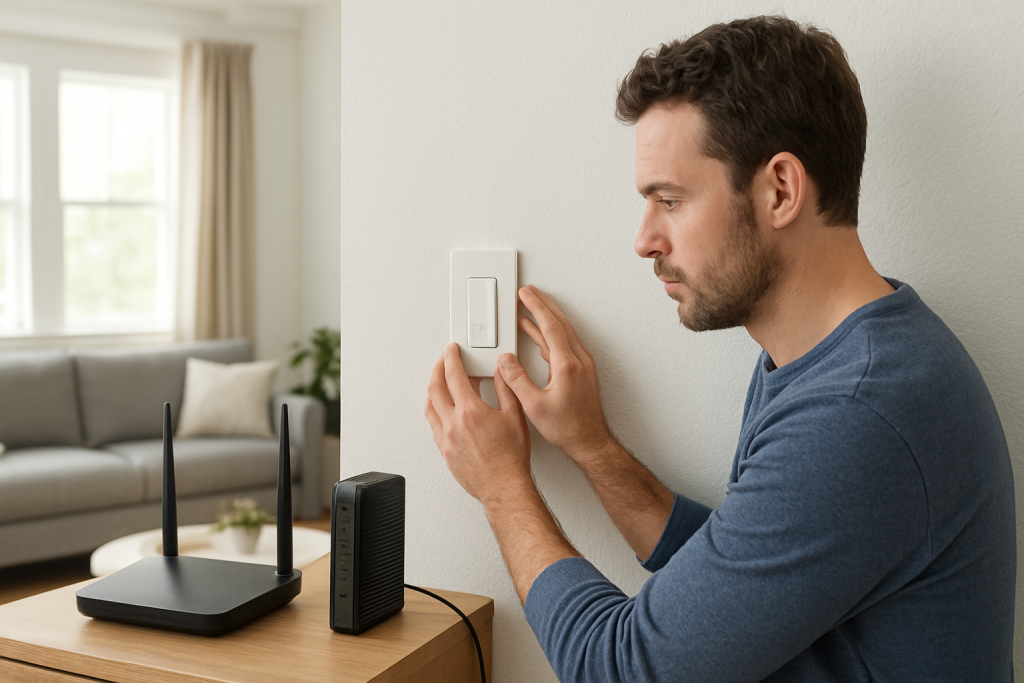
If your smart switch won’t reconnect after a power outage, check router and hub reboot order, switch firmware, and network settings. Simple checks can restore connection quickly.
If your smart switch won’t reconnect after a power outage, check router and hub reboot order, switch firmware, and network settings. Simple checks can restore connection quickly.
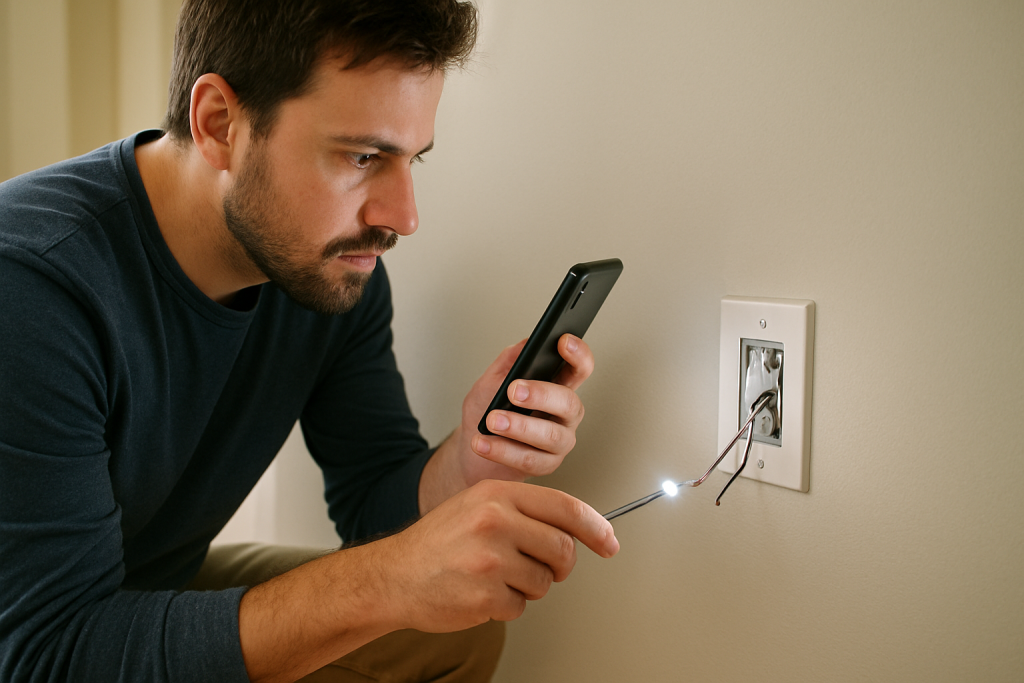
Learn common reasons a smart switch reset fails and step-by-step checks and fixes to reset it properly and restore operation.
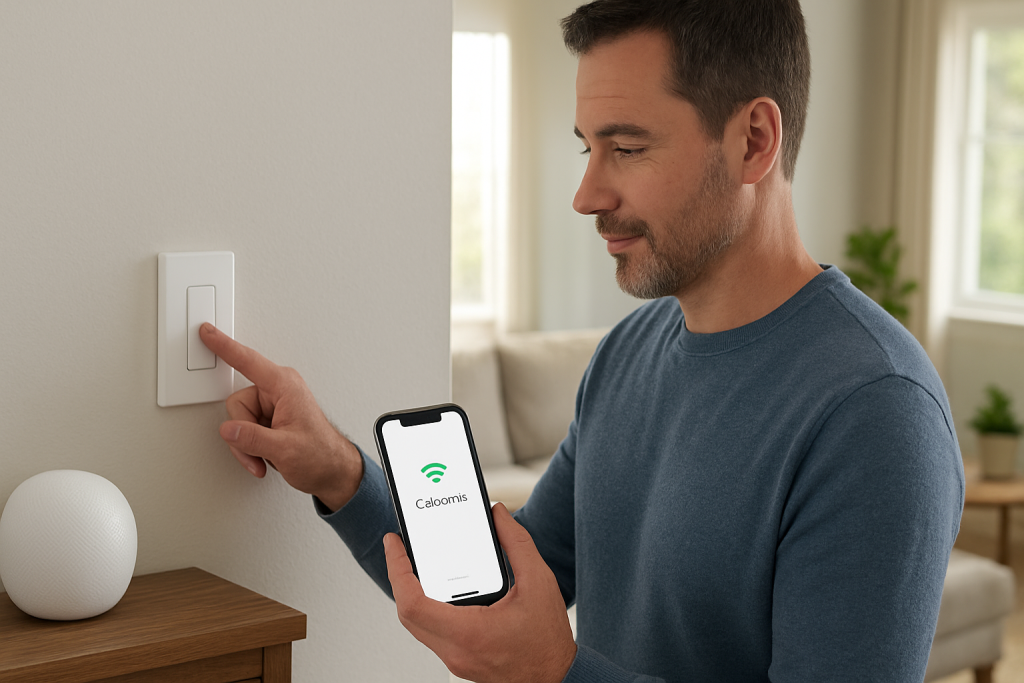
Learn common causes and practical checks when a smart switch disconnects on mesh WiFi, including roaming behavior, band steering settings, and signal strength fixes to try.
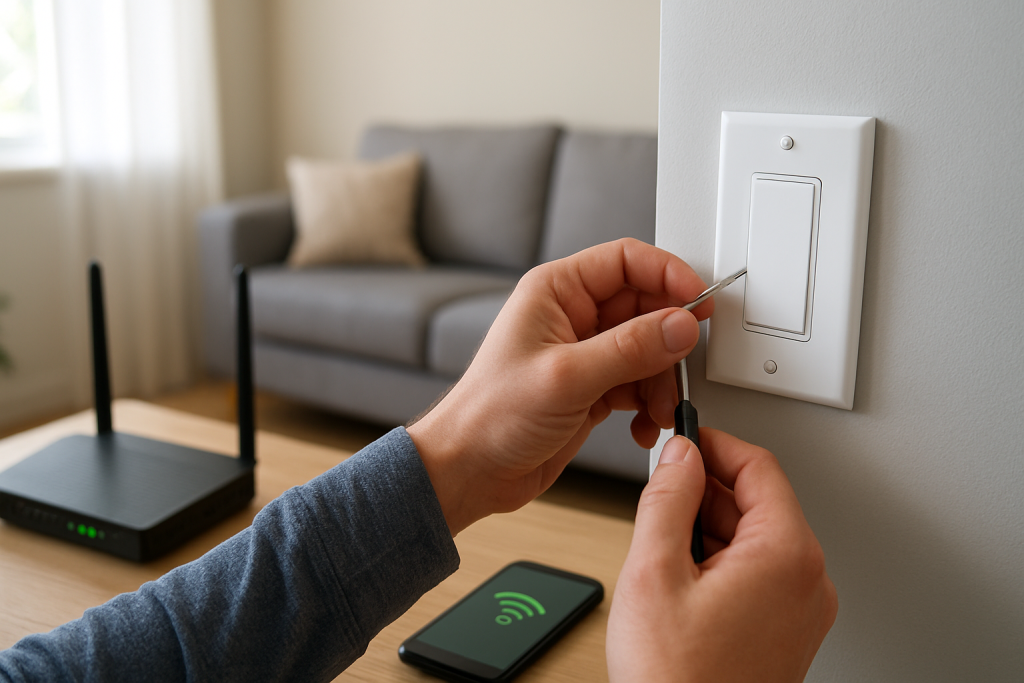
If your smart switch is not found by Alexa, check device power, Wi-Fi, account linking, and discovery settings. Follow step-by-step fixes to restore control quickly.
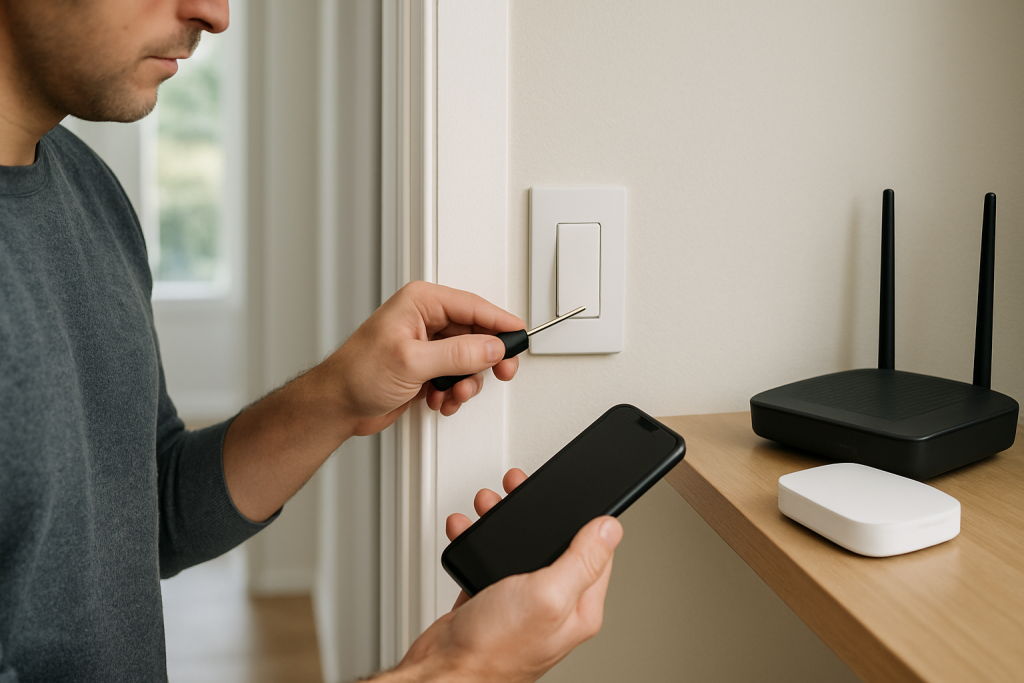
Step-by-step checks and fixes when your smart switch does not appear in Google Home. Covers common causes, quick troubleshooting steps, and what to try next.
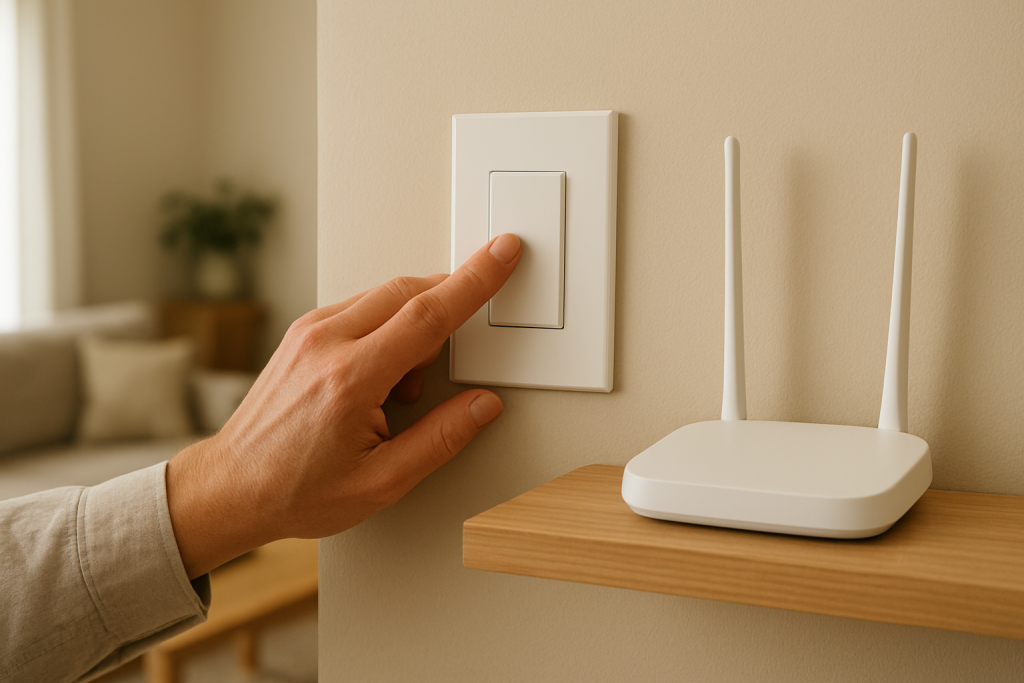
If your smart switch responds slowly due to WiFi latency, cloud delays, or app sync issues, this guide shows what to check and simple fixes to try.
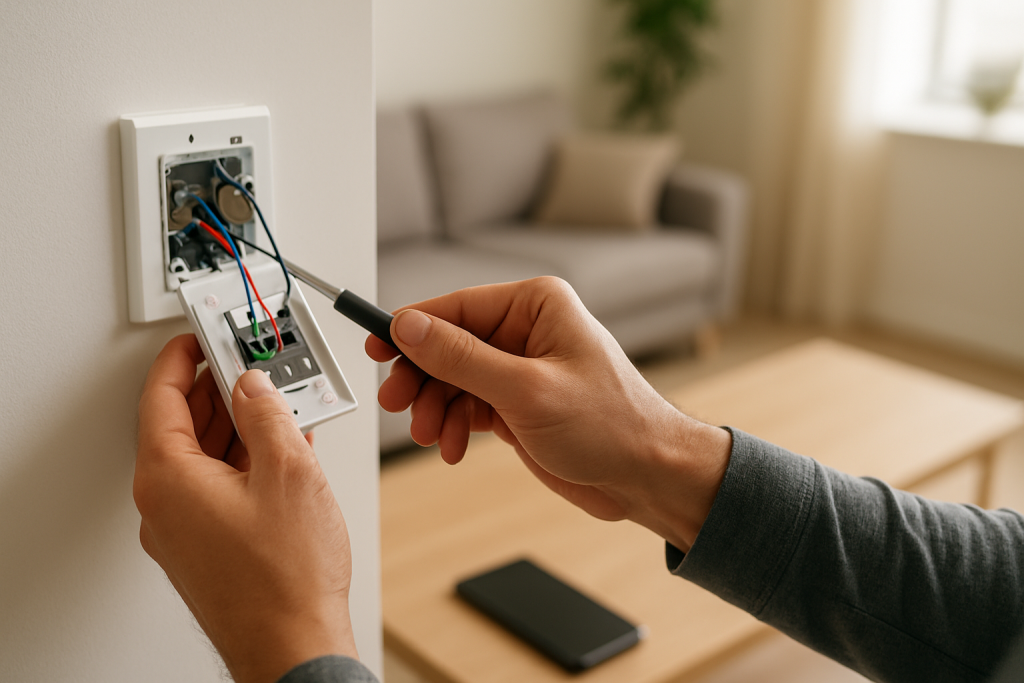
If your smart switch automation isn’t triggering, check cloud sync, app conditions, and rule logic. Practical steps to identify and fix common causes quickly.
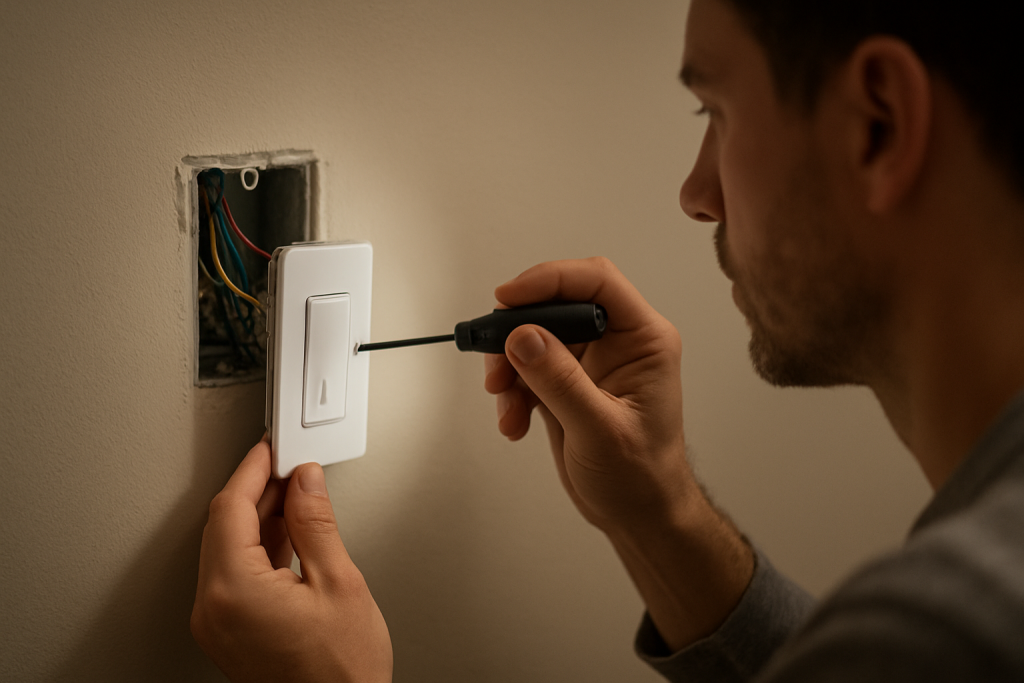
If your smart switch misses scheduled events, check time synchronization, app conflicts, and power/save modes. Follow quick checks and fixes to restore reliable scheduling.
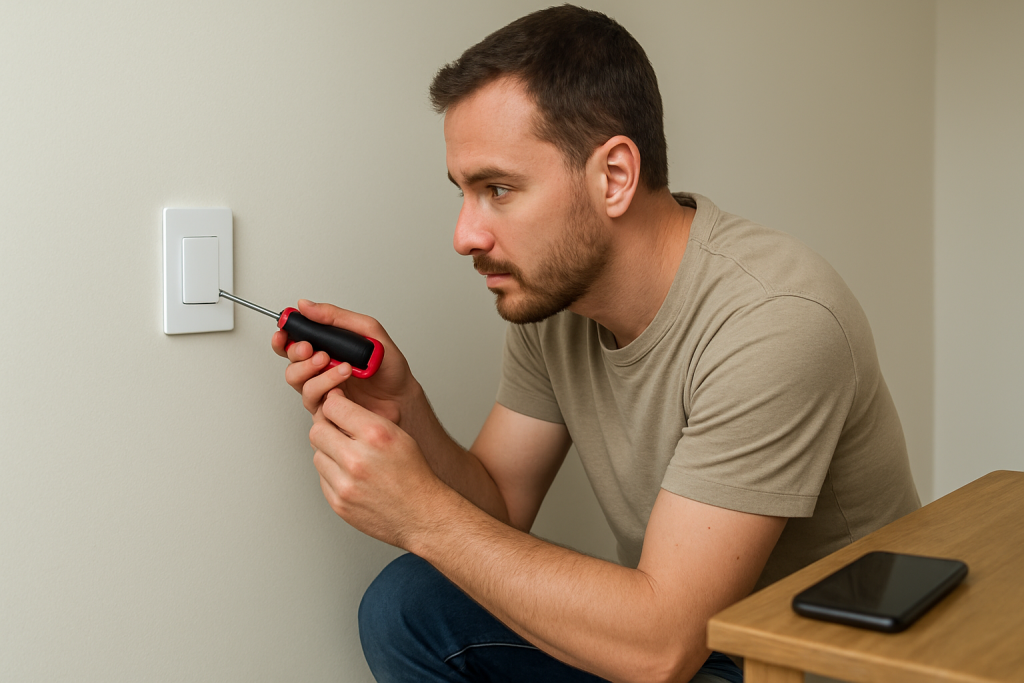
If your smart switch operates the lights but the app displays the wrong on/off state, this guide explains common causes and practical steps to resync status.
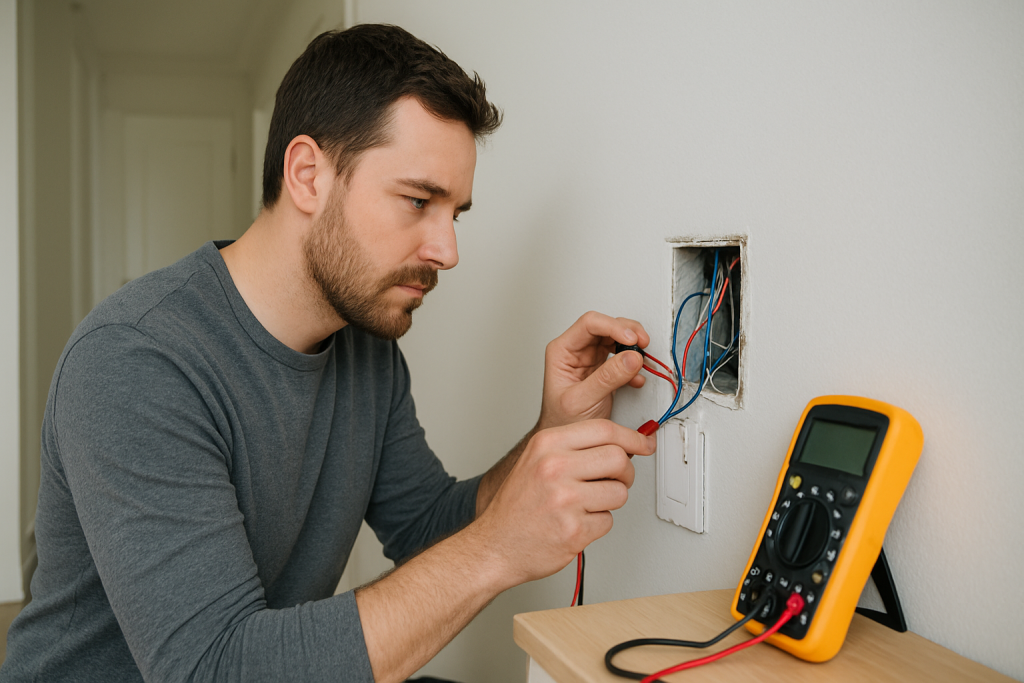
If your smart switch isn’t controlling lights properly, check load wiring, neutral connections, and device compatibility first. This guide lists common causes and fixes to try.