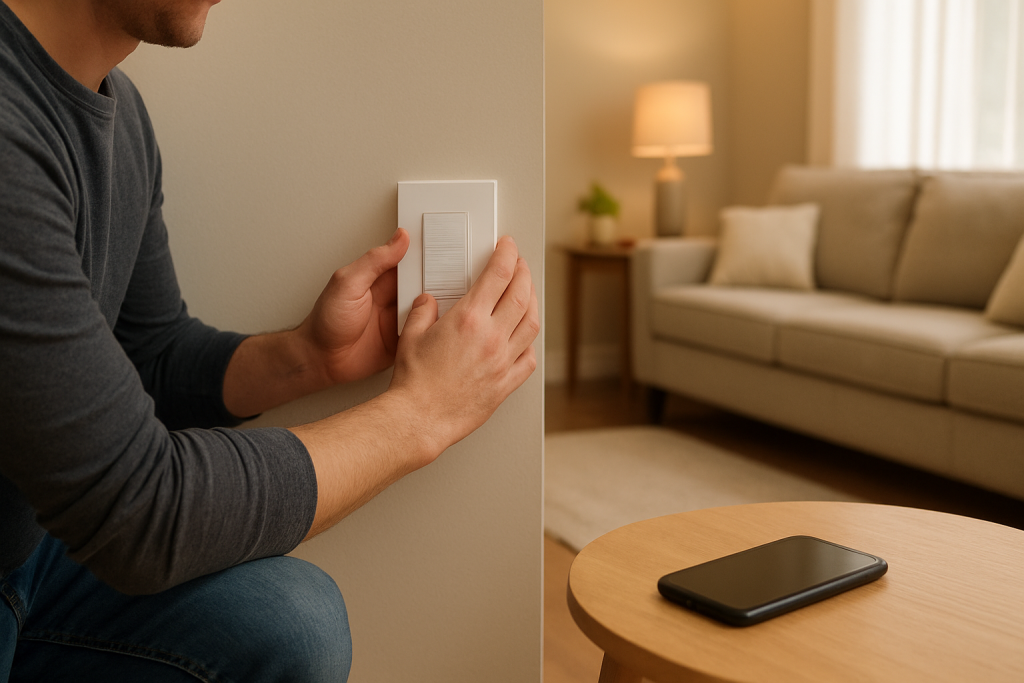
Learn why a smart switch can be controlled by hand but not through the app and steps to fix relay, app, and cloud sync problems. Practical checks and quick fixes to try.
Learn why a smart switch can be controlled by hand but not through the app and steps to fix relay, app, and cloud sync problems. Practical checks and quick fixes to try.
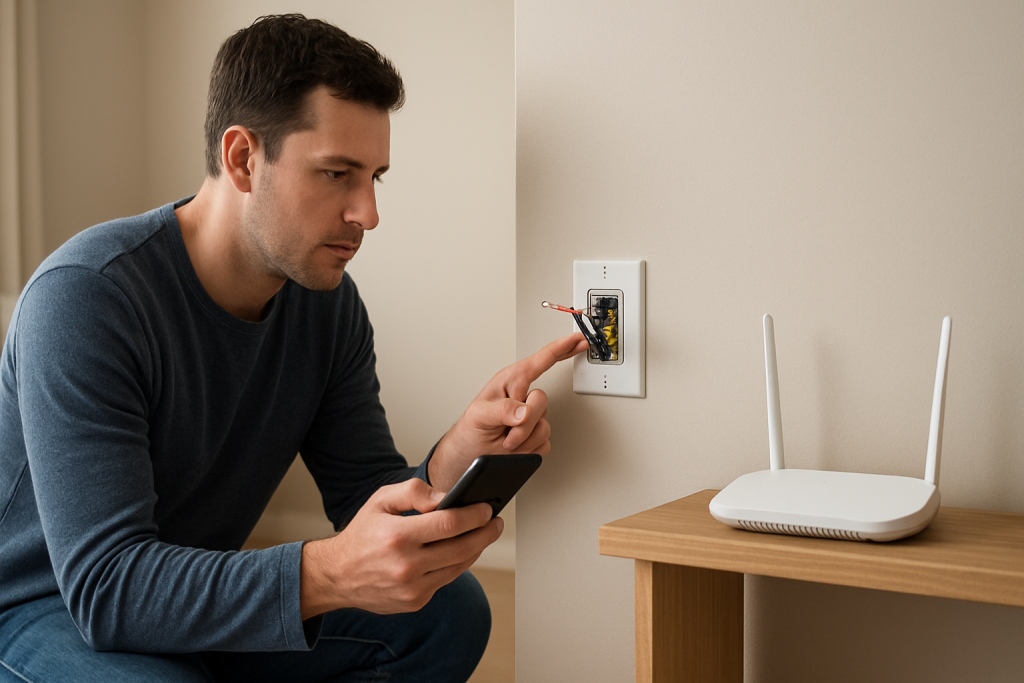
Learn why your smart switch appears offline in the app despite an active WiFi connection and the practical checks and fixes to restore app status.
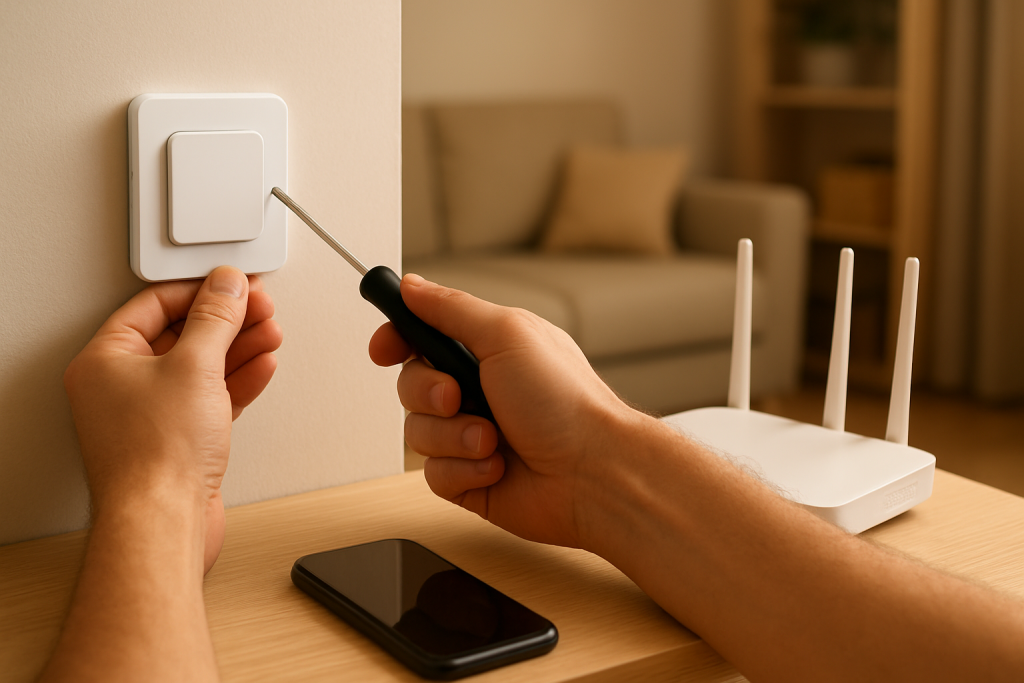
If your smart switch fails during setup, start with first router checks like WiFi band, signal strength, and reboot steps. Follow practical fixes to get pairing working.
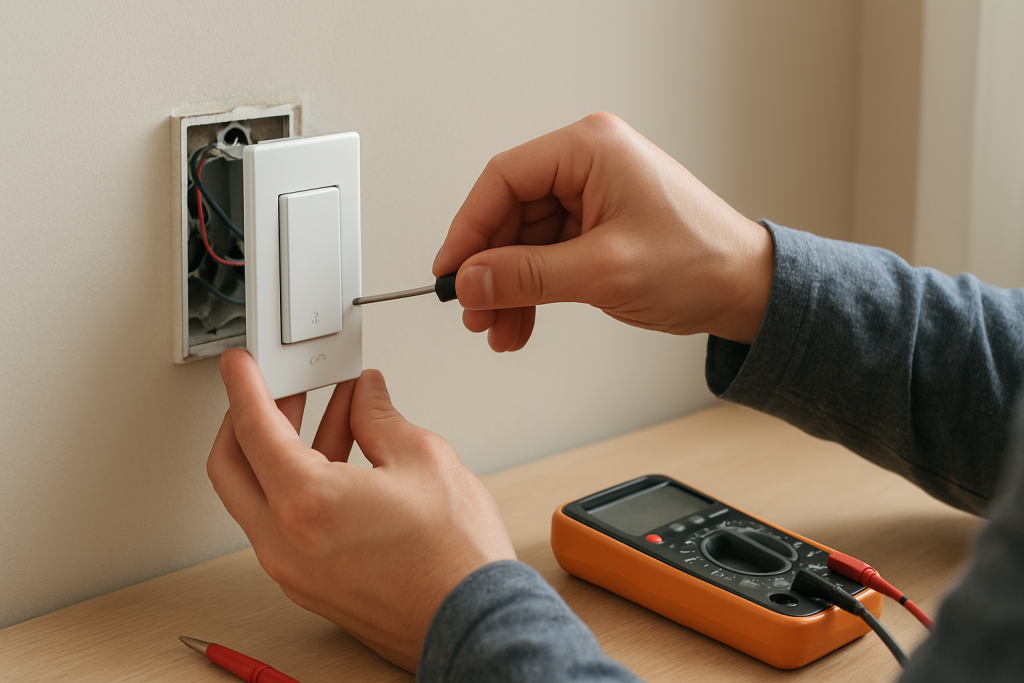
If your smart switch stops responding to touch, check lock mode, wiring and grounding, power, and device settings. This guide helps you identify common causes and quick fixes.
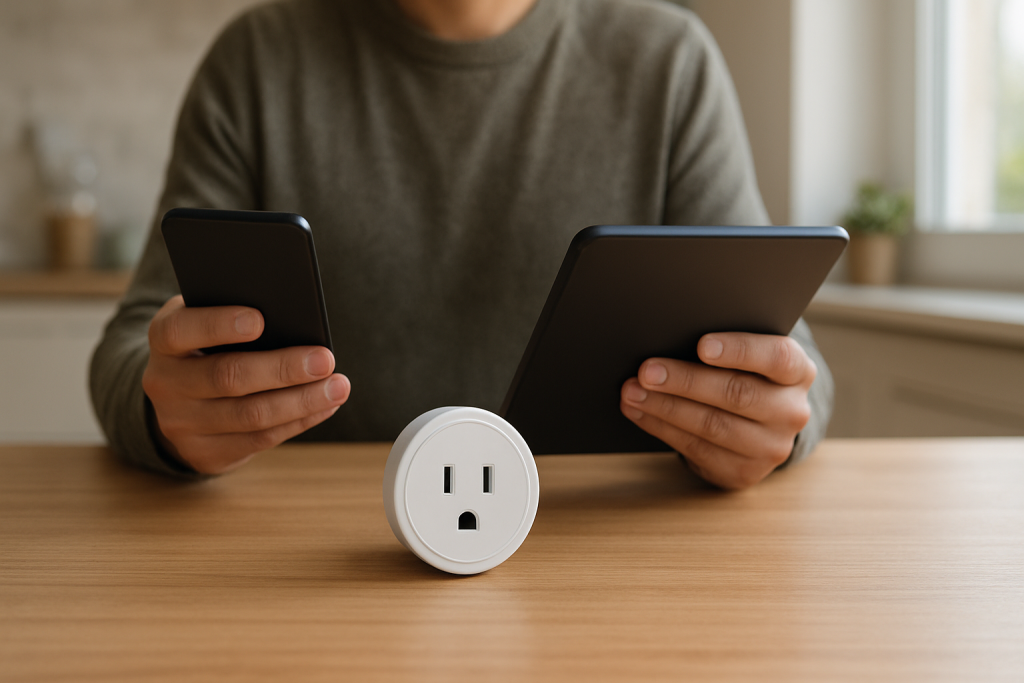
If your smart plug responds on your phone but not tablet, check app session sync, account sign in, compatibility, and network settings to fix it.
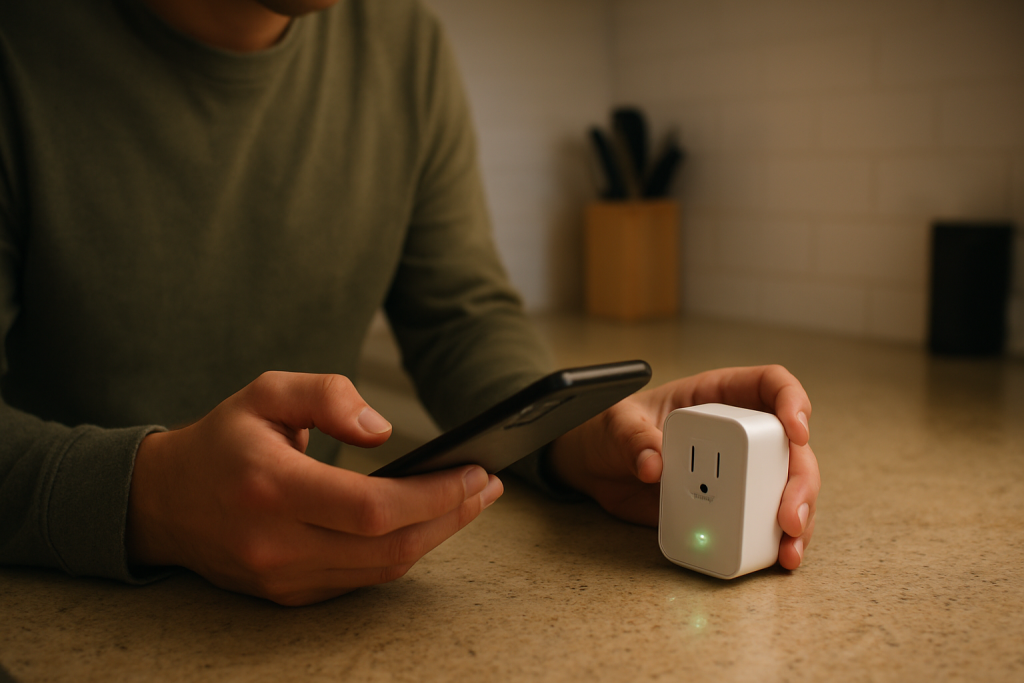
Understand common blinking patterns, why pairing fails, and practical checks to get your smart plug connected again. Clear steps to diagnose power, network, and reset issues.
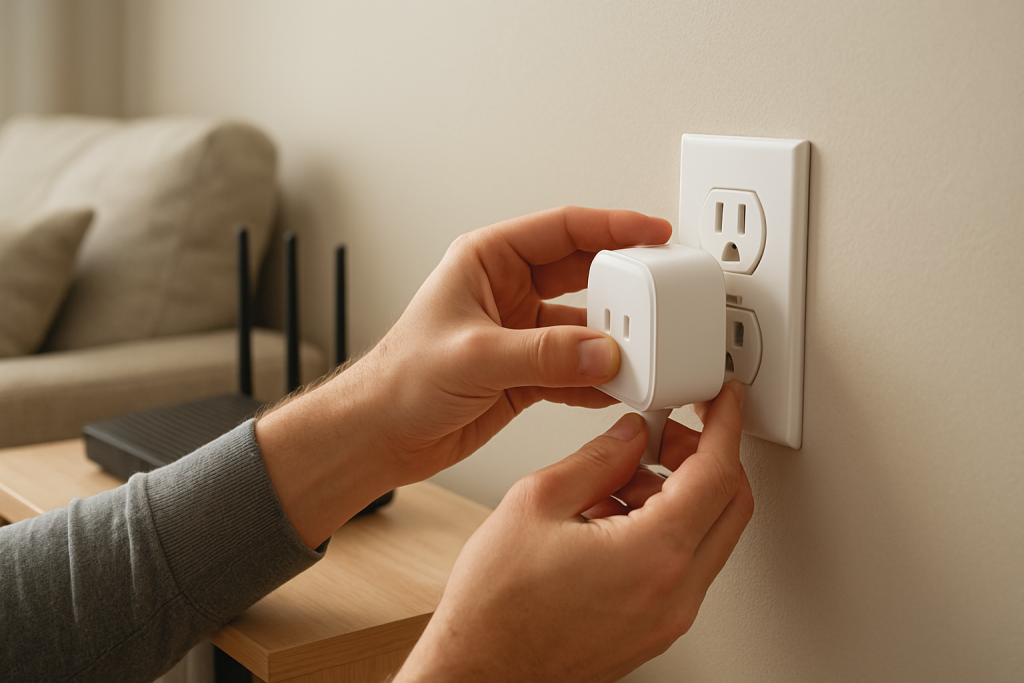
If your smart plug setup stalls at the final step, this guide explains common causes like cloud registration or local handoff problems and gives clear fixes to try.
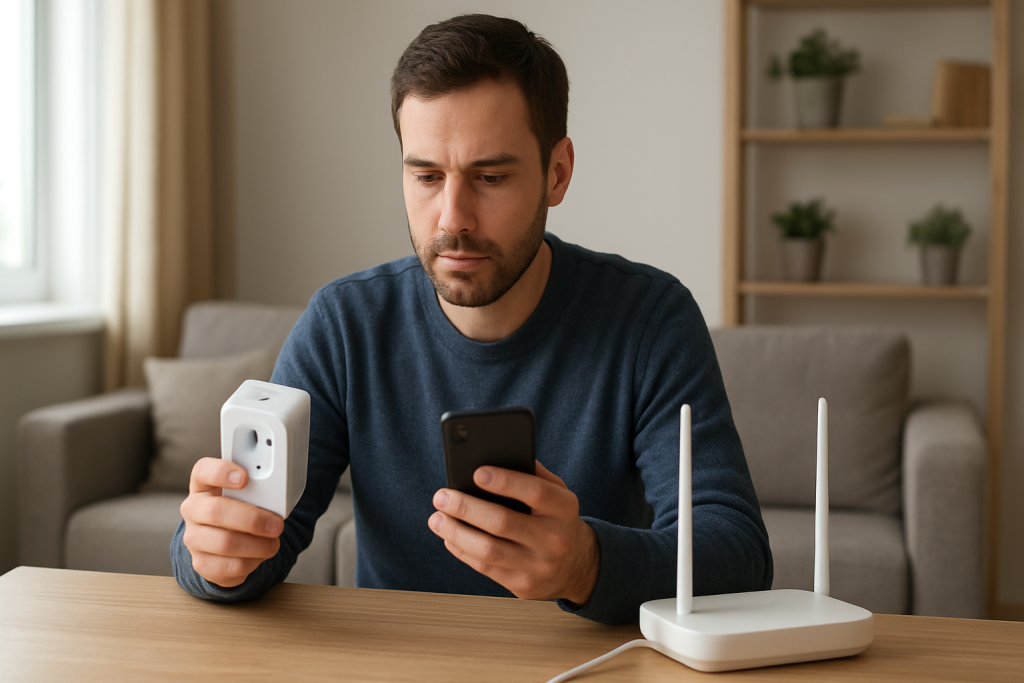
If your smart plug keeps saying the WiFi password is wrong despite being correct, this guide walks through common causes like app cache problems and router mode settings and steps to resolve them.
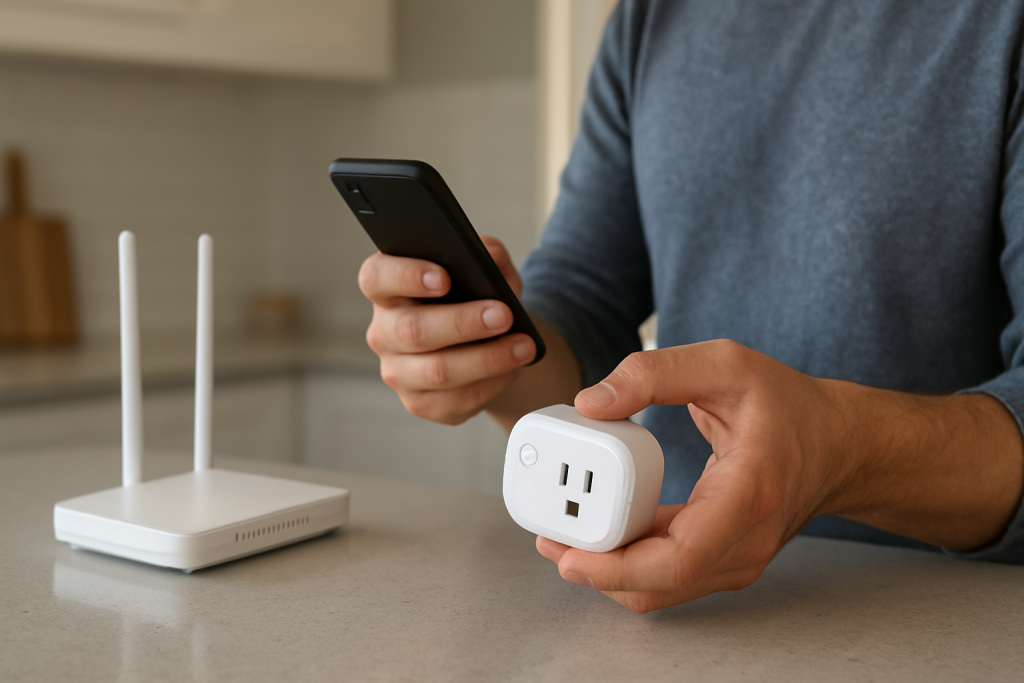
If your smart plug stopped working after an app update, try simple checks for compatibility, connectivity, and account sync, plus easy fixes to get control back.
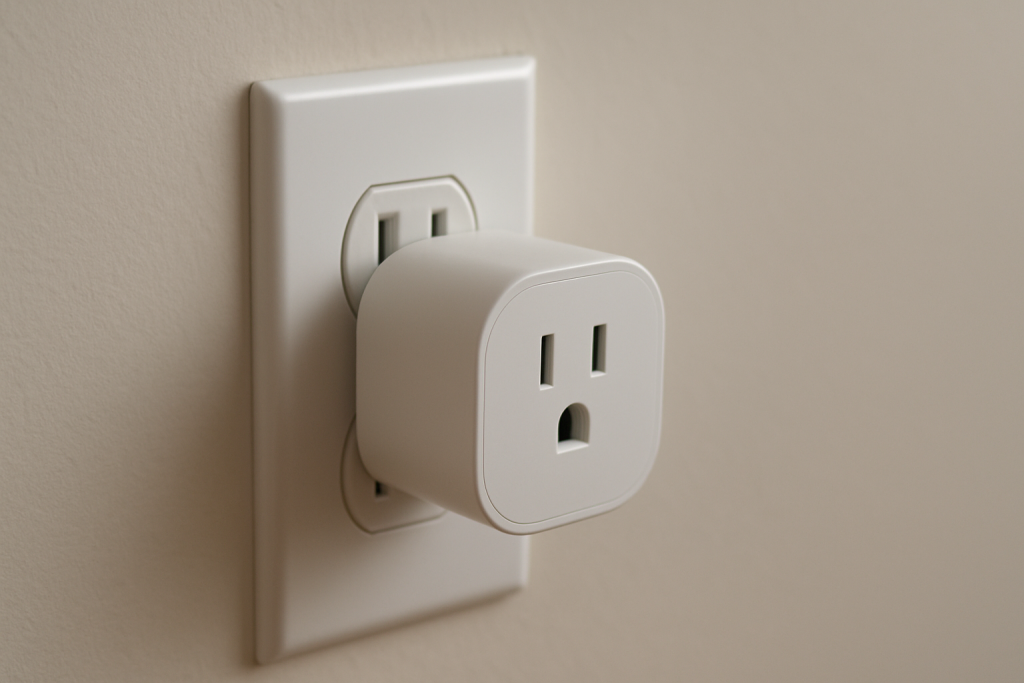
Understand causes of clicking noises from a smart plug, how to tell normal relay switching from faults, and practical steps to inspect and fix the issue.