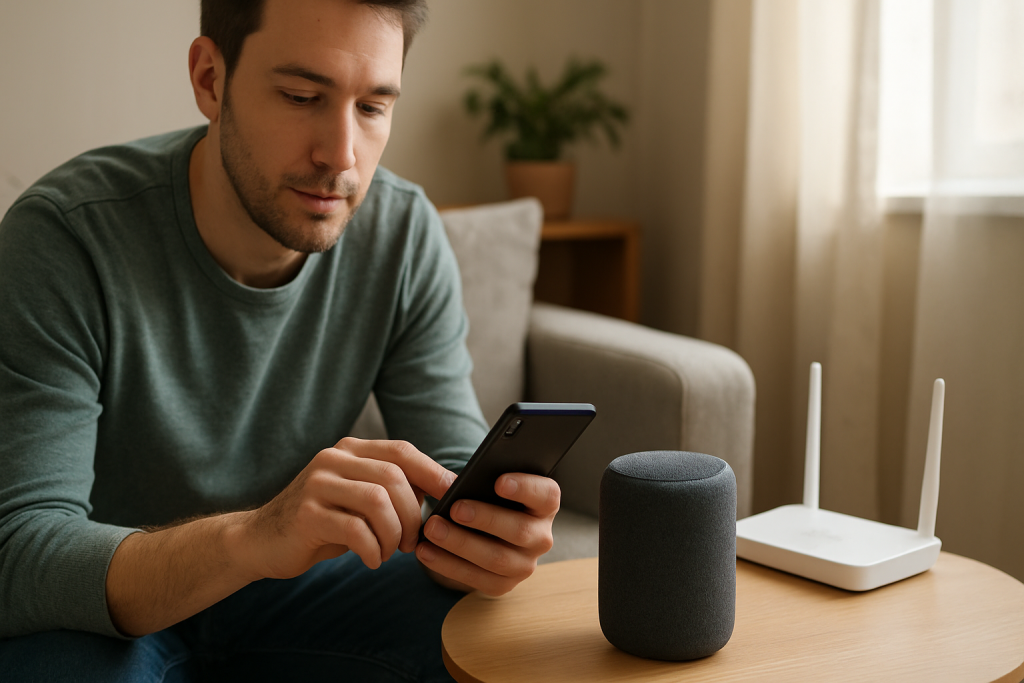
If Alexa stops speaking mid sentence, interruptions often come from latency spikes or unstable audio streaming. This guide explains common causes, checks to run, and practical fixes to restore consistent responses.
If Alexa stops speaking mid sentence, interruptions often come from latency spikes or unstable audio streaming. This guide explains common causes, checks to run, and practical fixes to restore consistent responses.
Learn why Alexa volume changes on its own and practical steps to stop it. Check adaptive volume, device grouping, voice commands, and firmware or network issues.
If the Alexa microphone seems dead, check mute buttons, obstructions, and device privacy settings. Follow quick tests and fixes to restore voice input.
Learn why Alexa drops connection on mesh WiFi and what to check and change to reduce handoffs and improve stability with simple troubleshooting steps.
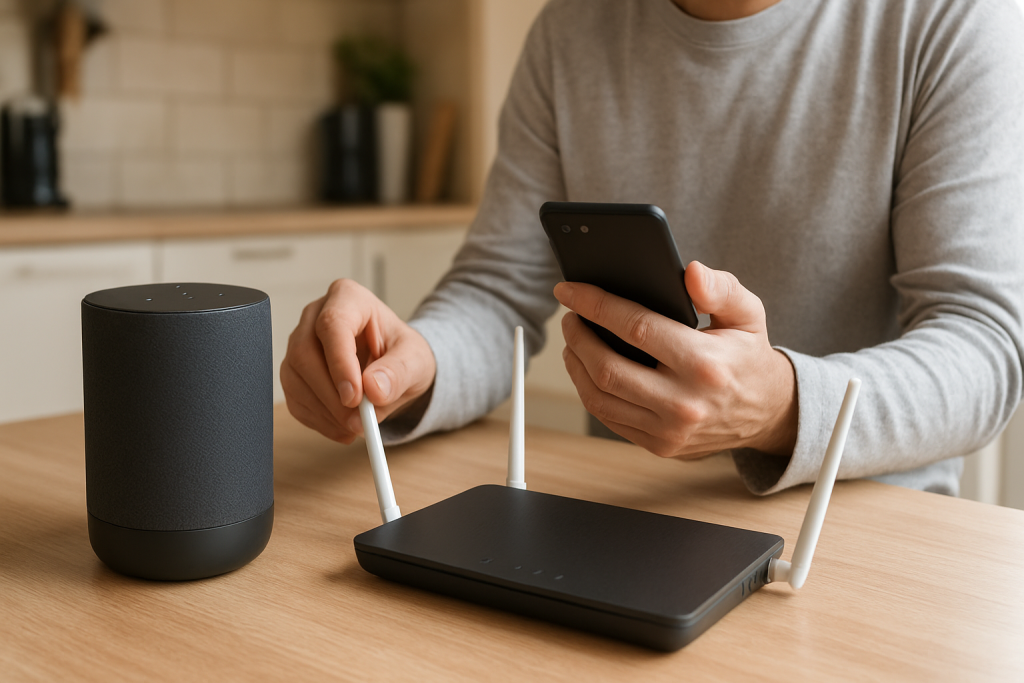
If Alexa setup freezes on connecting to WiFi, check your phone is on 2.4GHz and review router onboarding settings like WPA mode and captive portals. Follow simple checks and fixes to complete setup.
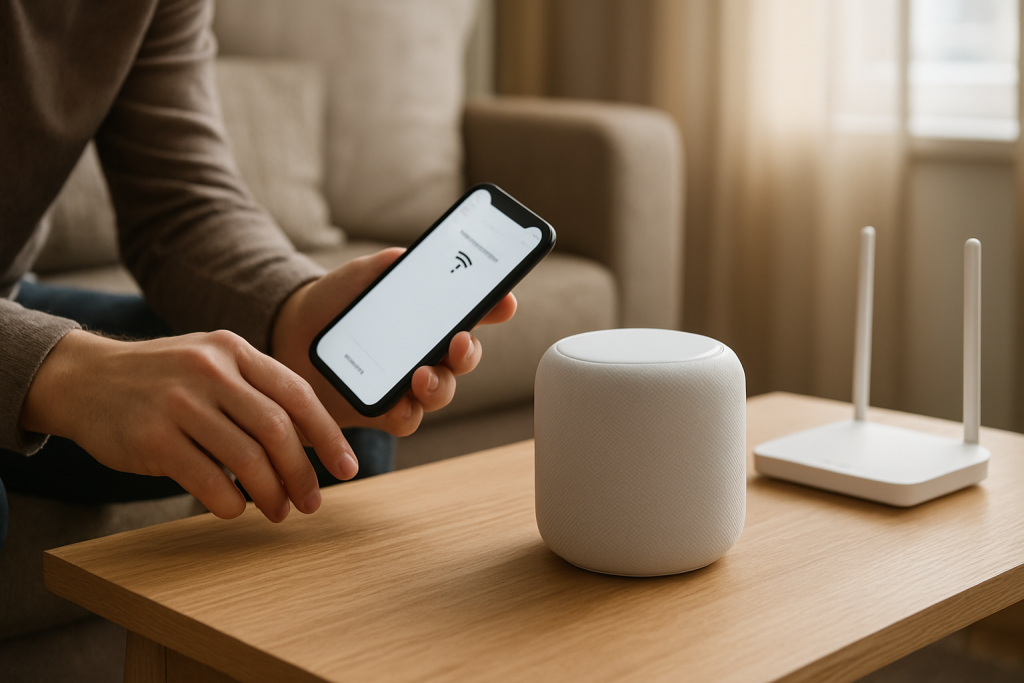
If the Alexa app can’t discover your Echo during setup, this guide explains common causes and step-by-step checks to restore local discovery and complete setup.
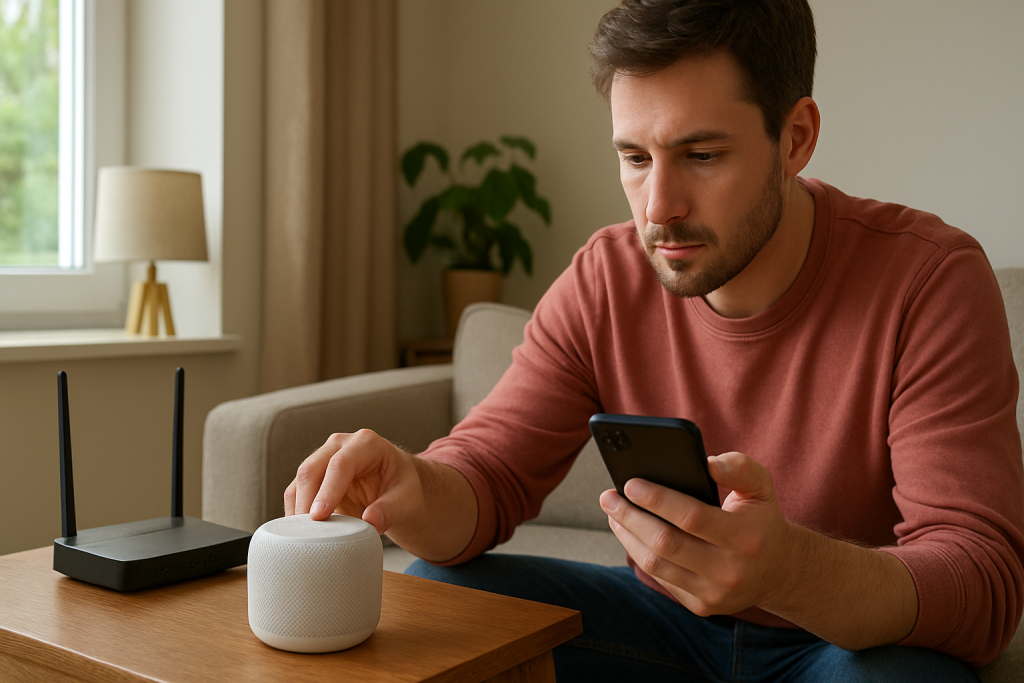
Step-by-step checks and fixes when an Alexa speaker shows offline even though your WiFi works for other devices. Covers band steering, weak signal, and router quirks.

Learn common causes and simple checks when your voice assistant says it cant understand you. Includes steps for language, region, and microphone troubleshooting.
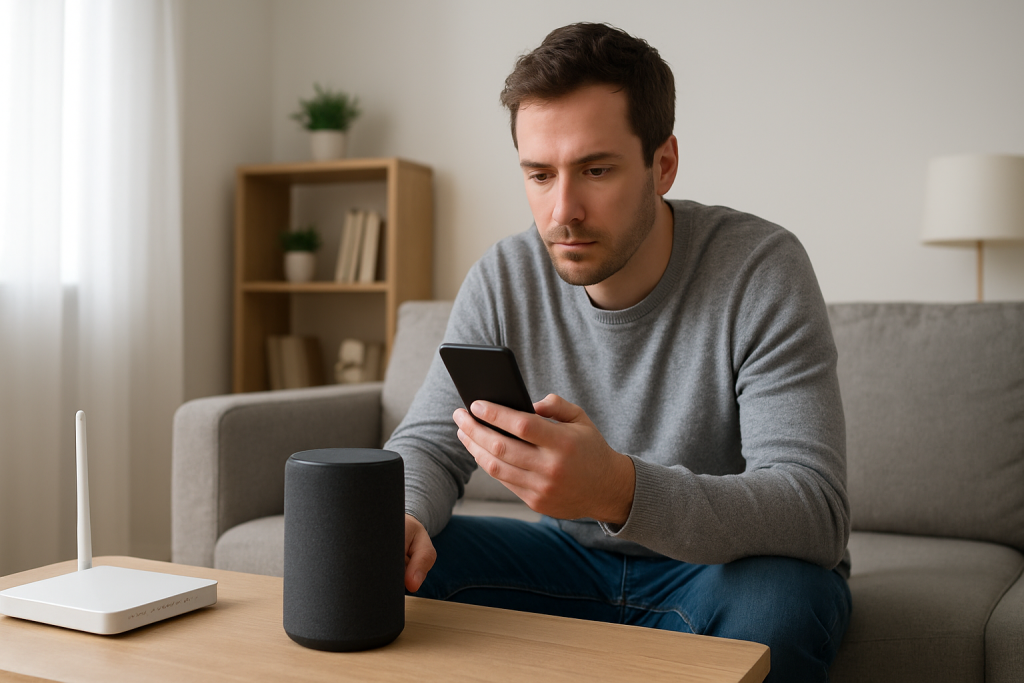
If Alexa reports a something went wrong error it often means your account session or auth sync failed. Learn what to check and quick fixes to restore assistant access.
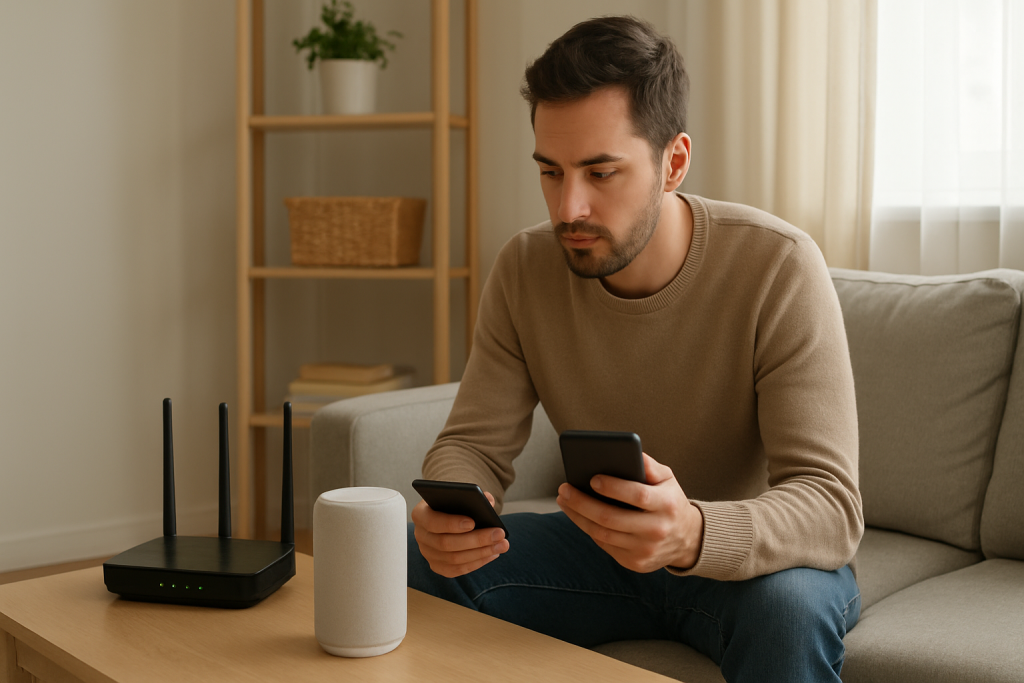
If Alexa hears you but does not act, this guide walks through checks for account access, Wi‑Fi, and router issues plus simple fixes to restore cloud connectivity.