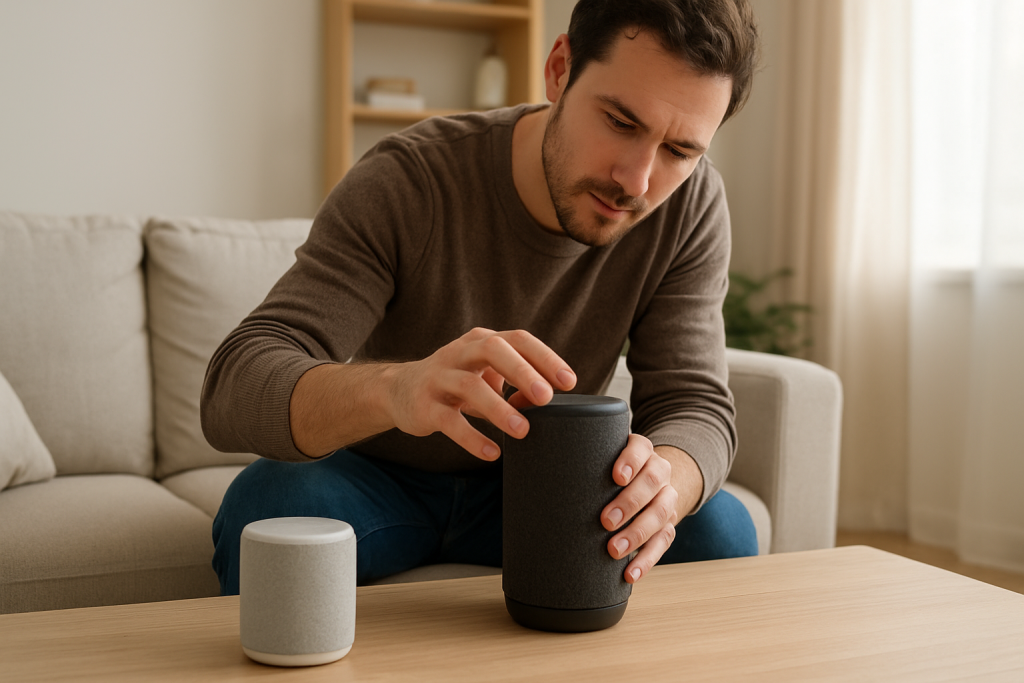
Step-by-step troubleshooting for when Alexa won’t connect to a Bluetooth speaker because pairing or profile negotiation fails. Learn what to check and easy fixes to try.
Step-by-step troubleshooting for when Alexa won’t connect to a Bluetooth speaker because pairing or profile negotiation fails. Learn what to check and easy fixes to try.
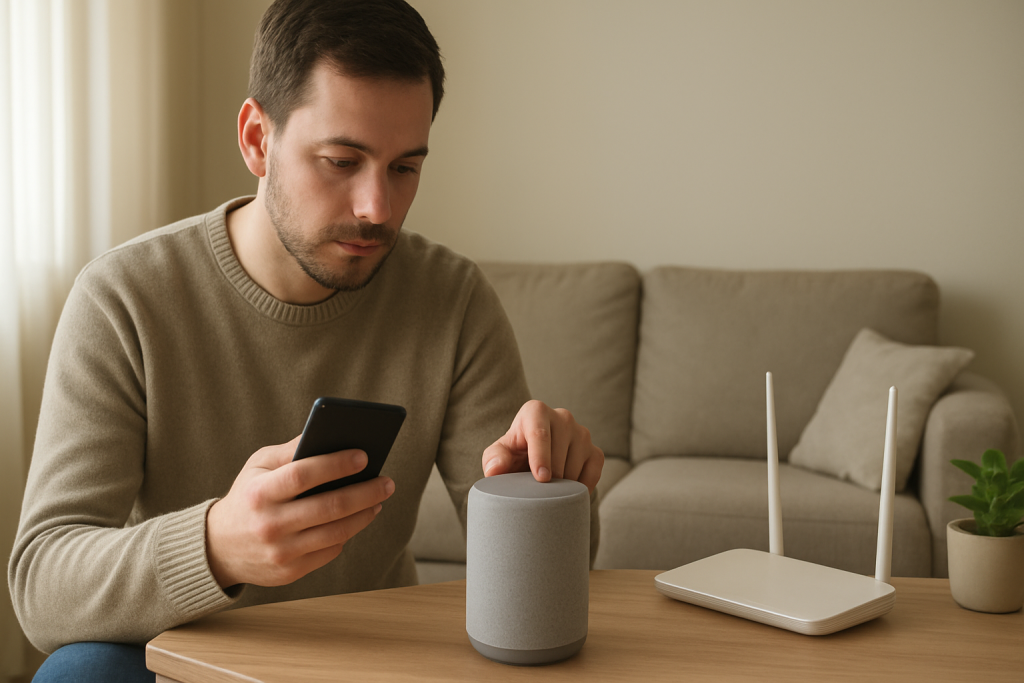
Learn common causes and practical fixes when Alexa calls or Drop In fail, including permission checks, account settings, and firewall or NAT issues to test.
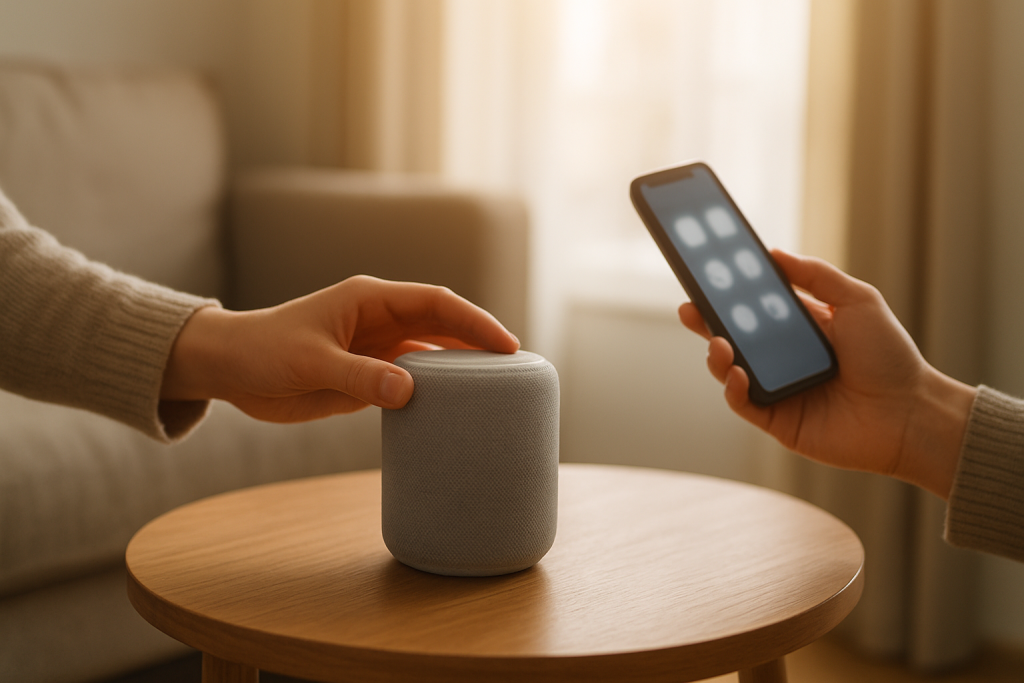
If Alexa timers or alarms fail, check your device timezone, Do Not Disturb status, and schedule synchronization. Follow simple steps to resync settings and restore reliable alerts.
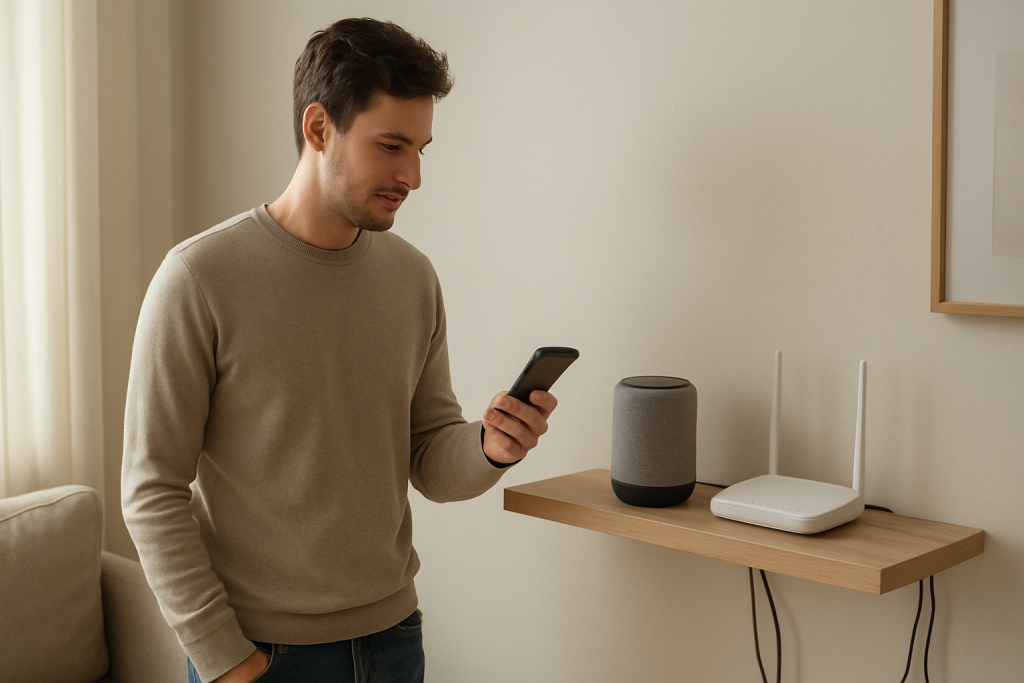
Learn practical steps to diagnose and fix Alexa routines that work only sometimes. Check cloud sync, network stability, device conditions, and routine conflicts.
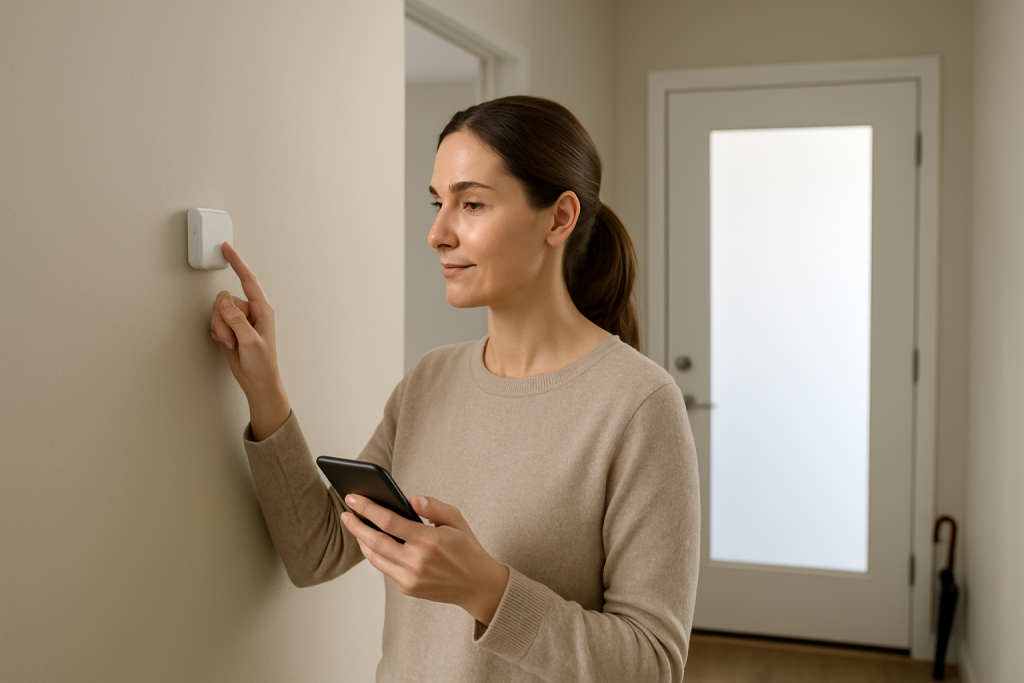
Troubleshoot Alexa routines that skip scheduled actions by verifying trigger conditions, sensor states, home/away status, and permission settings. Practical checks and fixes to get routines running reliably.
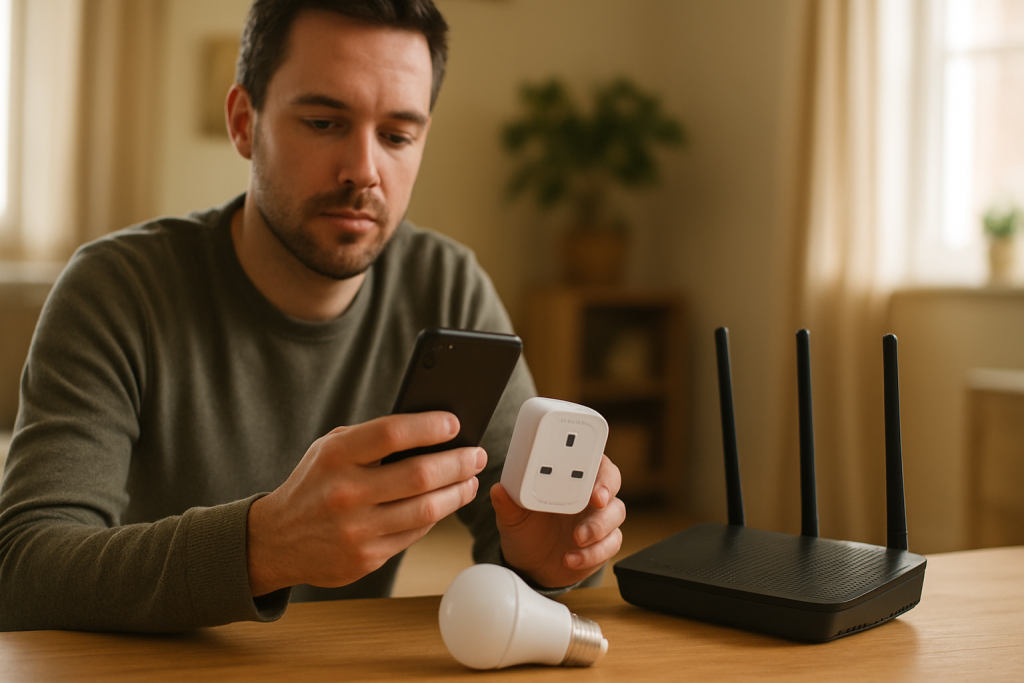
If Alexa can’t find your smart lights or plugs, check for guest network isolation, device names, and skill or account permissions. Follow step-by-step fixes to restore discovery.
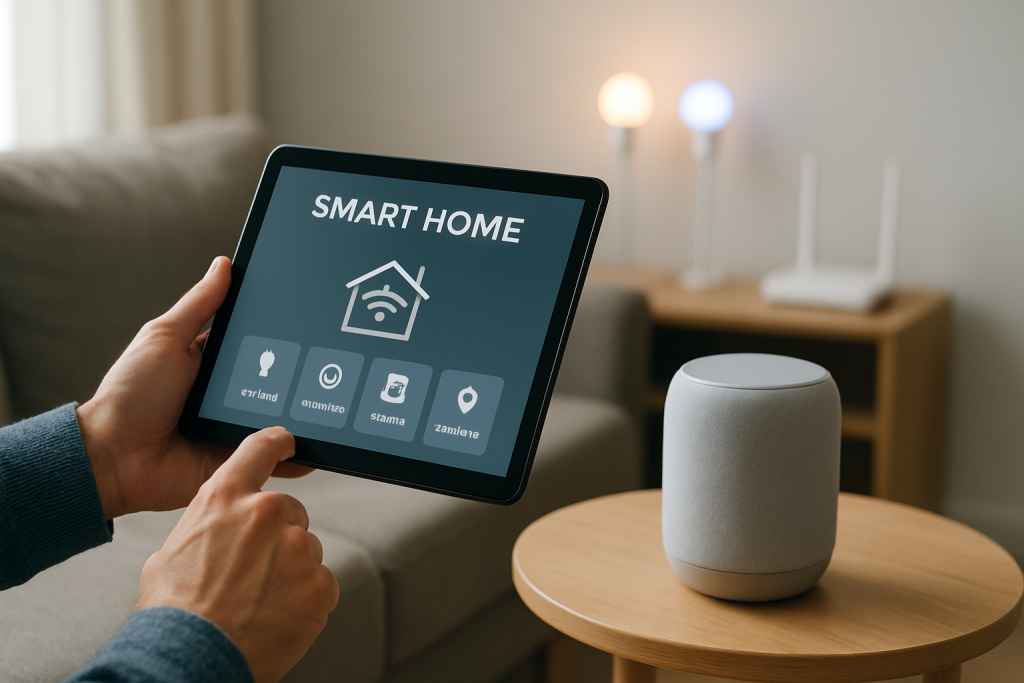
Learn why Alexa reports devices as unresponsive and how to restore the assistant to device cloud link. Practical checks and fixes to try for smart home integrations.
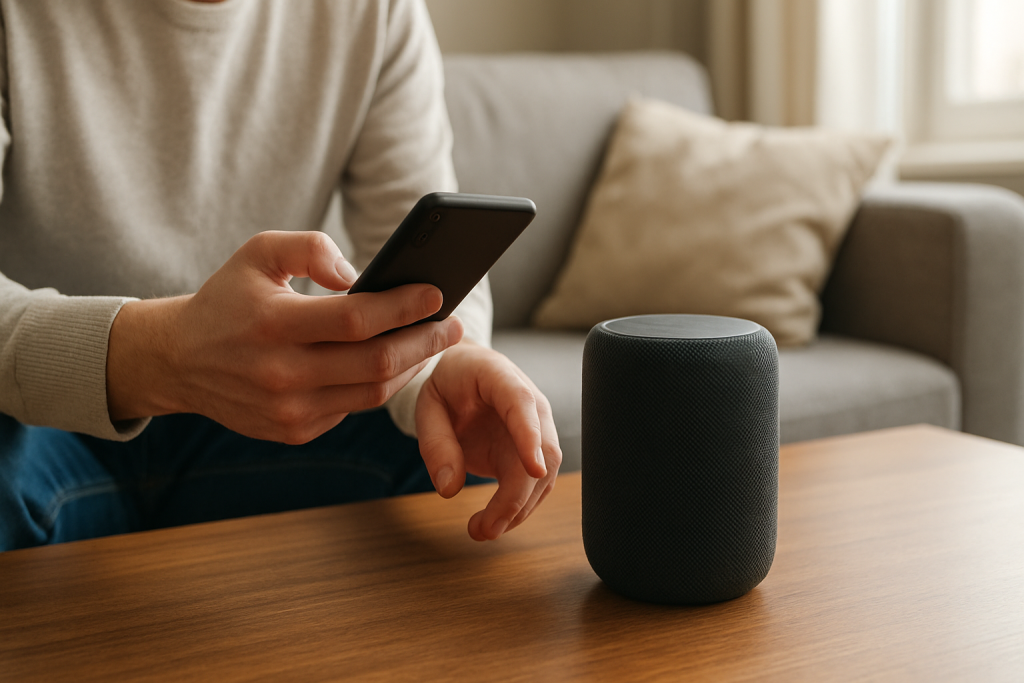
If Alexa stops playing music from Spotify or Apple Music, the service token or account link often needs reauthentication. Follow steps to relink the account, check permissions, and retry playback.
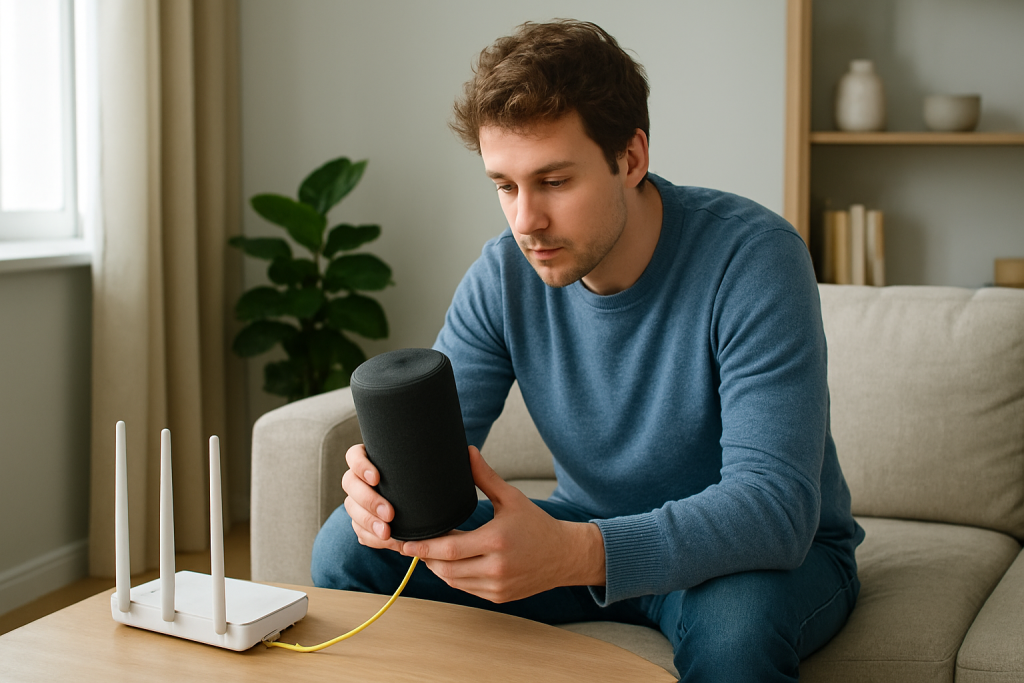
Learn why Alexa stops playing music after a few minutes and how to fix it. Steps cover network jitter, router and Wi-Fi checks, power settings, and device restarts.
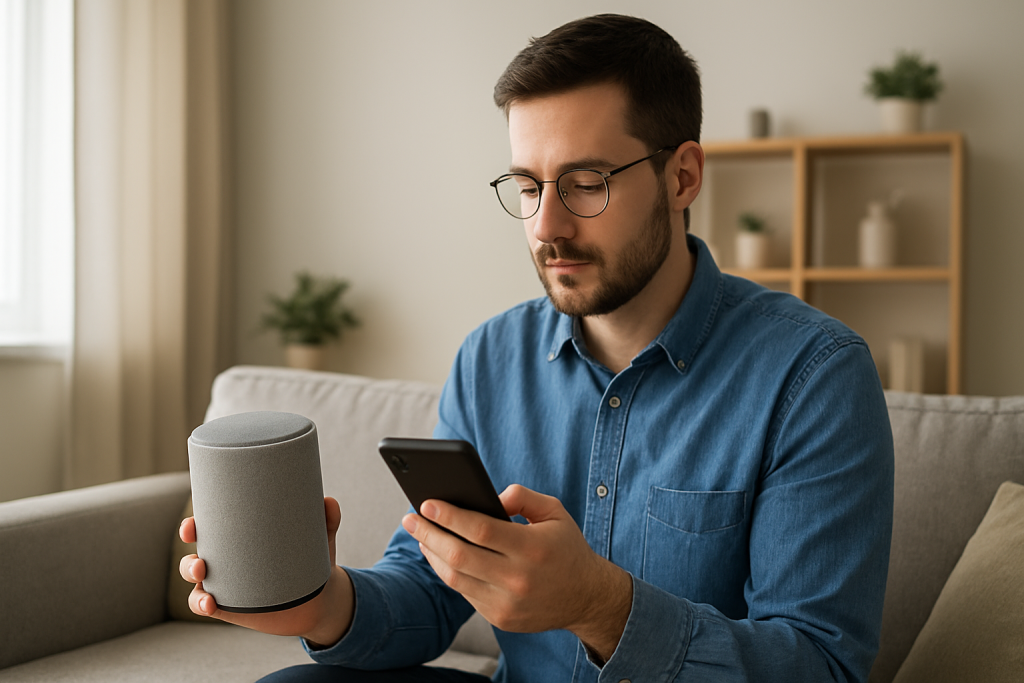
If music won’t play but Alexa still answers, the music service link may be broken. Follow steps to relink the service, check account permissions, and test playback.