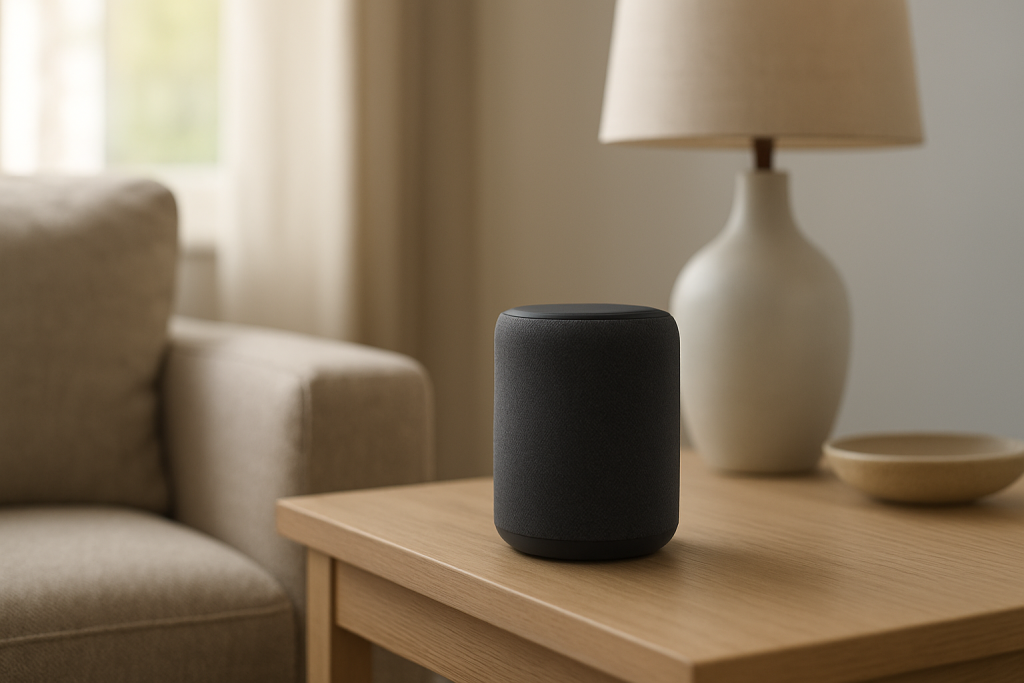
When Alexa doesn’t respond to the wake word (“Alexa,” “Echo,” “Computer,” or “Amazon”), the most common reason is simple: the device isn’t hearing you clearly. Detection sensitivity may be set too low, the microphones may be blocked or poorly positioned, or background noise and room acoustics may be masking your voice.
Start with the high-impact basics: confirm the mic isn’t muted, move the Echo away from noise sources (TV, fans, kitchen appliances), and increase wake word sensitivity in the Alexa app. Then do a quick “close-range” test (standing 2–3 feet away) to separate a hearing/pickup problem from an account or network issue.
Why This Happens
Alexa wake word detection relies on the device’s microphones picking up a short phrase clearly enough for on-device processing to recognize it. If the signal (your voice) is weak or distorted compared to the noise floor (everything else the mic hears), Alexa won’t “wake,” even though the device may still be powered on and connected.
These are the most tightly related causes:
1) Wake word sensitivity is too low. Many Echo models let you adjust how easily they trigger. If it’s set low, Alexa may only respond when you’re close or speaking loudly. This often changes after app updates, profile changes, or if multiple people in the home adjust settings.
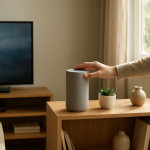
2) Microphone placement is working against you. Echo speakers hear best when they have a clear line to the room. If the device is tucked into a bookshelf, behind a TV, under cabinets, or near a wall corner, your voice can be muffled or reflected in ways that reduce clarity.
3) Constant background noise is masking the wake word. Fans, HVAC vents, air purifiers, humidifiers, and even a running dishwasher create a steady broadband noise that competes with speech. TVs are especially problematic because they produce human voices that can confuse or drown out the wake word.
4) The microphone is partially blocked or muted. Dust, a decorative cover, a tight shelf opening, or even being placed too close to a wall can interfere. Also, the mic mute button may be on (red light ring or red mic indicator on many models), which makes wake word detection impossible.
5) The wrong wake word is set for that device. In homes with multiple Echos, it’s common to change one device to “Echo” or “Computer” to reduce accidental triggers. If you’re saying “Alexa” to a device set to “Echo,” it will seem like the wake word is broken.
6) Overlooked technical cause: ultrasonic or high-frequency interference. Some motion sensors, security devices, or electronics can emit high-frequency noise that’s not obvious to you but can still affect microphones. You’ll often notice the wake word works fine in one room but consistently fails in another, even with similar Wi-Fi and similar speaking distance.
Real-world scenario: In an apartment, you move an Echo from the living room to the kitchen. It ends up on a counter near a microwave, a loud refrigerator compressor, and a hard tile floor that reflects sound. After the move, “Alexa” works only when you’re close. Nothing is “wrong” with the device—it’s simply a tougher listening environment.
Common user mistake: Speaking toward the Echo while the TV is playing dialogue at normal volume, then repeating the wake word louder and louder. This often makes things worse because the room gets louder and the Echo still can’t isolate the wake word cleanly.
Step-by-Step Fix
Check for microphone mute and obvious obstructions.
What to do: Look for a red light ring or red mic icon on the Echo. If you see it, press the microphone button to unmute. Then check that nothing is covering the top (paper, cloth, décor), and wipe away dust around microphone openings. If the device is in a cubby or tight shelf, pull it forward so the top and sides are open to the room.
What the result means: If unmuting immediately restores wake word response, the issue was mic mute. If pulling it forward helps, placement/obstruction was the problem.
If it fails, try next: Do the close-range test in the next step to determine whether it’s hearing-related or something broader.
Run a close-range wake word test (2–3 feet away) in a quiet moment.
What to do: Turn down the TV/music and pause loud appliances if possible. Stand 2–3 feet from the Echo, face it, and say the wake word once at a normal speaking volume. Watch for the light ring/blue bar response.
What the result means: If Alexa responds up close but not from across the room, the device is working but struggling with sensitivity, noise, or placement. If it does not respond even up close in quiet conditions, suspect the wrong wake word, a configuration issue, or a microphone problem.
If it fails, try next: Confirm the wake word setting and raise sensitivity in the Alexa app.
Confirm the wake word and increase sensitivity in the Alexa app.
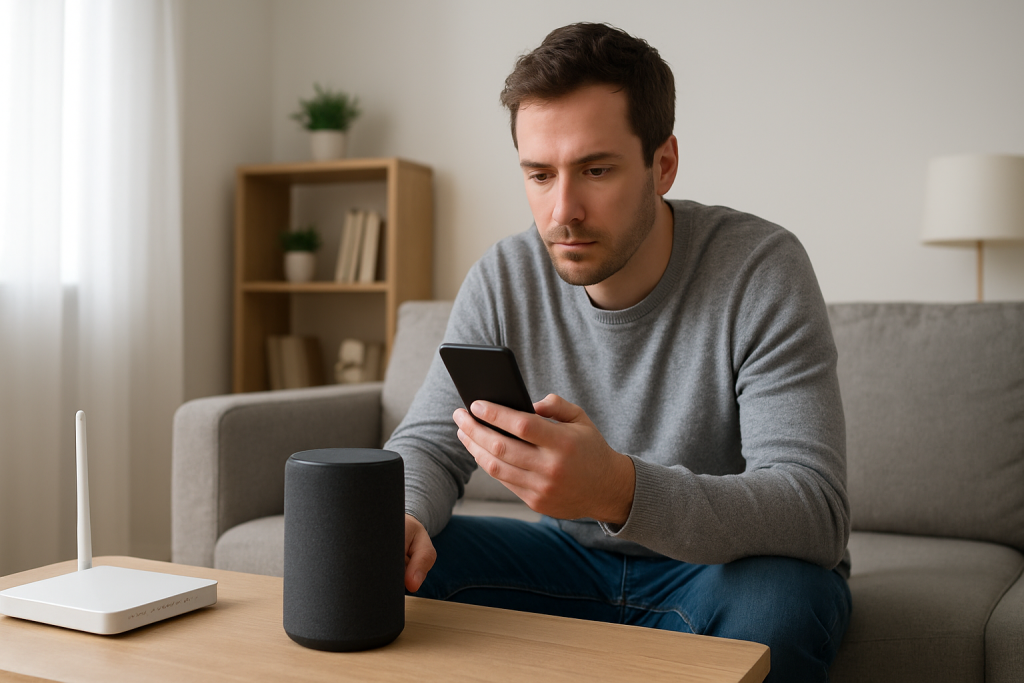
What to do: Open the Alexa app > Devices > select your Echo > Settings (gear icon). Find Wake Word and confirm it matches what you’re saying. Then find Wake Word Sensitivity (wording varies by model) and move it higher. Save changes.
What the result means: If the wake word was different than expected, correcting it should immediately fix the issue. If increasing sensitivity improves response, the root cause is almost certainly pickup difficulty (noise/placement/voice level).
If it fails, try next: Improve placement and reduce competing sound sources, then retest from your normal speaking spot.
Fix placement: distance, height, and “noise neighbors.”
What to do: Move the Echo to a spot where it can “see” the room: out of corners, not behind a TV, and not directly under cabinets. Aim for countertop or shelf height, with at least several inches of clearance around it. Keep it a few feet away from constant noise sources (fans, vents, air purifiers) and avoid placing it right next to a speaker or soundbar.
What the result means: If wake word response improves after moving it, the microphones were hearing too much noise or too much reflected/muffled speech in the previous location.
If it fails, try next: Do a controlled noise test: turn the TV on/off and compare results to identify the main masking source.
Identify background noise triggers with a simple on/off test.
What to do: Test the wake word with the TV off. Then turn the TV on at your typical volume and test again. Repeat with other common noise sources (fan on/off, air purifier on/off). Keep your position and speaking volume consistent.
What the result means: If the wake word fails mainly when the TV is on, Alexa is being masked by dialogue and sound effects. If it fails mainly when a fan or purifier is running, steady noise is raising the noise floor.
If it fails, try next: Adjust your environment: lower TV volume slightly, move the Echo farther from the TV/speakers, or relocate it away from the steady noise source.
Check device status in the Alexa app to rule out “not actually listening” states.
What to do: In the Alexa app, go to Devices > select the Echo. Confirm it shows as online and responsive. Try a non-voice action like changing the volume in the app or using the app’s “Play” control.
What the result means: If the device responds to app controls but not the wake word, that points back to microphone pickup, wake word settings, or a local audio environment issue. If it’s offline or unresponsive to app controls, you may have a connectivity or account issue that can look like a wake word failure.
If it fails, try next: Move to Advanced Troubleshooting for account/cloud and network checks that can mimic wake word problems.
Advanced Troubleshooting
Account and cloud issues that can look like wake word failure
If Alexa wakes (lights up) but doesn’t follow through, people often describe it as “wake word not working,” even though the wake word was detected. If the light ring appears and then Alexa says she’s having trouble, or you get silence after waking, check these:
Multiple profiles or a changed Amazon account: If the device was registered to a different account or recently deregistered/re-registered, settings like wake word, sensitivity, and permissions can change. In the Alexa app, verify you’re signed into the intended Amazon account and that the Echo appears under your devices. If household members share devices, confirm you’re not controlling the Echo from a different profile with limited permissions.
Voice ID and recognition confusion: If Voice ID is enabled and the device is in a noisy spot, it may struggle to match voices and behave inconsistently after the wake word. This typically shows up as waking reliably but failing on personal requests. Try a basic command after waking (“What time is it?”). If basics work but personal requests don’t, the wake word is fine; the issue is voice recognition or permissions.
Network-related issues (only where they intersect with wake word symptoms)
The wake word itself is detected locally, but many actions require a fast handoff to the cloud. In a noisy room, you might not notice the device waking, and a slow network can add confusion because responses lag.
Quick isolation test: If you suspect the Echo is waking but responses are delayed, temporarily reduce variables. Stand close, say the wake word, and ask “What’s the weather?” If the light ring appears immediately but the answer takes a long time or fails, check whether the device is connected and has a stable signal.
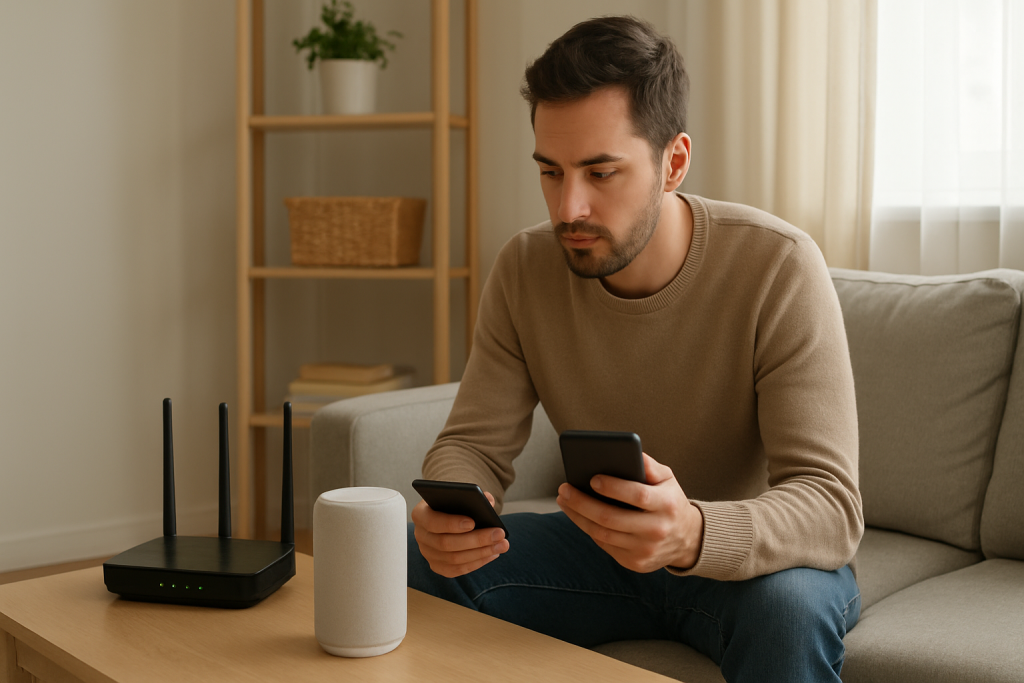
Mesh Wi-Fi roaming edge case: If your Echo is placed near the boundary between mesh nodes, it may roam between access points and become sluggish. This doesn’t usually stop wake word detection, but it can make the overall interaction feel broken. If possible, move the Echo a few feet or place it where it has a clearer, stronger connection to one node.
Firmware/software causes
Stuck audio processing state: Occasionally, an Echo can get into a state where audio input behaves oddly (especially after a long period of continuous playback). If wake word response became unreliable after heavy use, stop audio playback and disconnect Bluetooth (if used), then test again in quiet conditions. If it improves, the issue was likely an audio mode conflict rather than microphone failure.
Pending updates: Updates usually install automatically, but during or shortly after an update, behavior can be inconsistent. If the device is unusually warm, slow to respond, or lights behave differently than normal, give it time to finish and retest later. If the wake word works up close but not at distance during this period, treat it as temporary sensitivity inconsistency and focus on placement/noise first.
Configuration conflicts (routines, modes, and permissions)
Do Not Disturb and Night mode: These don’t prevent wake word detection, but they can change how Alexa responds (quieter responses, reduced chimes), making it seem like she didn’t wake. If you see the light ring but hear nothing, check if volume is low or if a mode is reducing response sounds.
Wrong device answering: In multi-Echo homes, another Echo may be hearing you first. This is common when one device is in a quieter spot or has higher sensitivity. If “Alexa” triggers a different room, lower sensitivity on the wrong Echo or move devices so the intended one has a cleaner listening environment.
When to Reset or Replace the Device
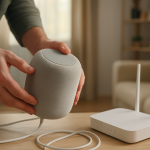
Use a soft restart (power cycle) when: wake word performance suddenly changes after days/weeks of working, the device seems sluggish, or it wakes but behaves inconsistently. A restart clears temporary audio and software states. Unplug the Echo, wait about 30 seconds, plug it back in, and wait for it to fully start before testing from close range.
Use a factory reset when: you have confirmed the mic is not muted, the wake word is correct, sensitivity is increased, placement/noise have been addressed, and the device still won’t respond even from 2–3 feet away in a quiet room. A factory reset is also reasonable if the device is registered to the wrong account and normal reconfiguration isn’t sticking.
What you lose with a factory reset: the Echo will be removed from your account until set up again, and you’ll need to reconnect it to Wi-Fi, re-add it to speaker groups, and reapply device-specific settings (wake word, sensitivity, preferred speaker, alarms/timers on that device, and some smart home assignments depending on how they were configured).
Replace or seek service when: the device shows signs of hardware failure: it won’t power on reliably, the microphone button doesn’t behave normally, wake word never works even in ideal conditions after a reset, or you notice crackling audio that suggests internal issues.
Safety note: If the Echo is overheating, smells like burning plastic, or shows discoloration, unplug it immediately and stop using it. Do not open the device or attempt internal repairs.
How to Prevent This in the Future
Choose a “listening-friendly” location: Keep the Echo out in the open with clearance around it, and avoid placing it directly beside TVs, soundbars, or constant-noise appliances. Small moves (even 1–2 feet) can make a big difference in wake word reliability.
Set sensitivity intentionally: If you have a quiet room, medium sensitivity can reduce accidental triggers. If your home is lively (kids, TV, open kitchen), raise sensitivity and rely on better placement to avoid false wakes.
Manage competing audio: If the TV is the main culprit, lower it slightly or position the Echo so the TV speakers aren’t firing directly at it. If fans or purifiers are needed, place the Echo farther away or on the opposite side of the room.
Keep wake words consistent across devices: In multi-device homes, decide which Echo should answer in each area. If two devices overlap, reduce sensitivity on the one you don’t want responding, or change its wake word so you can target the right device.
Review routines and modes after changes: After moving devices, adding speaker groups, or enabling modes like Do Not Disturb, do a quick wake word check at normal distance. Catching a sensitivity/placement issue early prevents the slow drift into “Alexa never listens anymore.”
Mesh/Wi-Fi planning (only where it affects perceived wake issues): Place Echos where they won’t hover between mesh nodes. Even though wake detection is local, stable connectivity prevents the “it woke but didn’t answer” experience that people interpret as wake word failure.
FAQ
Why does Alexa respond when I’m close, but not from across the room?
This almost always indicates a pickup problem: sensitivity is too low, the Echo is partially blocked (shelf/cabinet), or background noise is masking your voice. Increase wake word sensitivity and move the device into the open, away from TVs, fans, and vents, then retest from your normal speaking position.
My Echo lights up when I say “Alexa,” but then nothing happens. Is the wake word broken?
No. If it lights up, the wake word was detected. The problem is after wake: low volume, Do Not Disturb, a slow connection to Alexa services, or the device struggling to understand the command due to noise. Test with a simple request (“What time is it?”) in a quiet moment to separate understanding issues from wake detection.
Can a TV really stop Alexa from hearing the wake word?
Yes. TV dialogue contains human speech patterns that compete directly with your voice, and soundbars can be loud in the same frequency range as speech. If the wake word works with the TV off but fails with it on, move the Echo farther from the TV or reduce the TV volume slightly.
Misconception: If Alexa doesn’t answer, it must be Wi-Fi. Is that true?
Not usually for wake word problems. Wake word detection happens on the device, so poor Wi-Fi typically doesn’t prevent the Echo from lighting up when you say “Alexa.” Wi-Fi issues are more likely when the device wakes but can’t complete requests or responses are delayed.
Why is the “wrong” Echo answering me in another room?
That Echo is hearing you more clearly, often because it’s in a quieter spot or has higher sensitivity. Lower wake word sensitivity on the device you don’t want responding, raise it on the intended device, and adjust placement so the intended Echo has a cleaner listening environment.
Now the noise can fade, and the space it stole can be filled with ordinary life again. Not dramatic, not flashy—just the kind of progress that feels like taking a deep breath.
There’s a quiet confidence in letting the issue stay behind the curtain. The real win is how quickly the day starts making sense once you’re done fighting it.