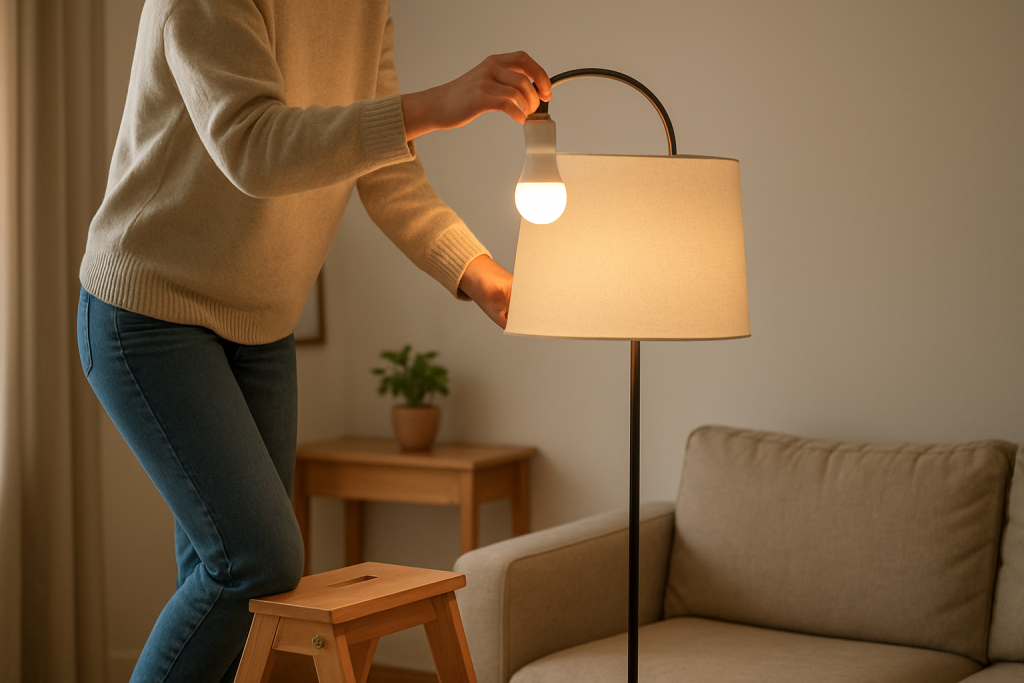
Step-by-step guidance to diagnose and fix a smart bulb that dims unevenly. Covers checks for power, bulbs, wiring, and app or hub settings.
Step-by-step guidance to diagnose and fix a smart bulb that dims unevenly. Covers checks for power, bulbs, wiring, and app or hub settings.
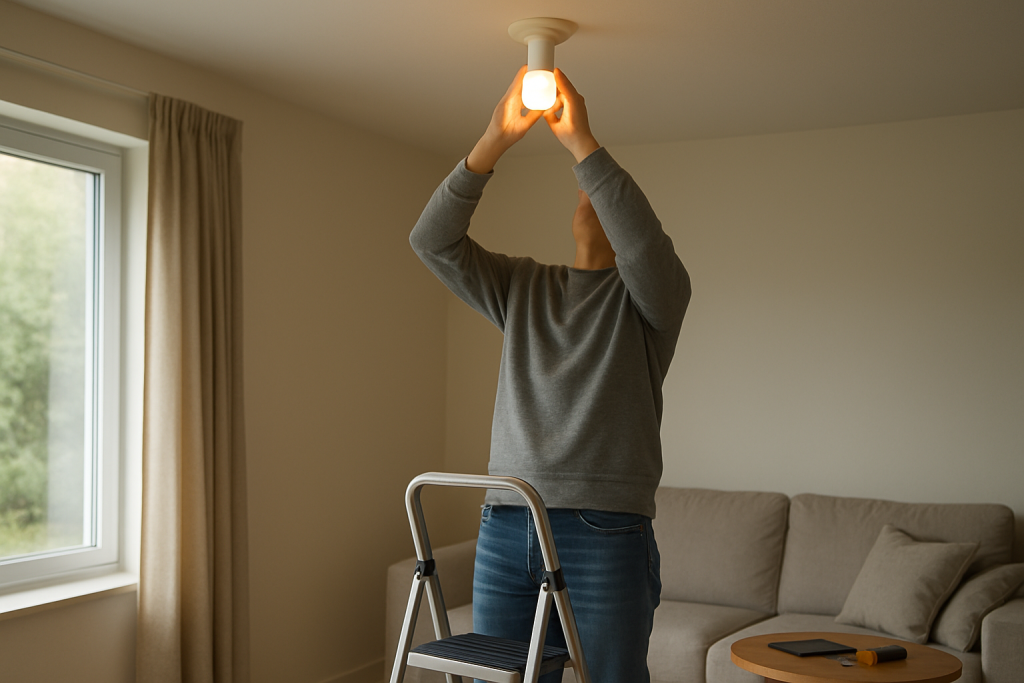
If your smart bulb fails to dim or brighten properly, check power, app settings, firmware, and connectivity. Follow practical steps to identify and fix the issue.
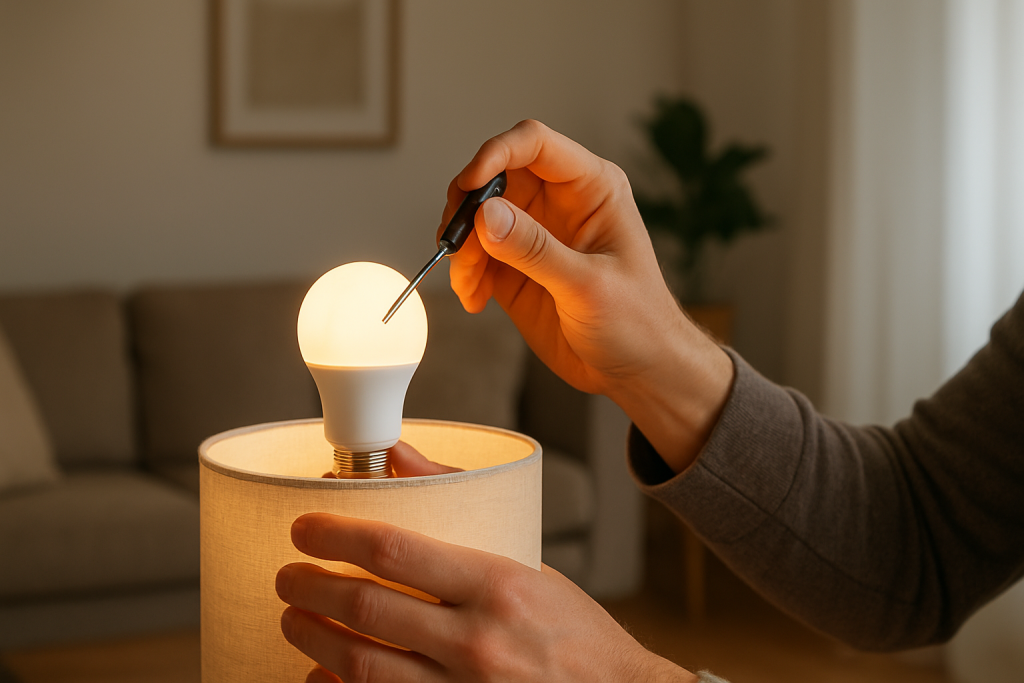
If your smart bulb stays on a single color, learn what to check and how to fix common causes like app issues, firmware, power, and resets.
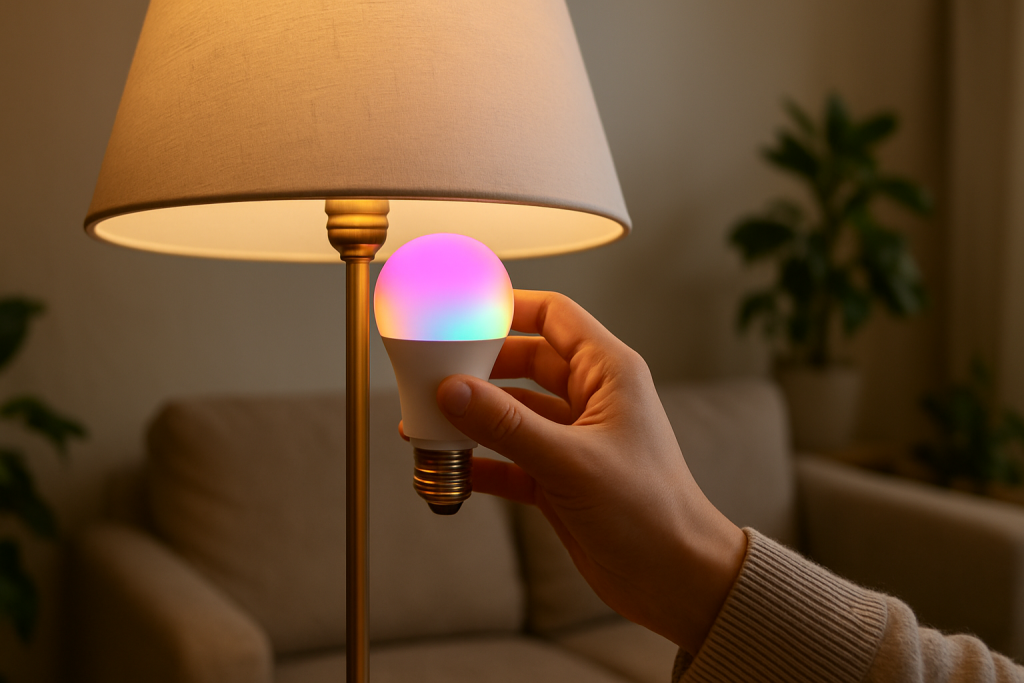
Find common causes and practical fixes when your smart bulb colors look off. Learn what to check, simple adjustments, and steps to improve color accuracy.
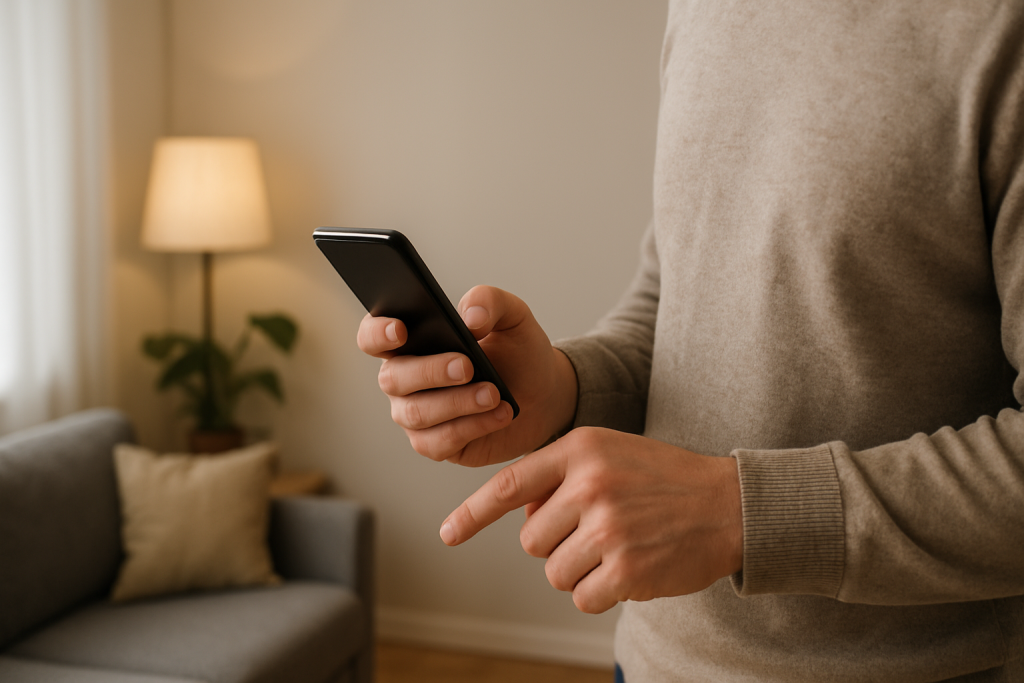
Find common causes for smart light automation not triggering and step by step checks to get routines working again. Covers connectivity, schedules, device states, and rule conflicts.
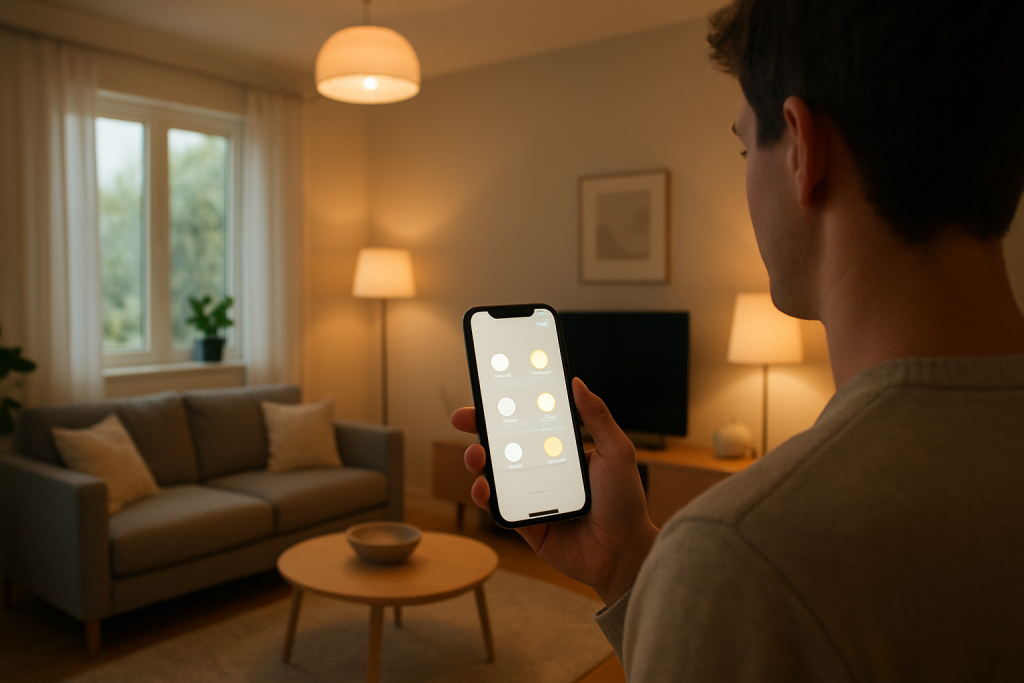
Learn practical steps to fix smart light scenes that fail to run. Covers connectivity, scene configuration, hub and app checks, and simple fixes to try.
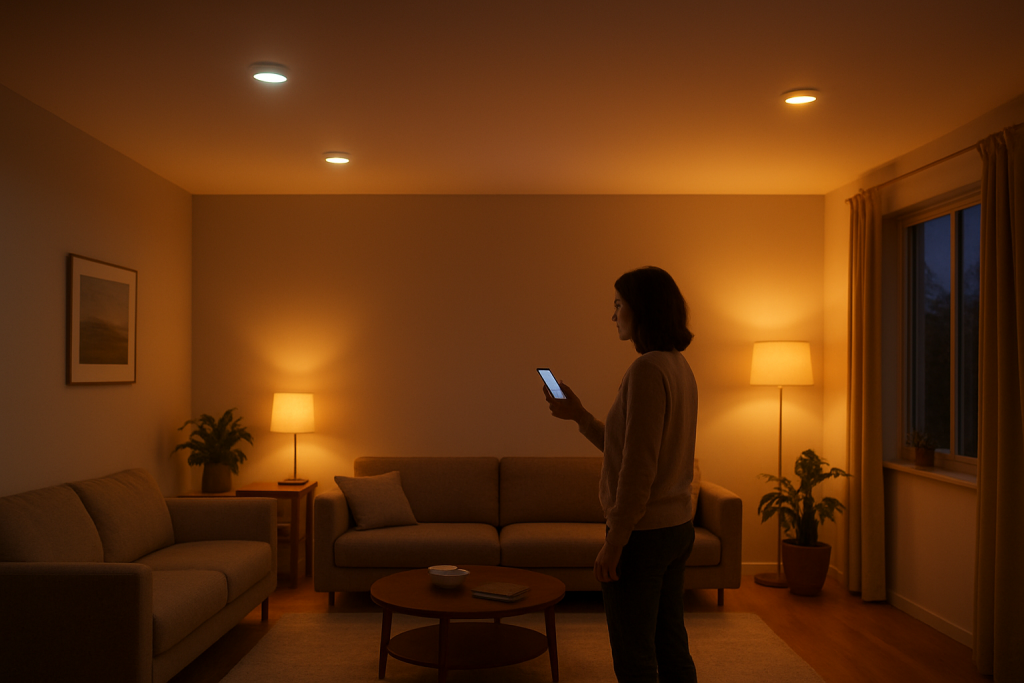
Diagnose and fix smart lights that are out of sync in one room with clear checks for power, network, firmware, and hub settings plus step-by-step fixes to try.
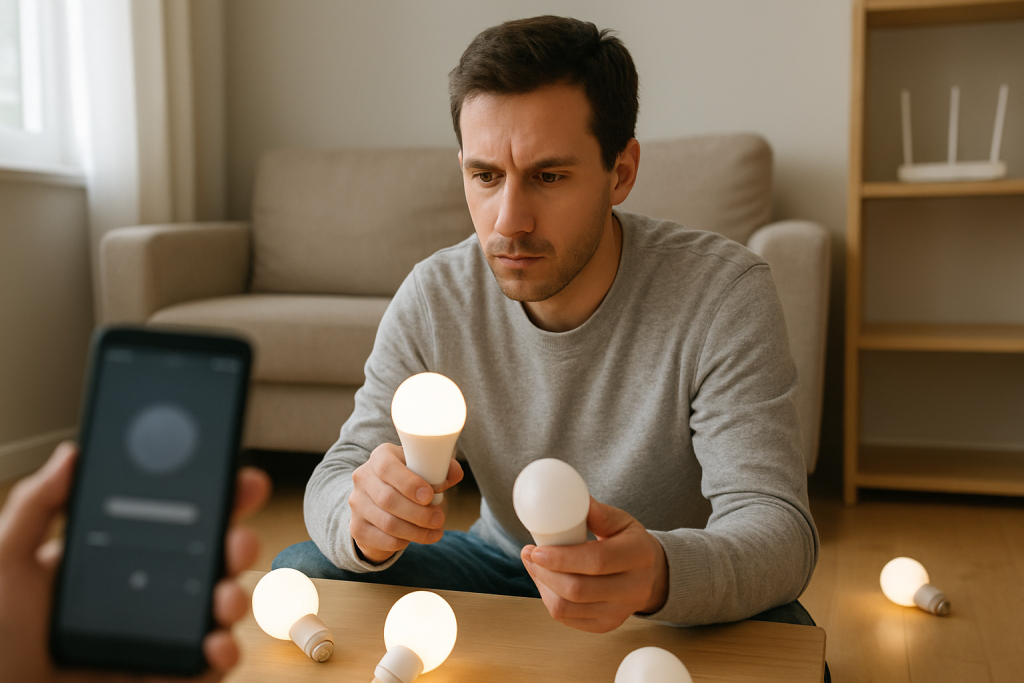
If your smart lights are not syncing in a group, follow clear troubleshooting steps to check power, connection, app group settings, and Wi‑Fi issues to restore synced lighting.
If your smart lights ignore sunrise and sunset schedules, this guide shows common causes to check and fixes to try so automations resume working. Follow step by step checks and quick solutions.
If your smart lights follow schedules only sometimes, learn common causes to check and simple fixes to make schedules run consistently.