Learn why smart lights slow down at night and what to check, including Wi-Fi congestion, power cycles, and scheduling conflicts. Practical steps to reduce lag and improve reliability.
Learn why smart lights slow down at night and what to check, including Wi-Fi congestion, power cycles, and scheduling conflicts. Practical steps to reduce lag and improve reliability.
If your smart bulb does not show up in Alexa discovery, follow step-by-step checks for power, network, device mode, and app settings to get it back online.
Step-by-step troubleshooting for a smart bulb not showing in Google Home. Learn what to check for connectivity, account permissions, and simple fixes to resync devices.
Learn what causes smart bulb firmware updates to fail and follow clear steps to resolve connection, power, and app issues. Includes quick fixes to get bulbs updating again.
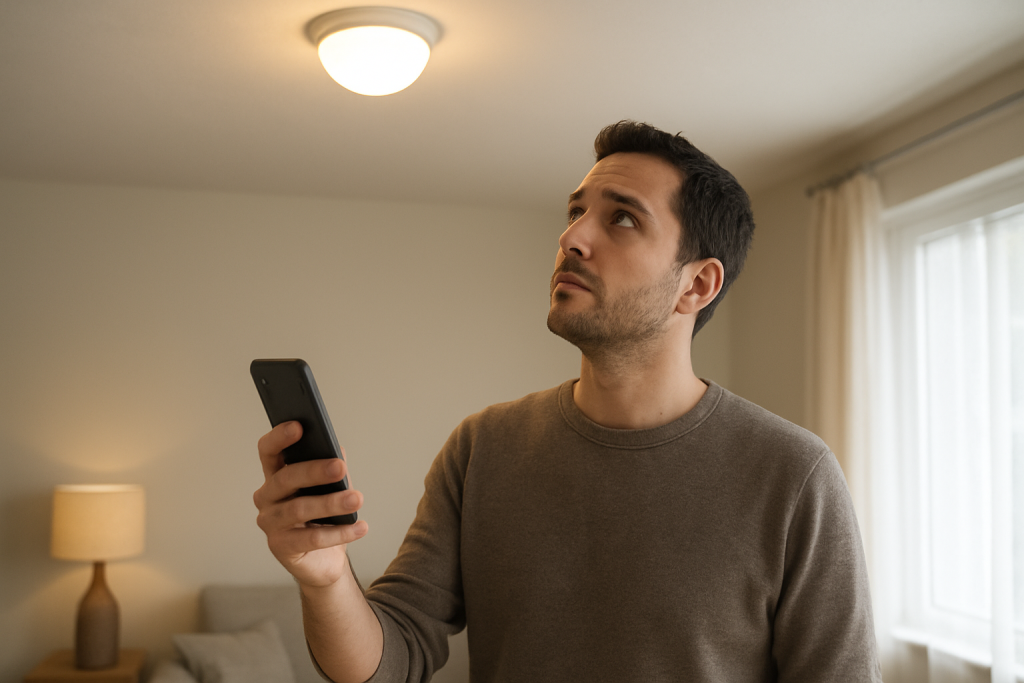
If a smart bulb firmware update is stuck, check power, network, app permissions, and restart steps. Follow clear troubleshooting steps to resolve update hangs.
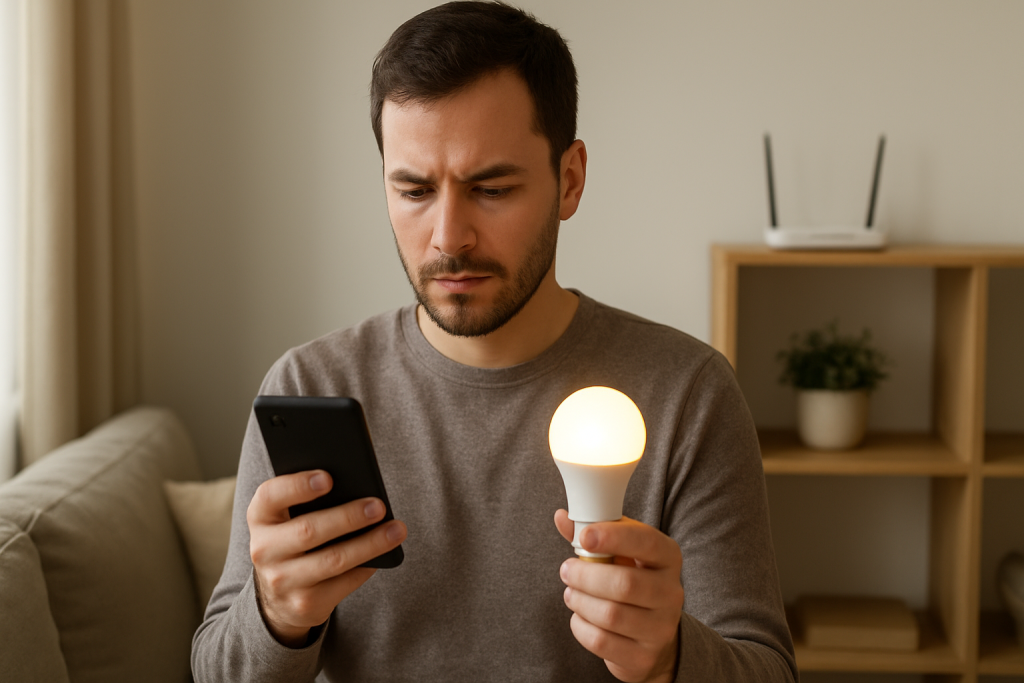
Smart lights stopped working after an app update? This guide walks through common causes, what to check in the app and network, and practical fixes to try.
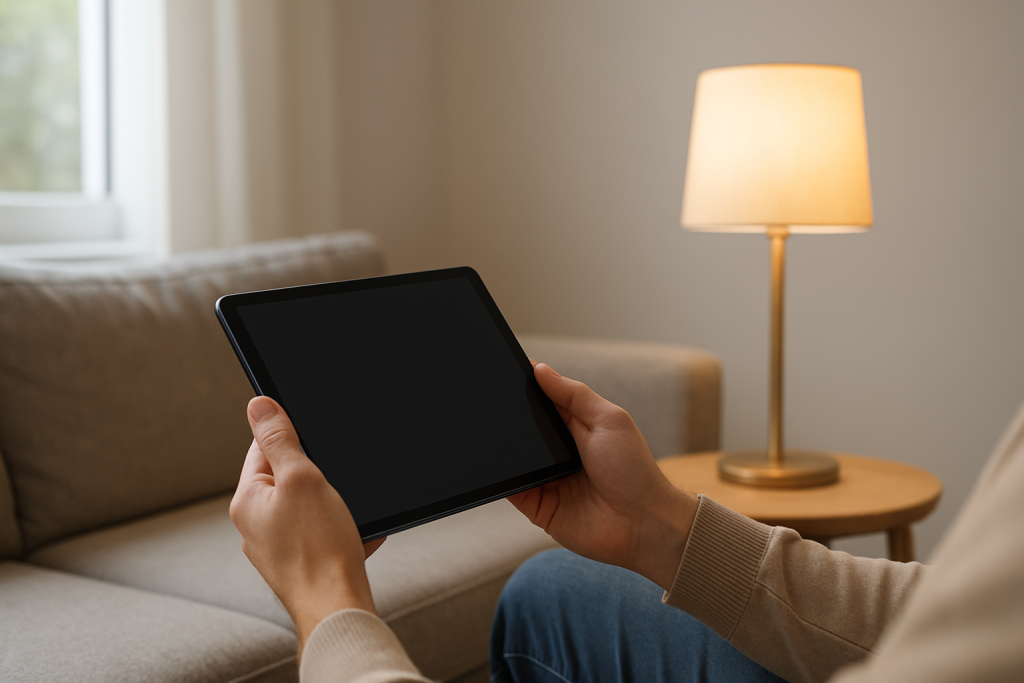
If your smart bulb responds on your phone but not your tablet, follow practical steps to check app permissions, network settings, account access, and firmware to restore control.
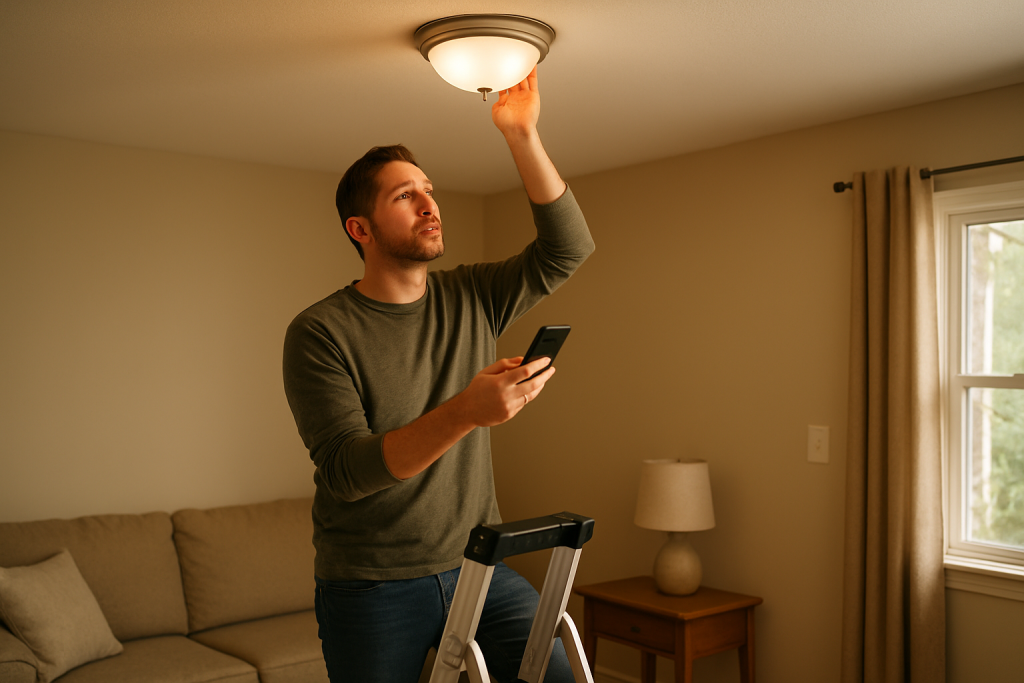
Learn what to check when a smart bulb works everywhere except one room. Covers wiring, power, signal, hub and app steps to troubleshoot and fix the issue.
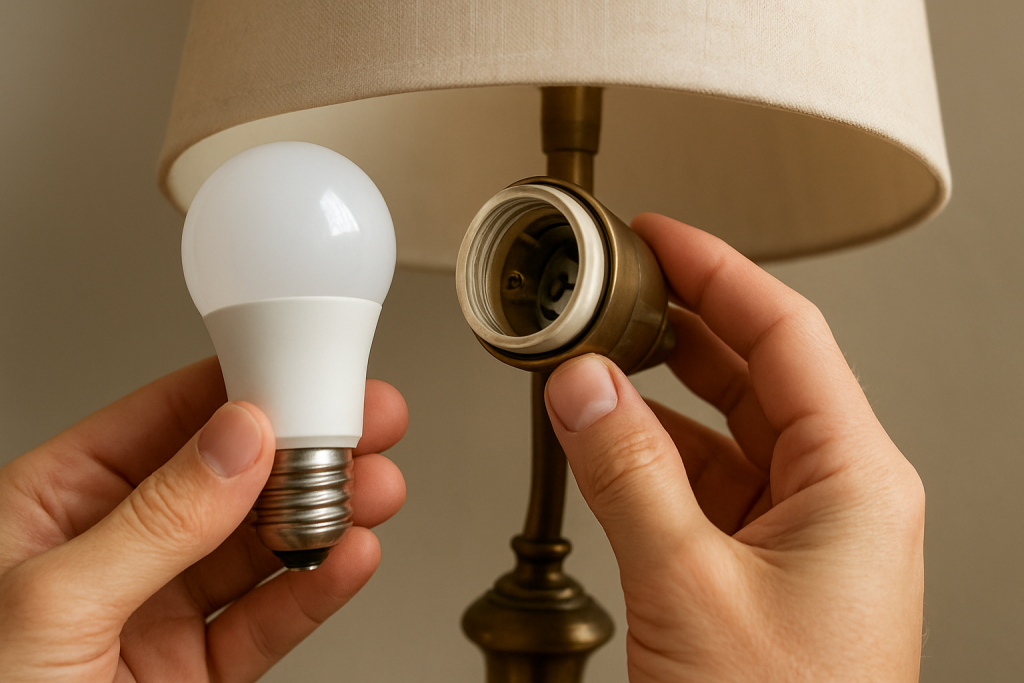
Learn what to check when a smart bulb works elsewhere but not in one lamp socket. Step-by-step checks cover socket condition, power, wiring, and bulb seating.
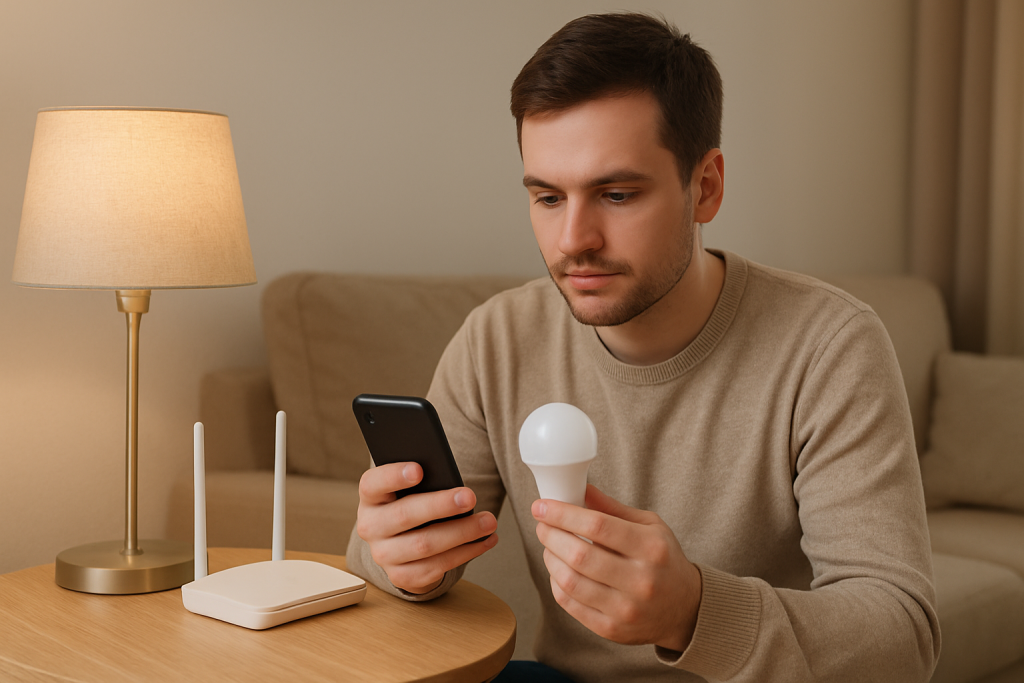
If your smart bulbs don’t reconnect after a router restart, this guide shows practical checks and fixes to get them back online, including power cycles, network settings, and firmware tips.