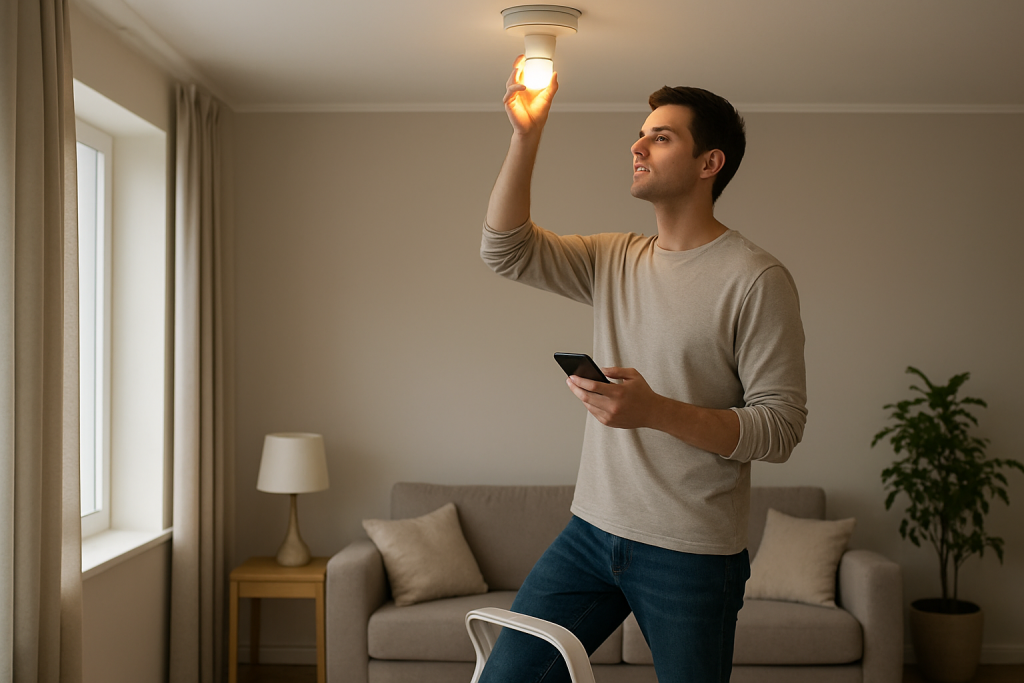
If your smart bulb reset does not work, this guide walks through common causes and practical steps to get the bulb back online. Follow checks for power, firmware, and network.
If your smart bulb reset does not work, this guide walks through common causes and practical steps to get the bulb back online. Follow checks for power, firmware, and network.
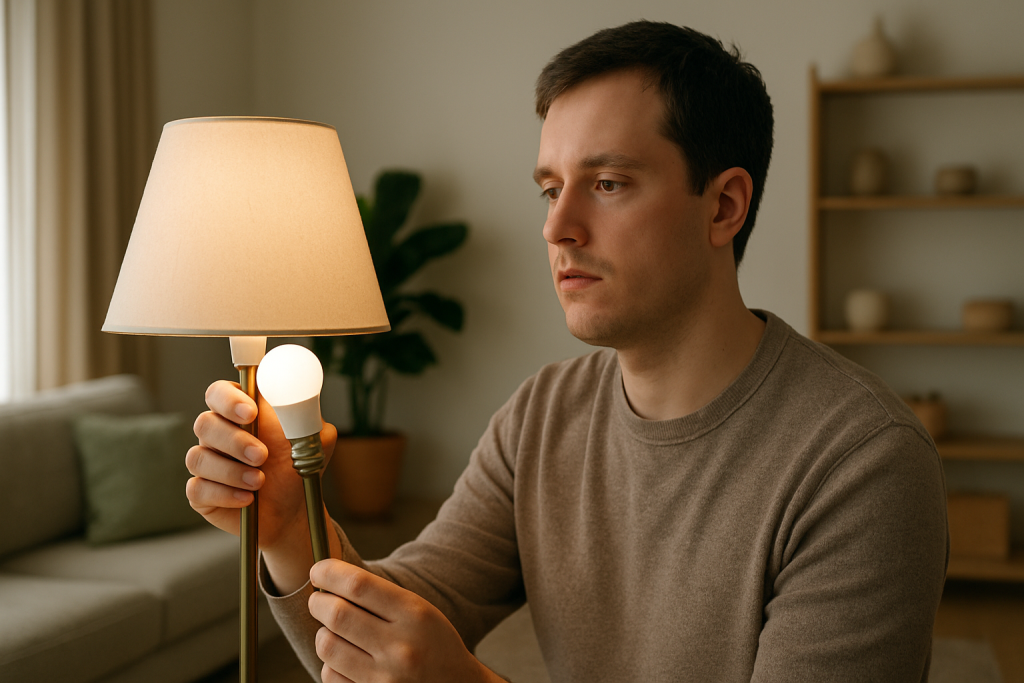
Learn common causes and step by step checks when a smart bulb is connected but not showing in the app. Try simple fixes like power cycling, resetting, and checking network settings.
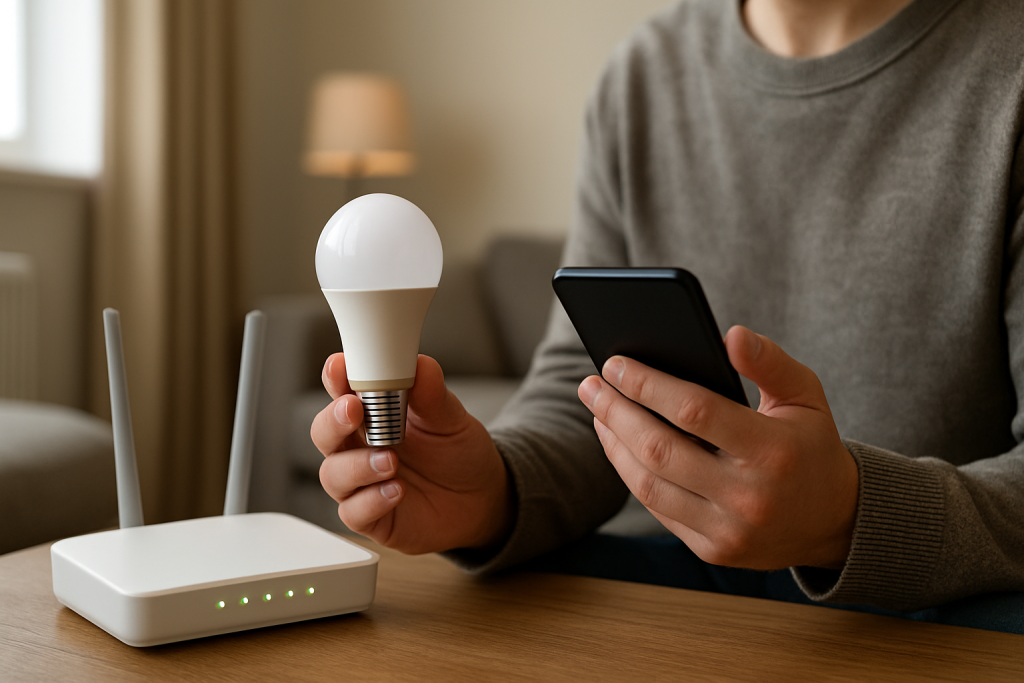
Step-by-step troubleshooting for a smart bulb that won’t pair to 2.4GHz WiFi. Learn what to check and practical fixes to try to get the bulb connected.
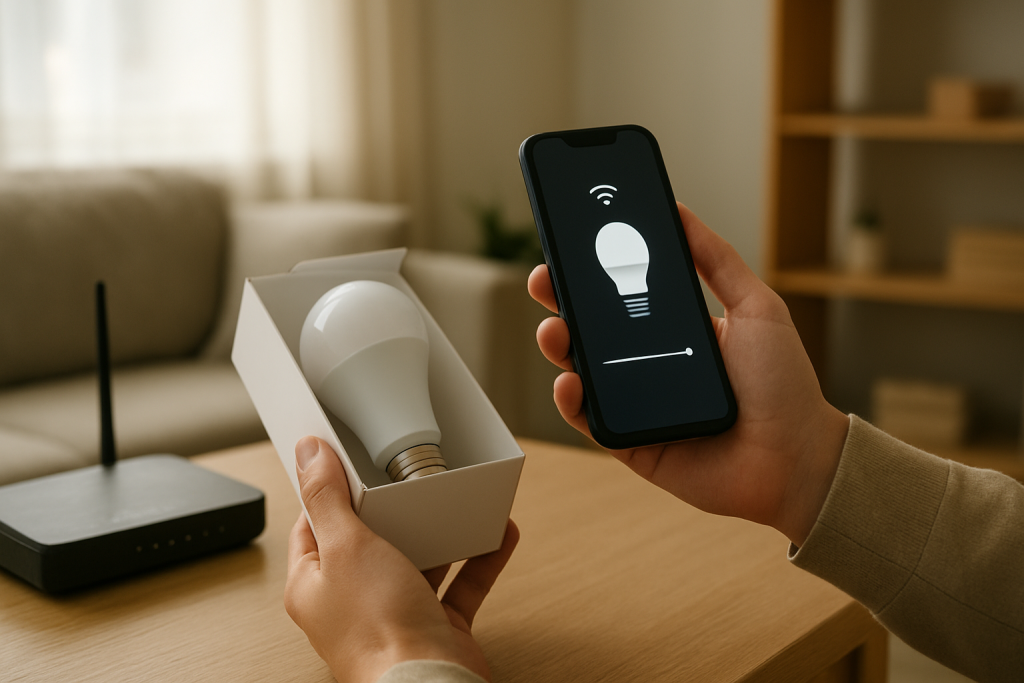
Learn what to check and simple fixes to get a smart bulb back online after changing your WiFi password. Covers network, app, and reset steps.
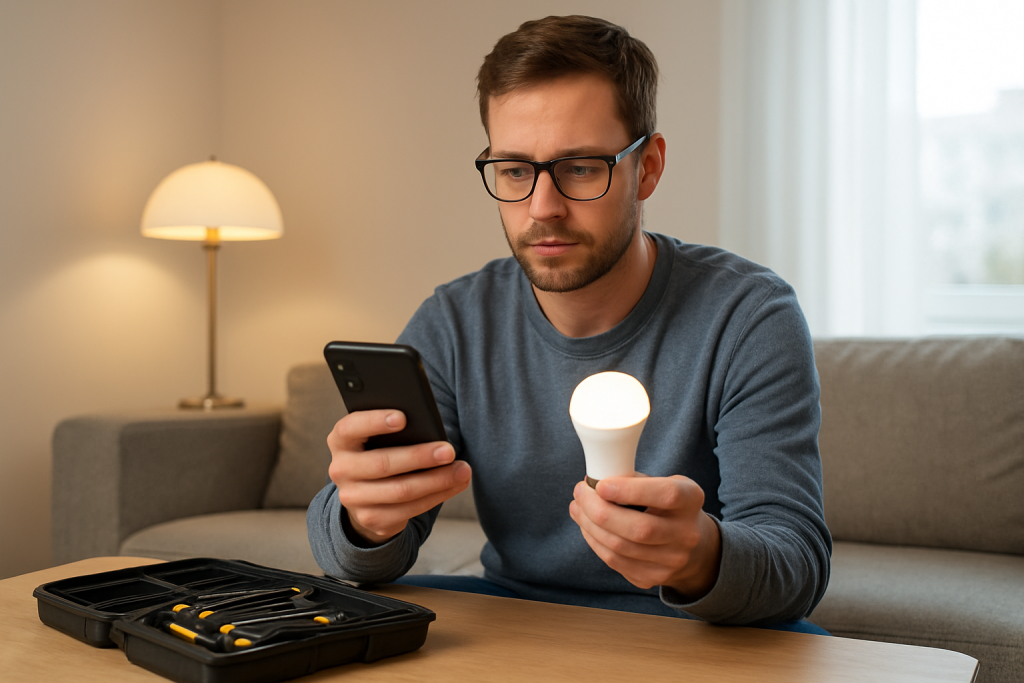
Find practical steps to fix a smart bulb that does not turn on or off from the app. Check power, network, firmware, and pairing to restore app control.
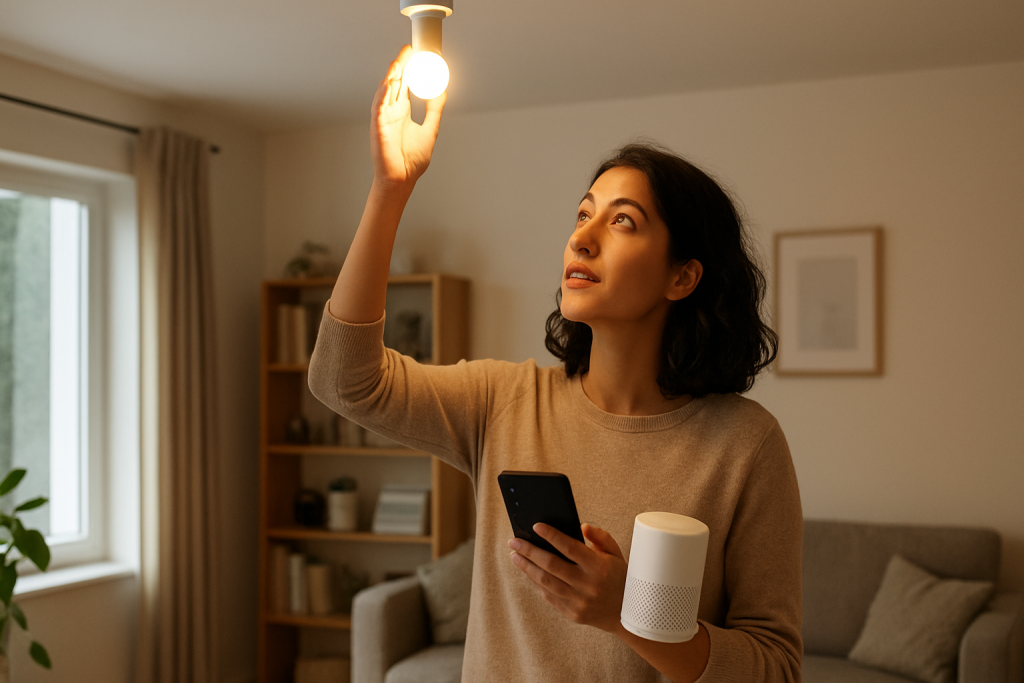
If your smart bulb responds in its app but not to voice commands, check network, account linking, device names, and automation settings to fix it.
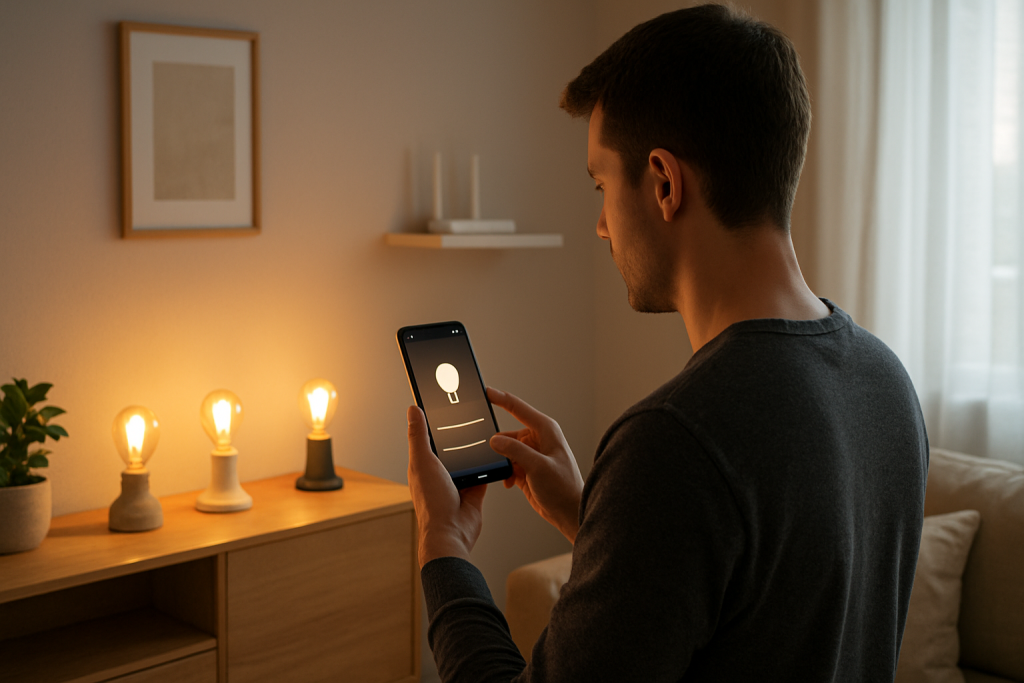
Troubleshoot slow or delayed smart lights with practical checks and fixes to restore fast responses. Learn common causes and what to try first.
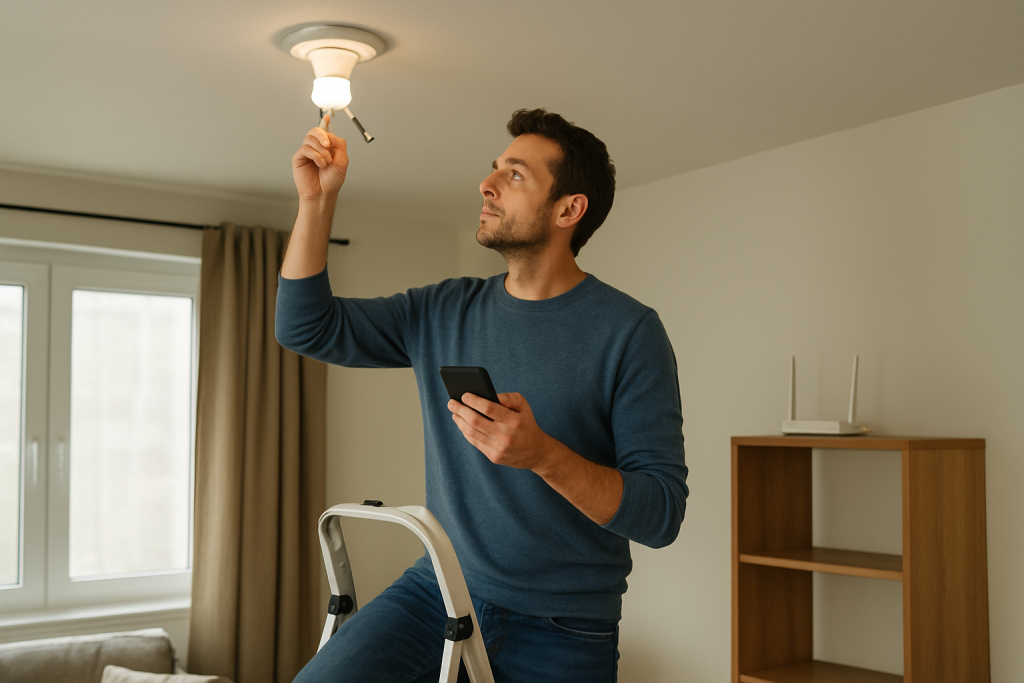
Learn common causes and practical steps to stop smart bulbs from going offline, including power, Wi Fi, firmware, and interference checks.
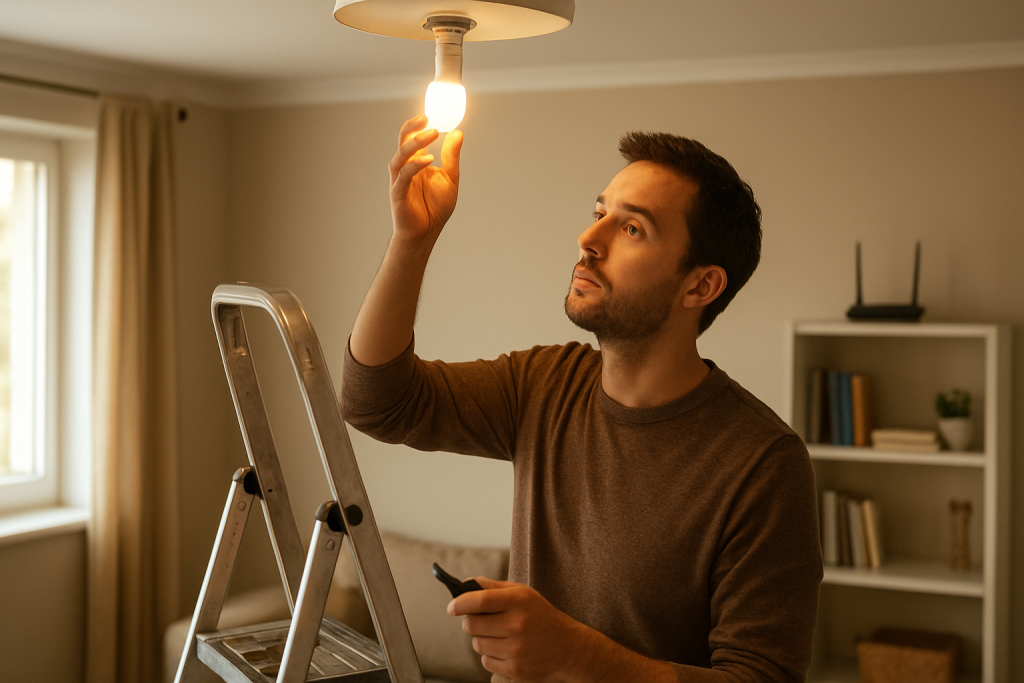
Step through common causes and practical fixes when a smart bulb shows device unreachable. Covers network, power, firmware, and app checks to get lights back online.
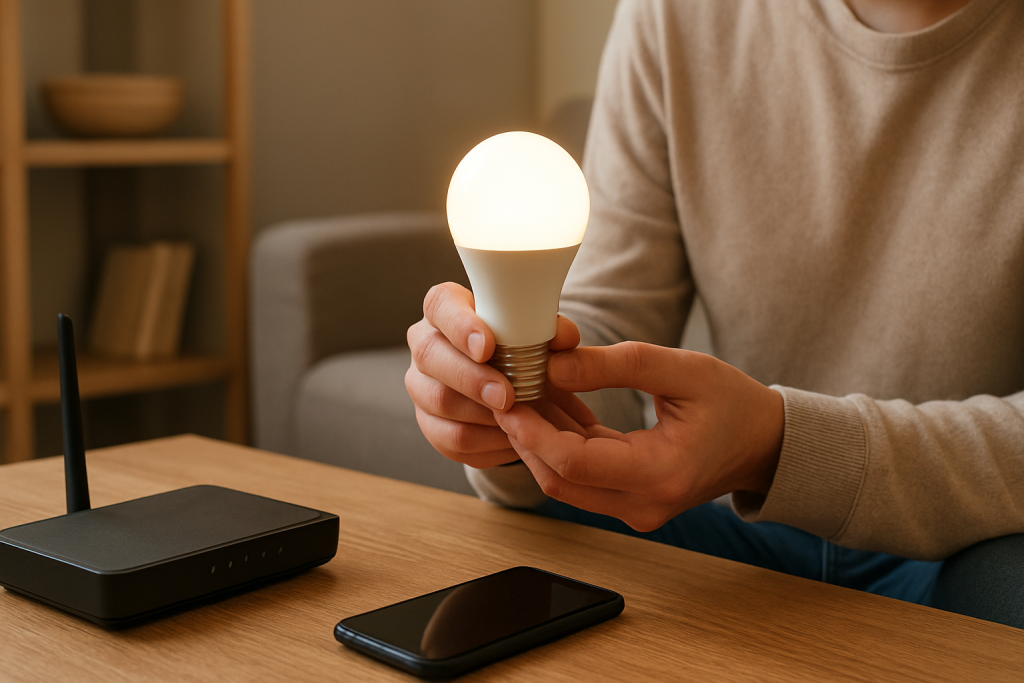
Step-by-step troubleshooting for a smart bulb that won’t connect to WiFi during setup. Covers common causes, what to check, and fixes to try for home setups.