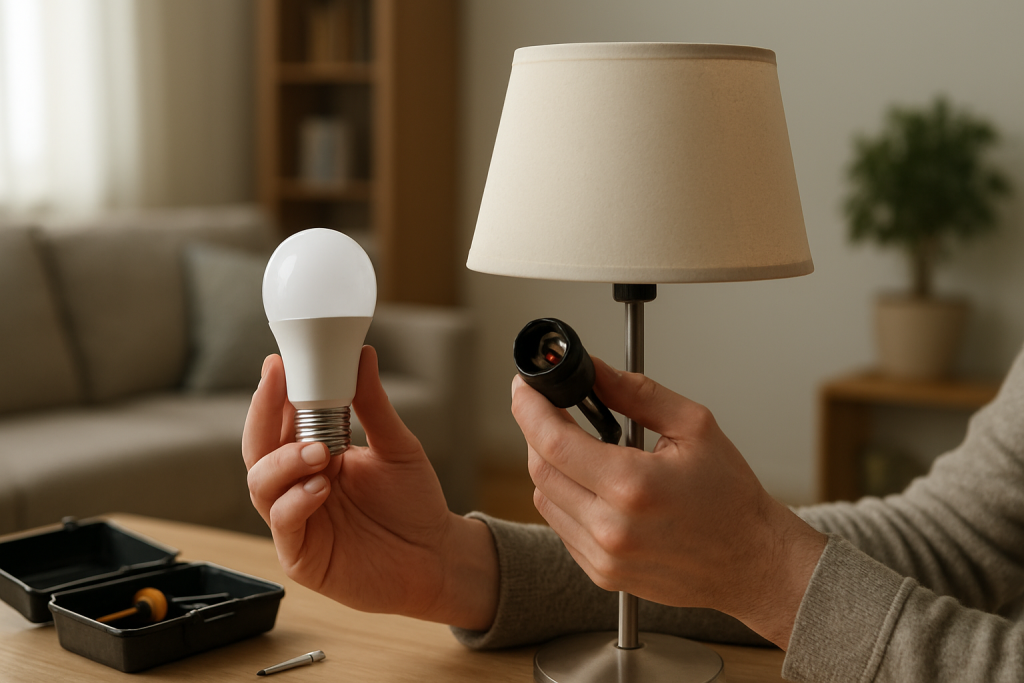
Learn common reasons a smart bulb forgets settings after power outages and practical steps to restore saved brightness and color. Includes what to check and fixes to try.
Learn common reasons a smart bulb forgets settings after power outages and practical steps to restore saved brightness and color. Includes what to check and fixes to try.
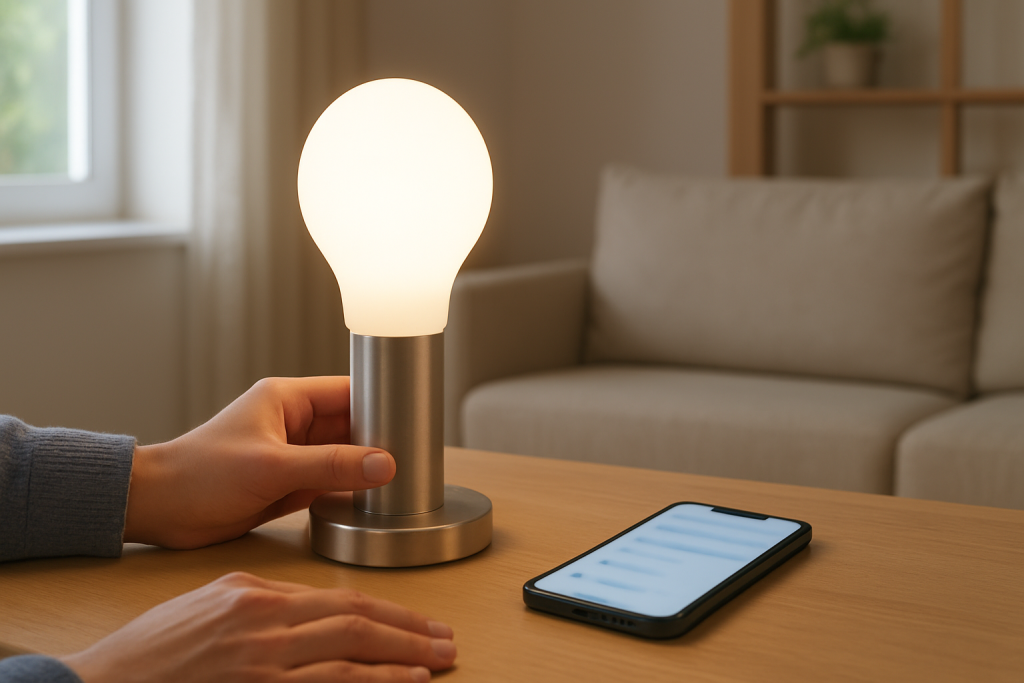
If your smart bulb always powers on at full brightness this guide explains common causes, what to check, and step by step fixes to try to restore normal startup levels.
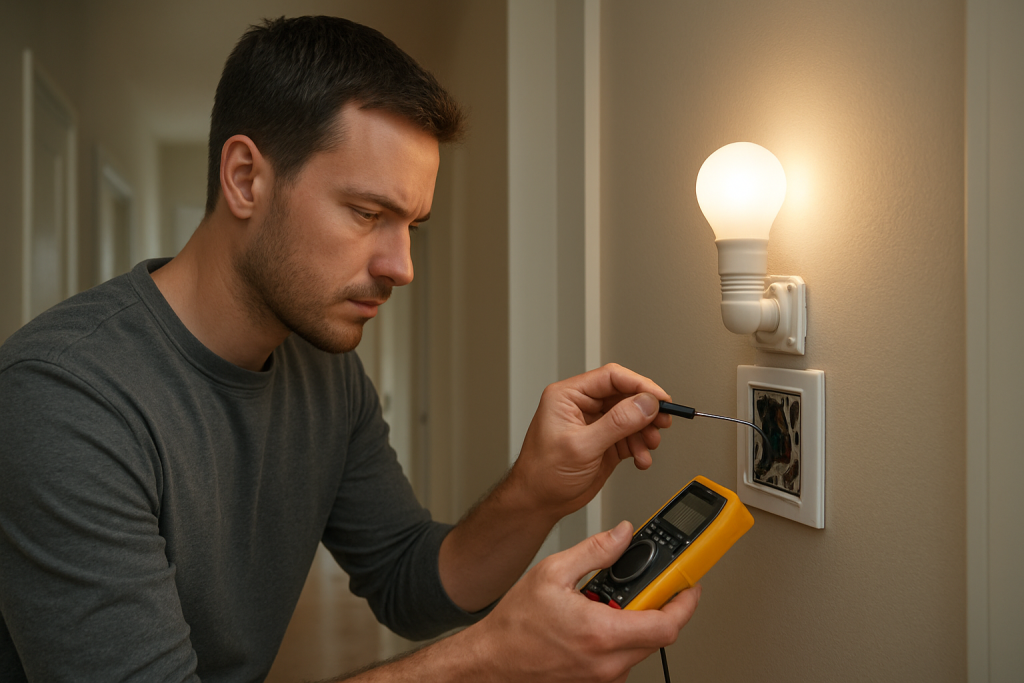
Learn common causes and step by step checks to fix a smart light switch that does not update a bulb status. Includes network, power, and firmware checks.
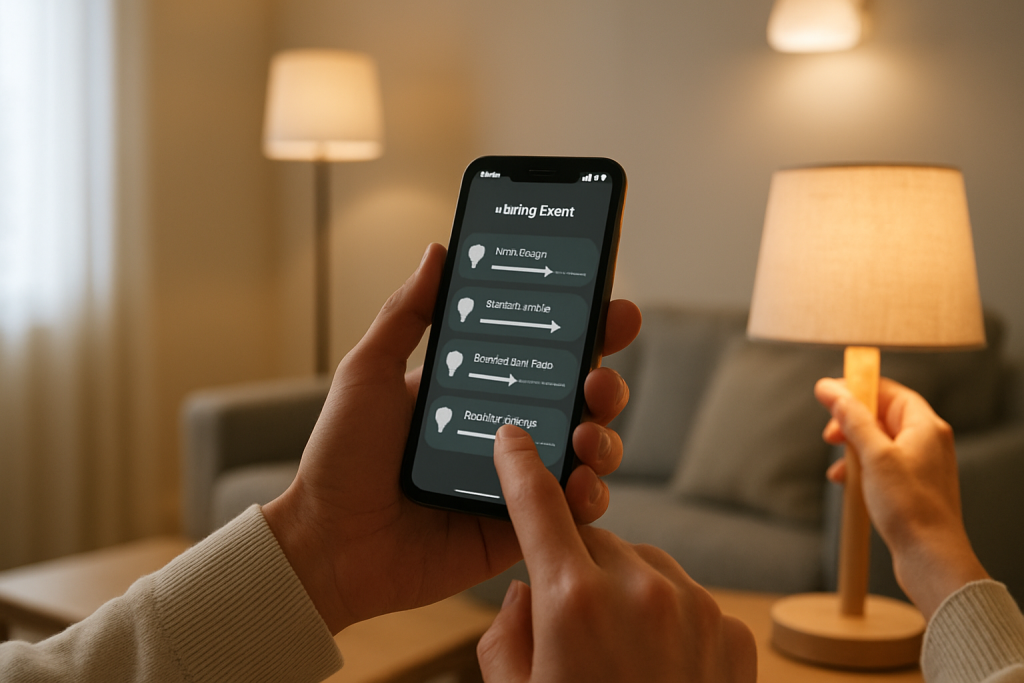
Learn why smart lights drop out of rooms or groups and follow clear troubleshooting steps to reconnect devices, fix group settings, and prevent repeats.
Troubleshoot smart lights not working for multiple users by checking sharing settings, account roles, and network access. Follow practical steps to restore shared control.
Learn common causes and step‑by‑step checks for a smart bulb that blinks and fails to pair, including power, firmware, and network fixes to try.
If your smart bulb won’t pair after a factory reset, try these practical checks and fixes such as power cycling, correct reset procedure, and hub or app troubleshooting.
If your smart bulb says the WiFi password is wrong even though it is correct, follow clear checks and simple fixes to resolve common causes and reconnect the bulb.
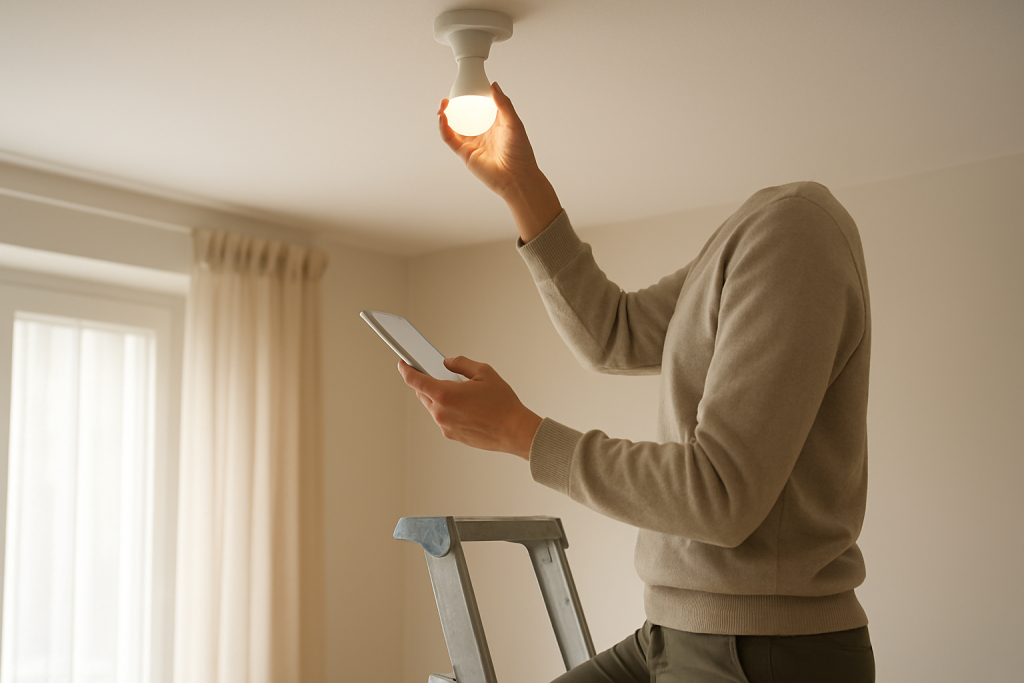
Troubleshoot a smart bulb that stops connecting at the last step. Learn common causes, what to check, and step by step fixes to restore the connection.
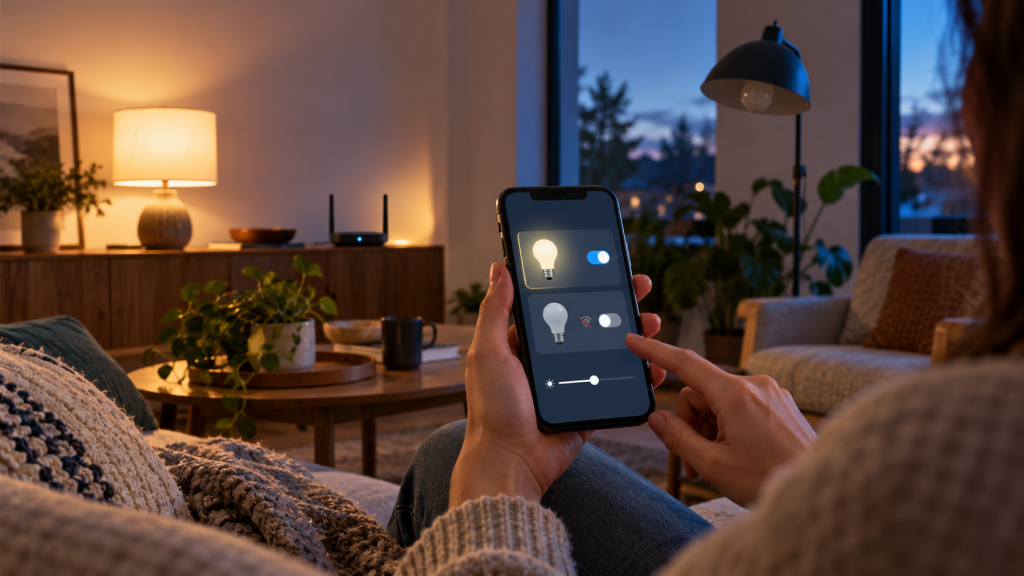
Troubleshoot smart lights that show offline in the Home app with clear checks and fixes to restore connection and control. Follow simple network and device steps.