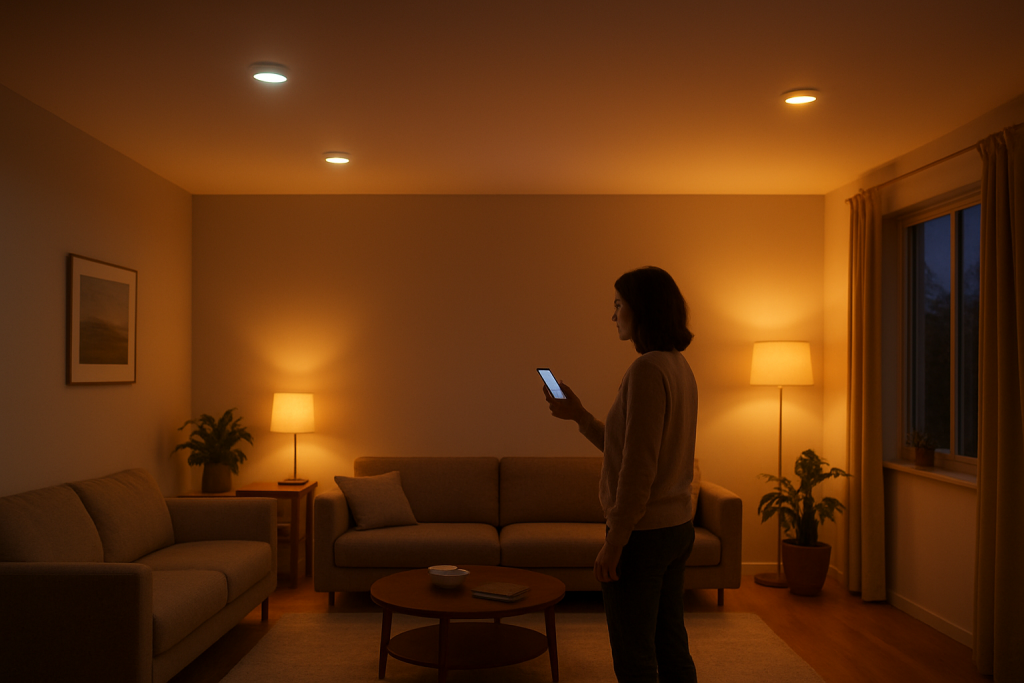
Diagnose and fix smart lights that are out of sync in one room with clear checks for power, network, firmware, and hub settings plus step-by-step fixes to try.
Diagnose and fix smart lights that are out of sync in one room with clear checks for power, network, firmware, and hub settings plus step-by-step fixes to try.
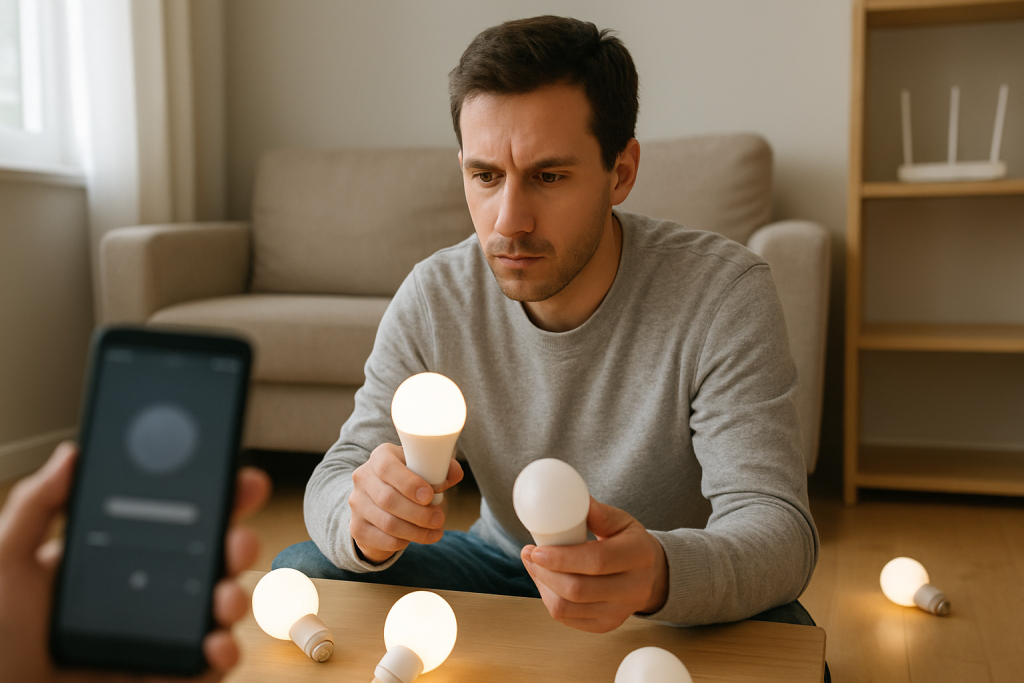
If your smart lights are not syncing in a group, follow clear troubleshooting steps to check power, connection, app group settings, and Wi‑Fi issues to restore synced lighting.
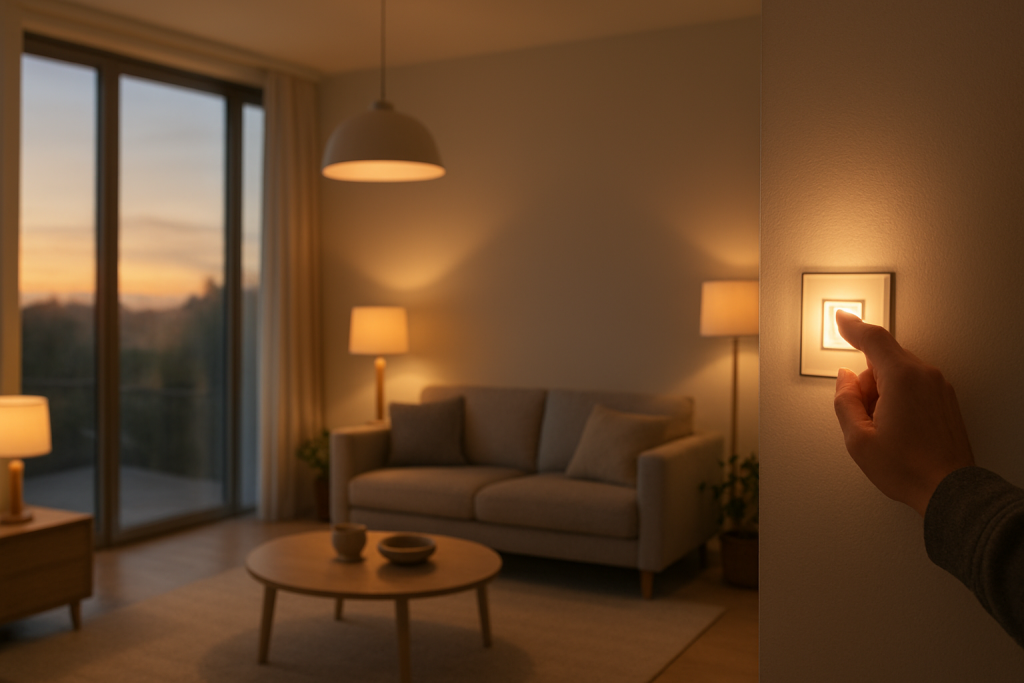
If your smart lights ignore sunrise and sunset schedules, this guide shows common causes to check and fixes to try so automations resume working. Follow step by step checks and quick solutions.
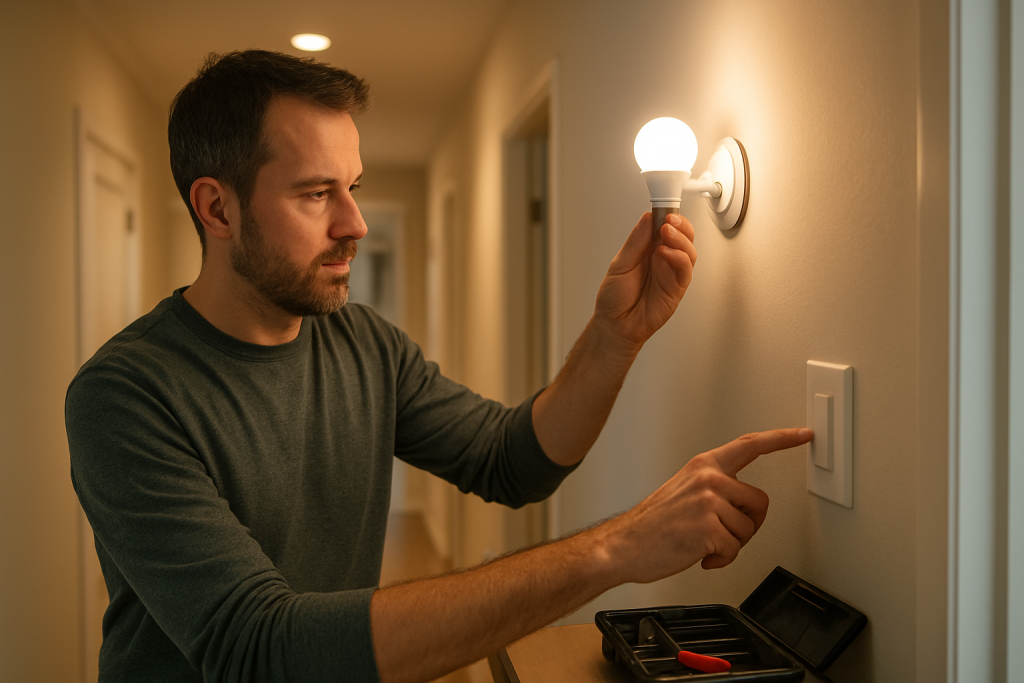
If your smart lights follow schedules only sometimes, learn common causes to check and simple fixes to make schedules run consistently.
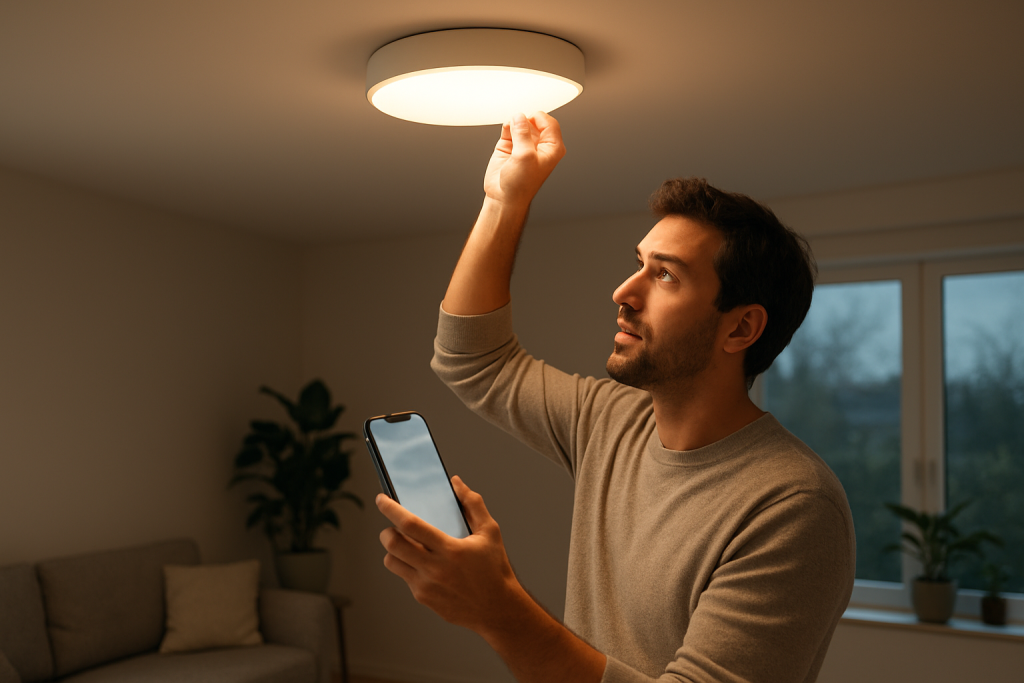
Learn practical steps to fix smart lights that are not following their schedule. Covers common causes, what to check, and easy fixes to try.
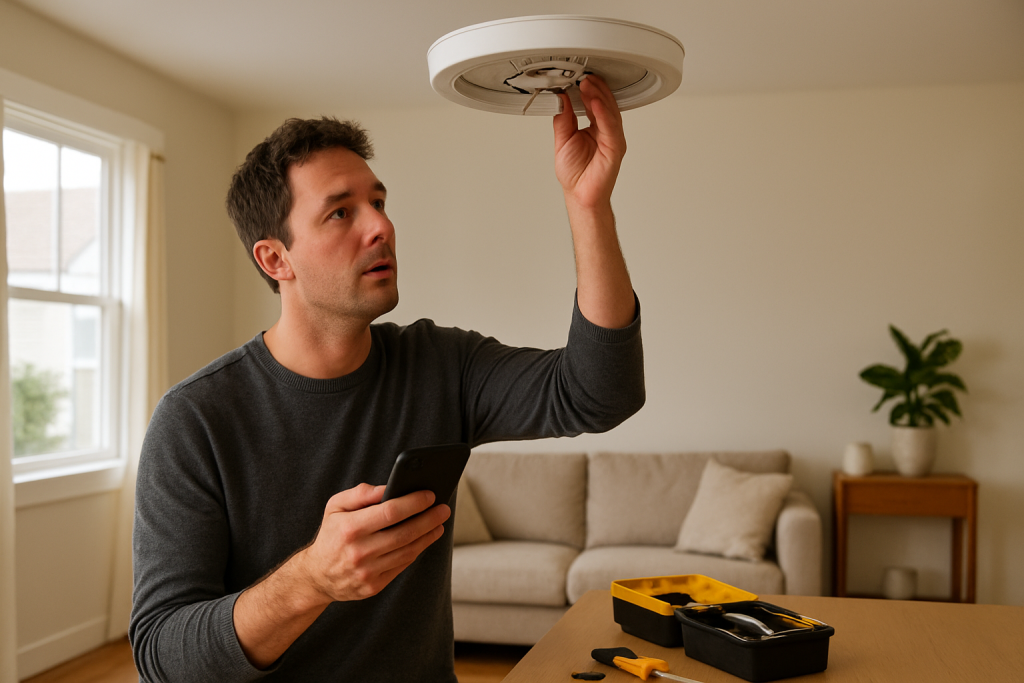
Find practical steps to diagnose why your smart light turns off randomly. Covers power, app settings, schedules, network, and firmware updates to check.
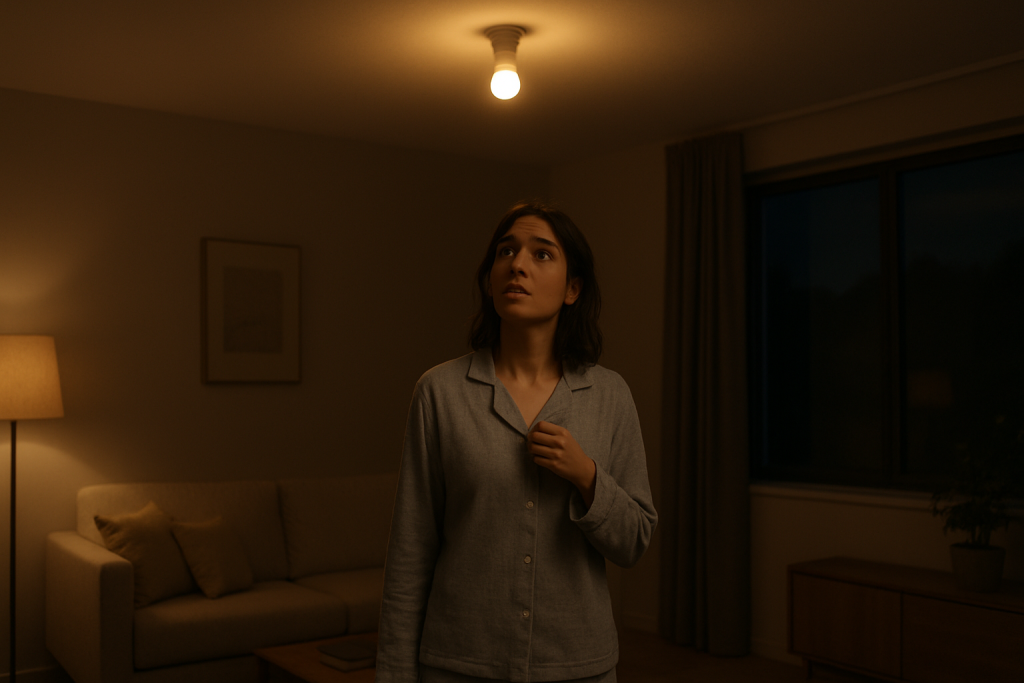
Troubleshoot a smart light that turns on at night with easy checks for schedules, motion sensors, power issues, and firmware. Follow clear fixes to stop nighttime activations.
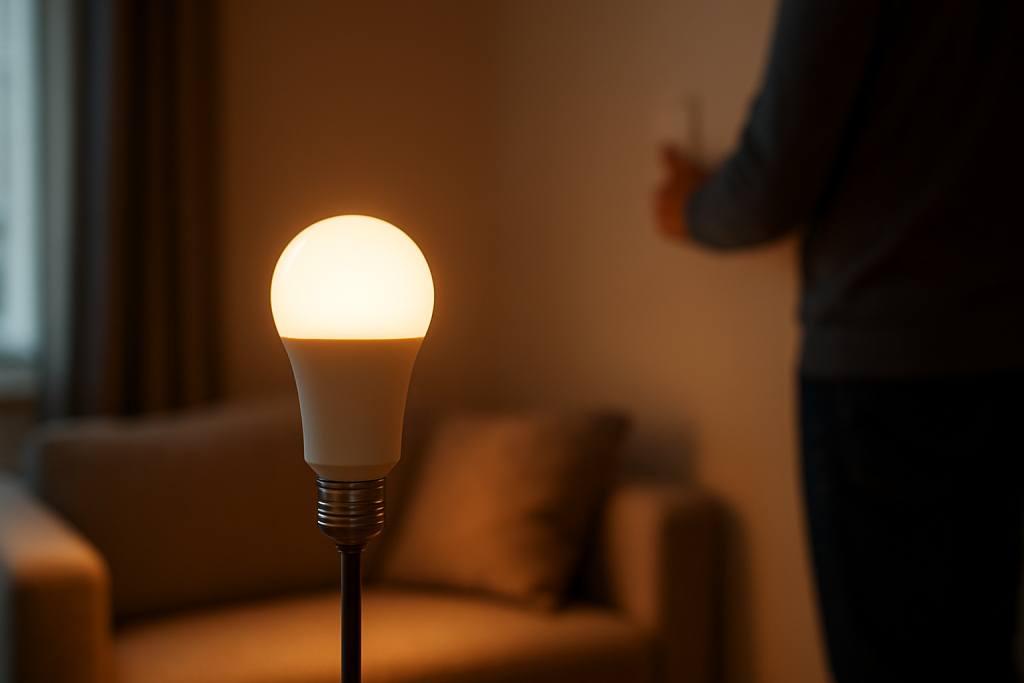
Learn common causes and practical fixes when a smart bulb dims by itself. Covers wiring, app settings, firmware, dimmer compatibility, and power issues to check.
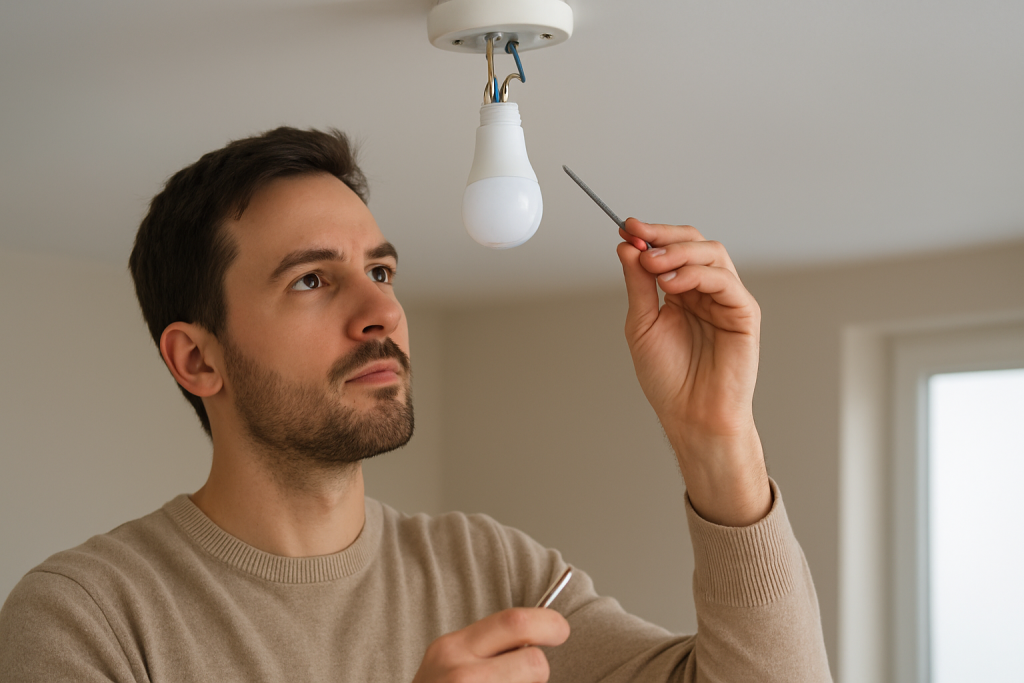
Learn why smart lights may flicker after installation and what to check first. Covers wiring, dimmer compatibility, firmware, and quick fixes to try.
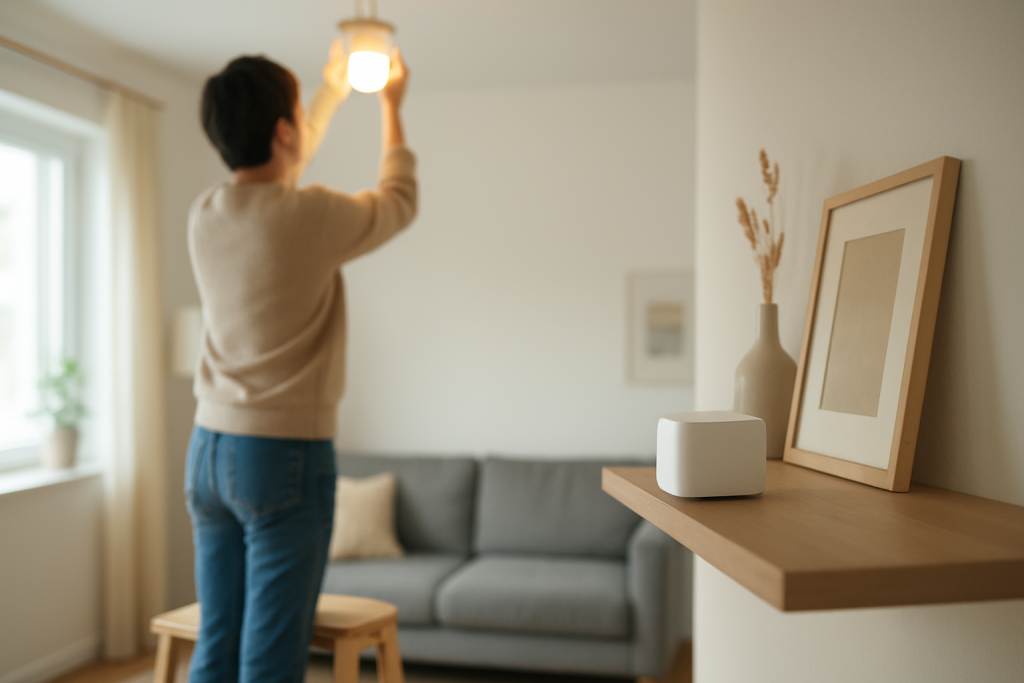
Learn common causes and step-by-step fixes when a smart bulb keeps dropping off a mesh WiFi network. Includes signal, firmware, and power checks to try.