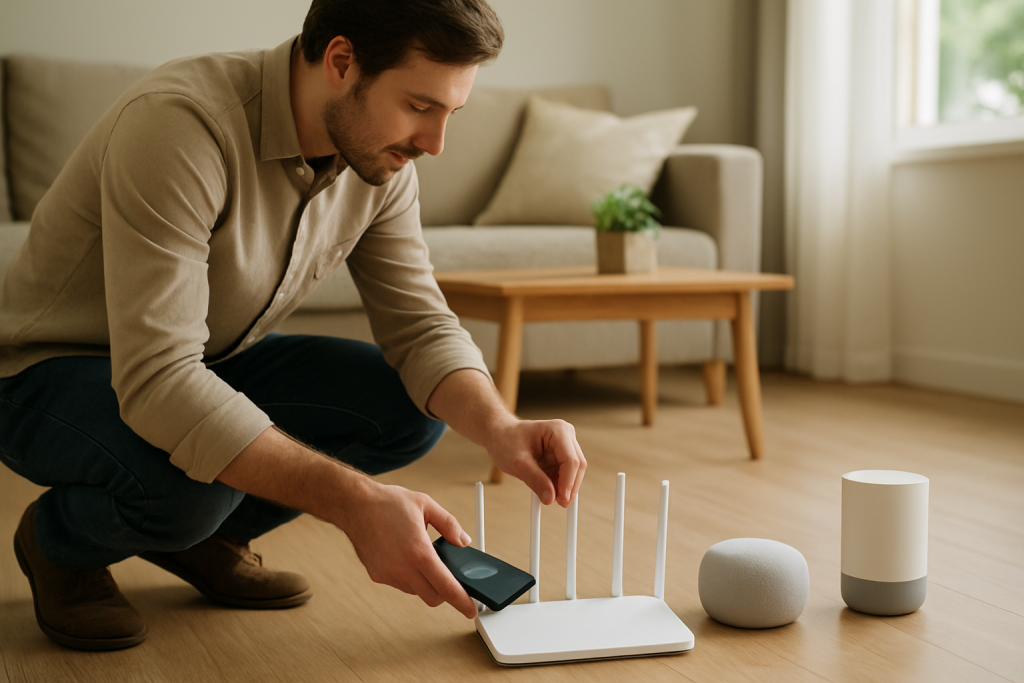
Learn practical steps to fix WiFi problems caused by a suboptimal router location. Includes checks, quick fixes, and placement tips to improve connectivity for smart devices.
Learn practical steps to fix WiFi problems caused by a suboptimal router location. Includes checks, quick fixes, and placement tips to improve connectivity for smart devices.
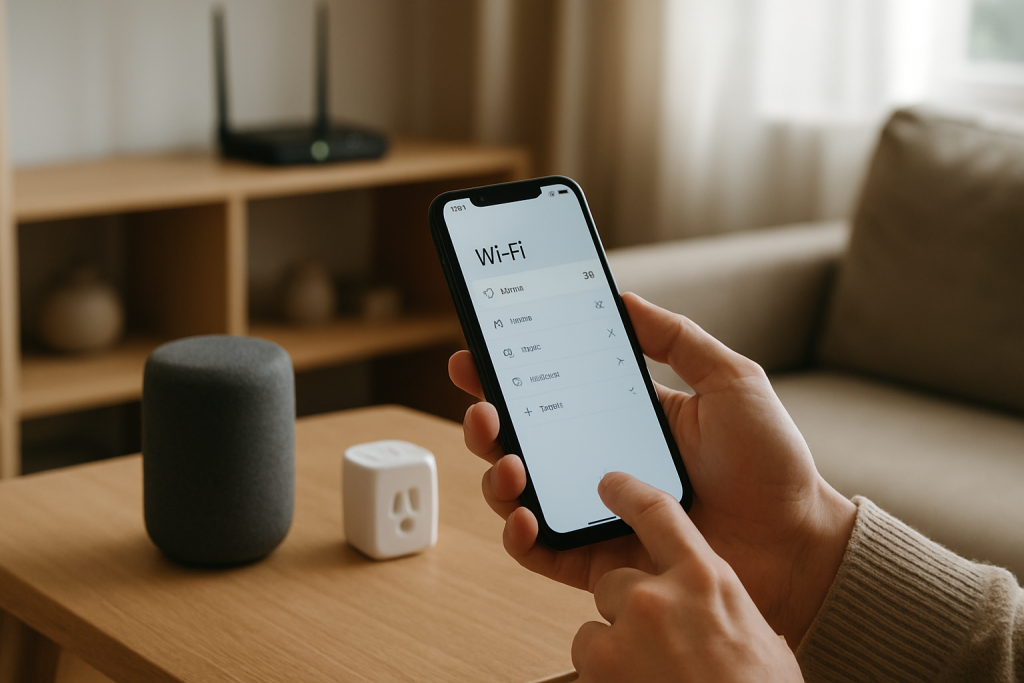
Learn why smart devices may connect to a guest instead of your main network due to saved SSID conflicts and what checks and fixes to try. Practical steps to update settings and avoid future mixups.
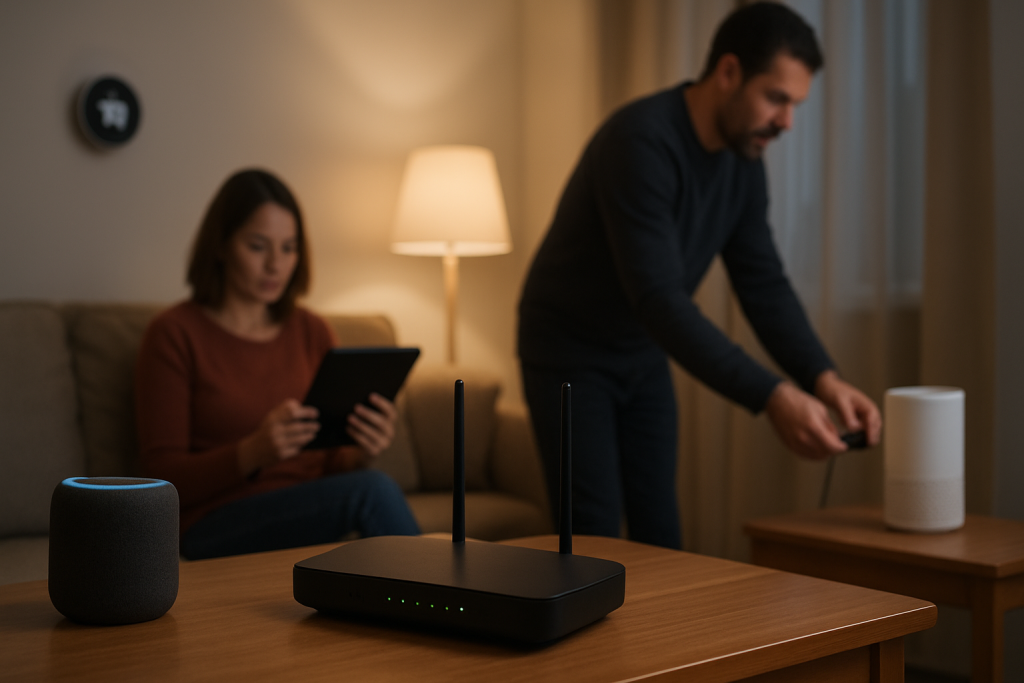
Learn practical steps to reduce router saturation, prioritize devices, and restore a stable smart home connection with simple network fixes.
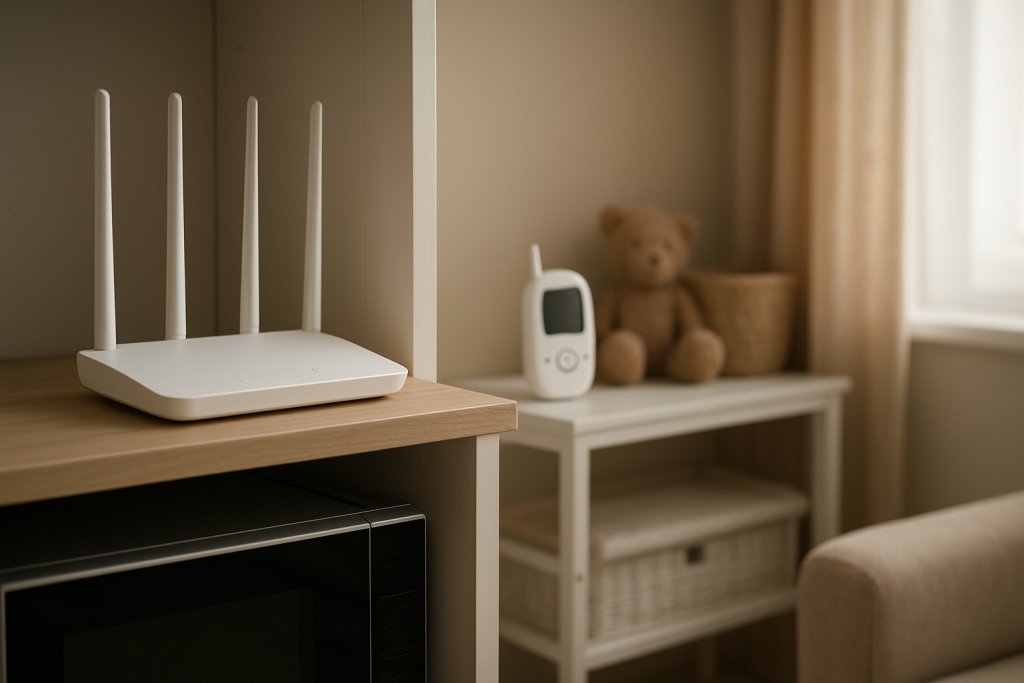
Learn common causes of 2.4GHz interference from microwaves baby monitors and other household devices, what to check, and fixes to try to restore reliable WiFi.
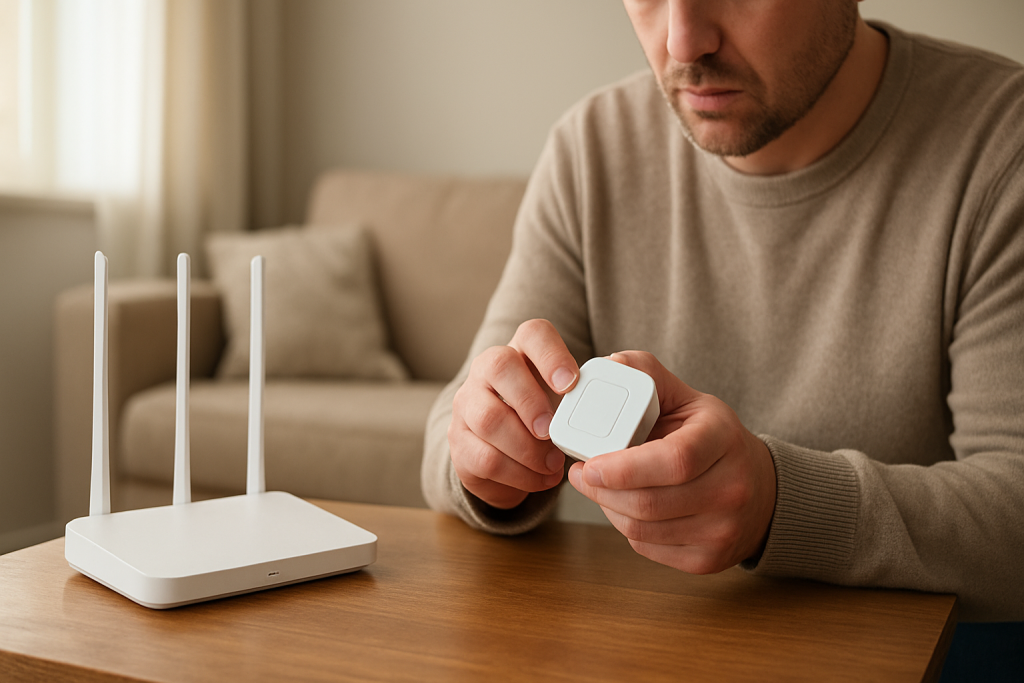
If a smart device won’t join your 2.4GHz network, learn common compatibility causes and step-by-step checks and fixes to get it connected.
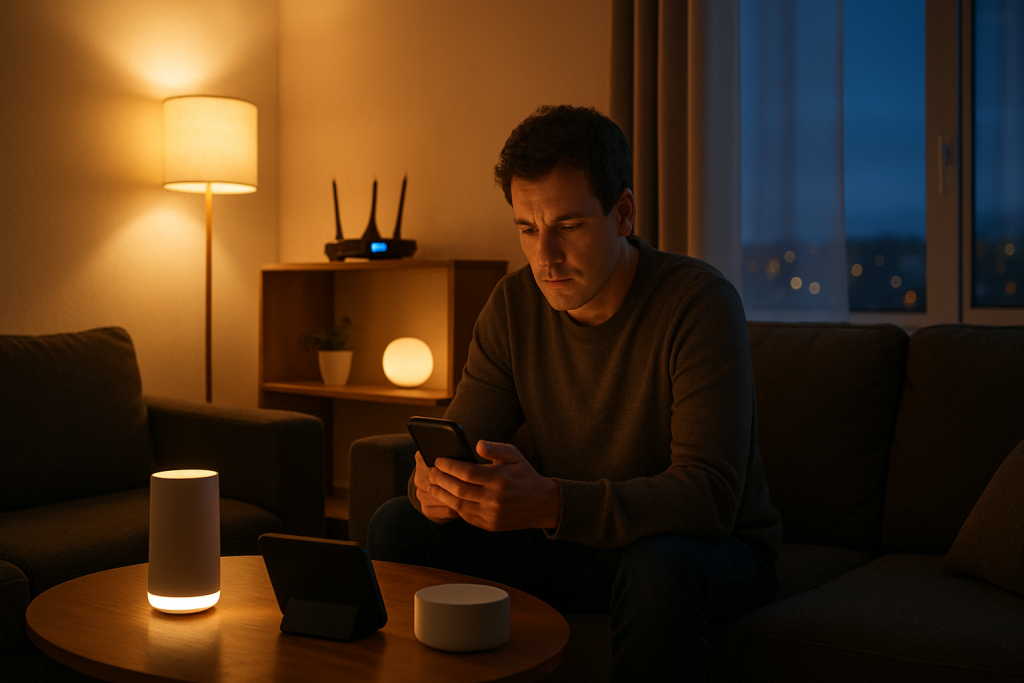
Learn why WiFi performance often worsens at night due to channel congestion and peak usage. Simple checks and fixes to keep smart devices connected.
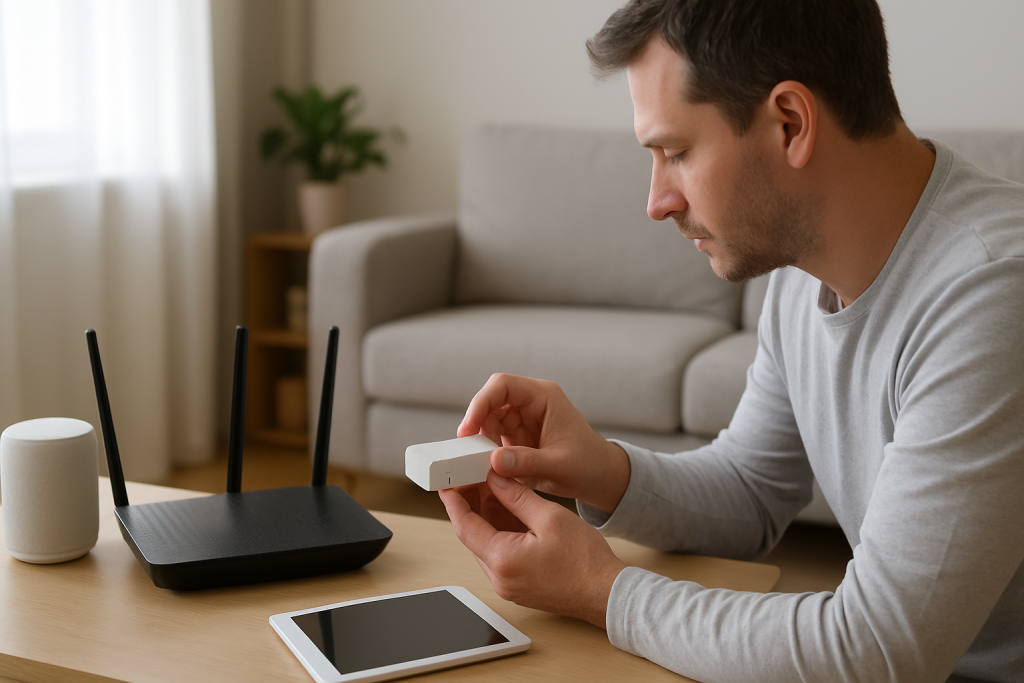
Learn what firewall device isolation is, why it blocks smart home devices, and practical checks and fixes to restore connectivity.
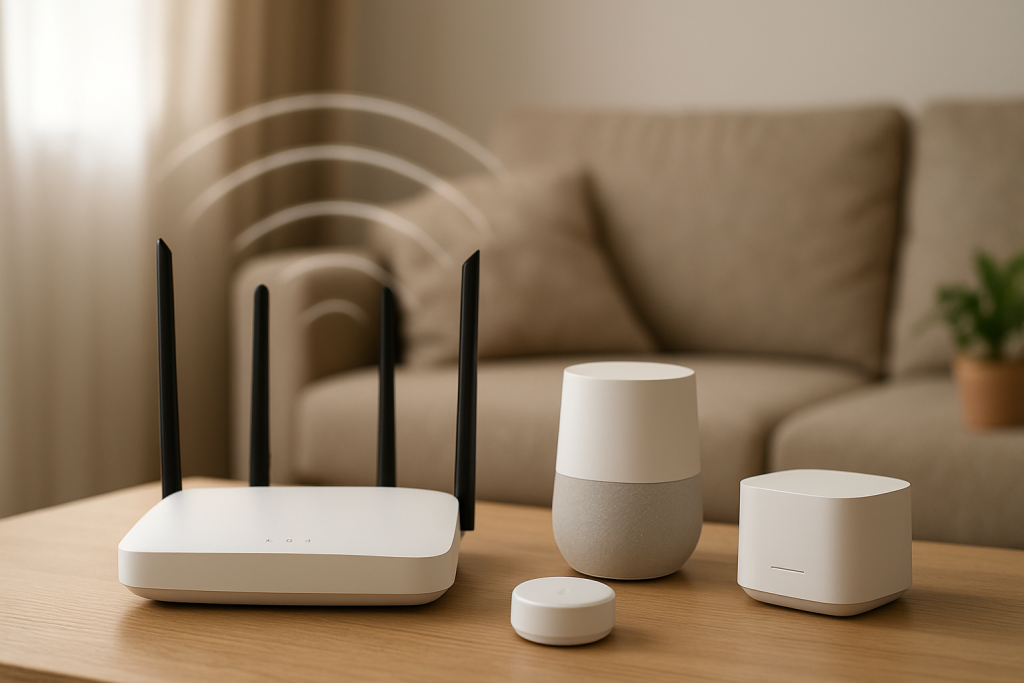
If smart devices join guest WiFi but fail to work, network isolation is likely blocking device communication. Learn what to check and simple fixes to try.
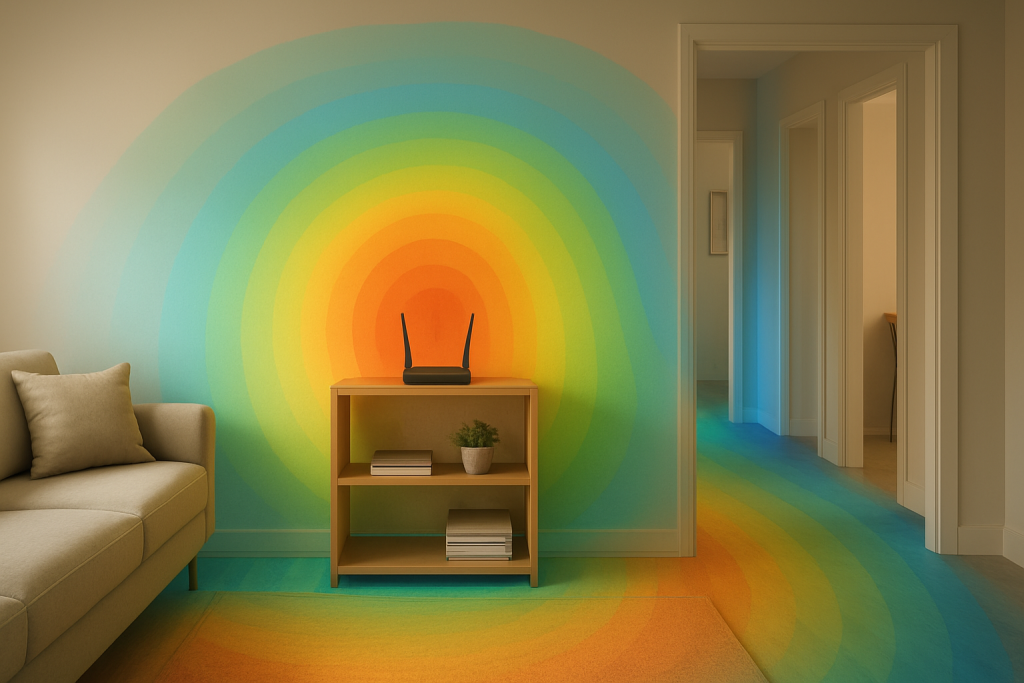
Learn common causes of WiFi that is strong near the router but weak in other rooms and practical fixes to improve coverage and speed throughout your home.
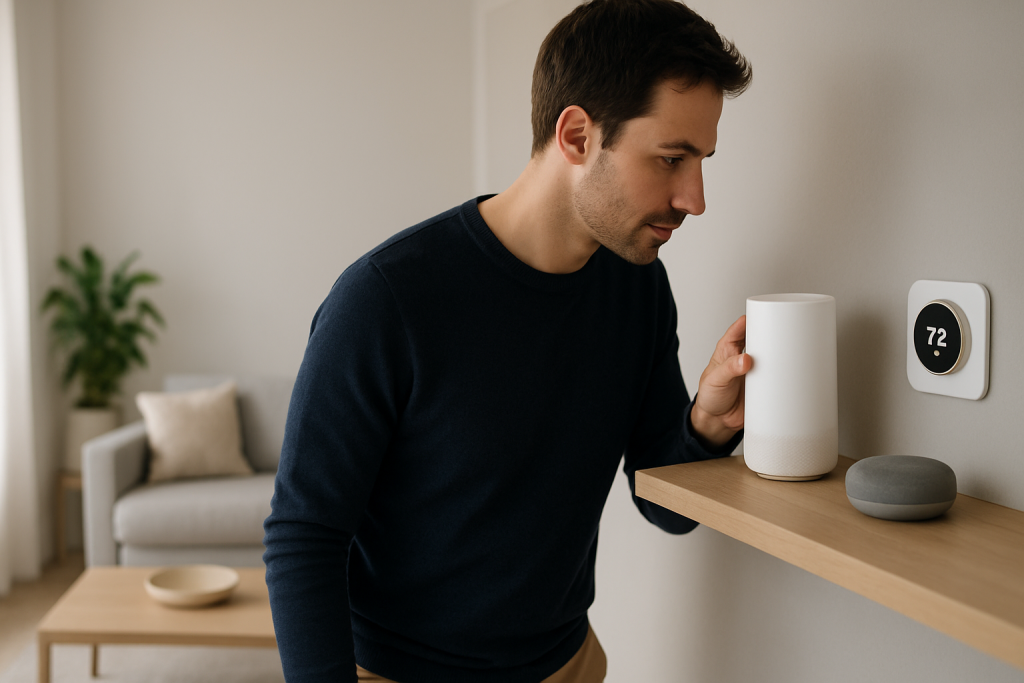
Learn common causes and practical fixes when smart devices disconnect after switching between mesh WiFi nodes. Step-by-step checks to improve roaming stability and device connectivity.