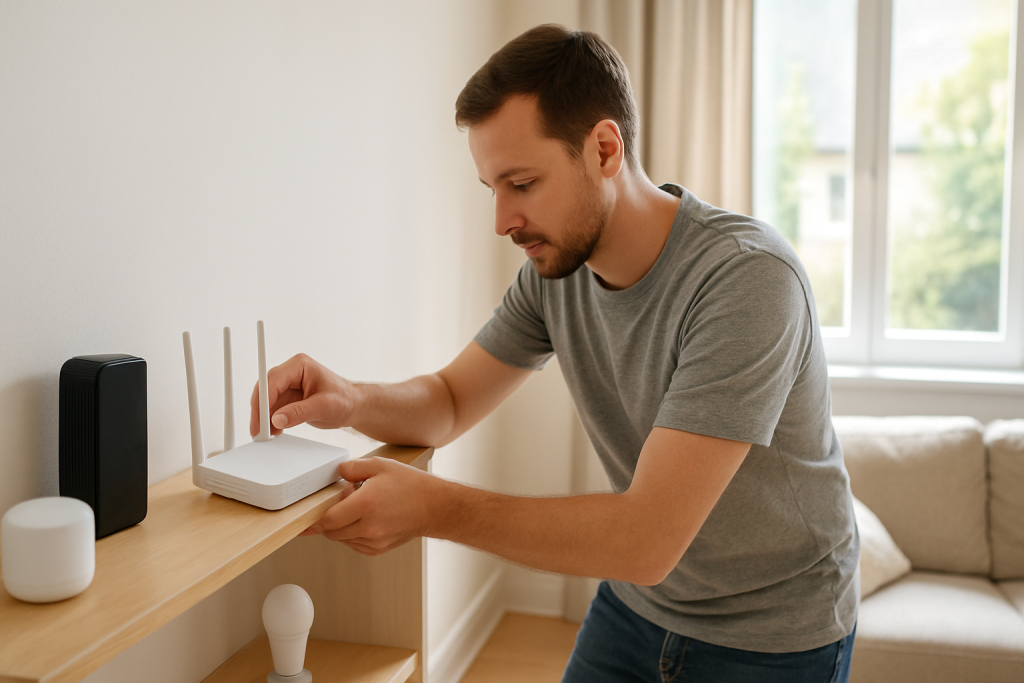
Learn why double NAT happens when both your ISP modem and router assign IPs and how to resolve conflicts so smart devices connect reliably.
Learn why double NAT happens when both your ISP modem and router assign IPs and how to resolve conflicts so smart devices connect reliably.
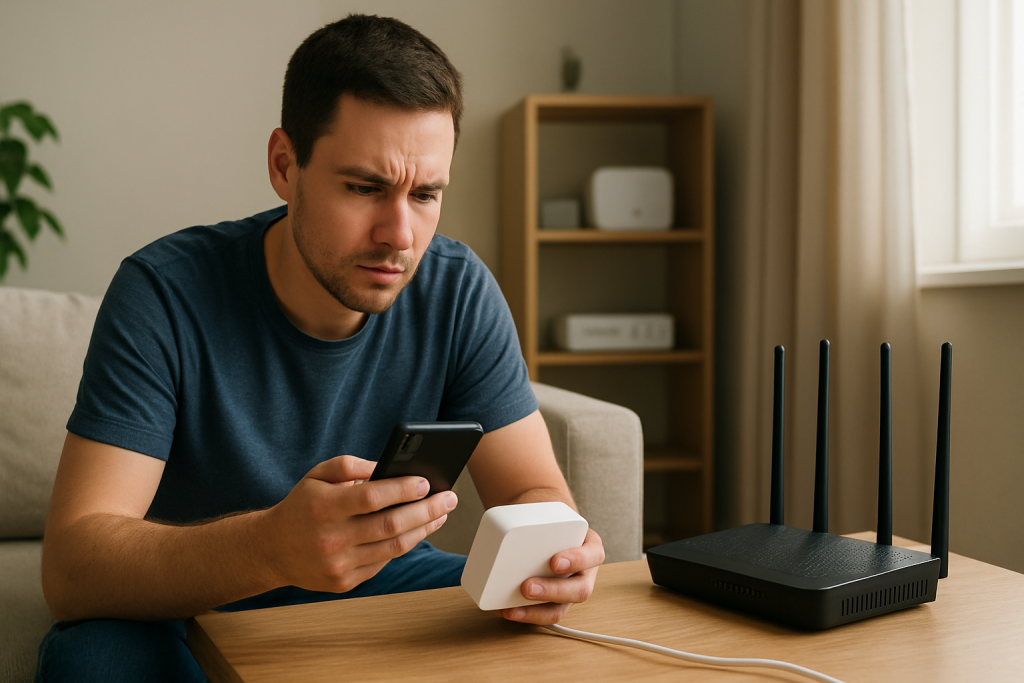
If your smart device setup times out during WiFi pairing, check DHCP, signal strength, router settings, and device modes. Follow practical steps to resolve timeouts and complete setup.
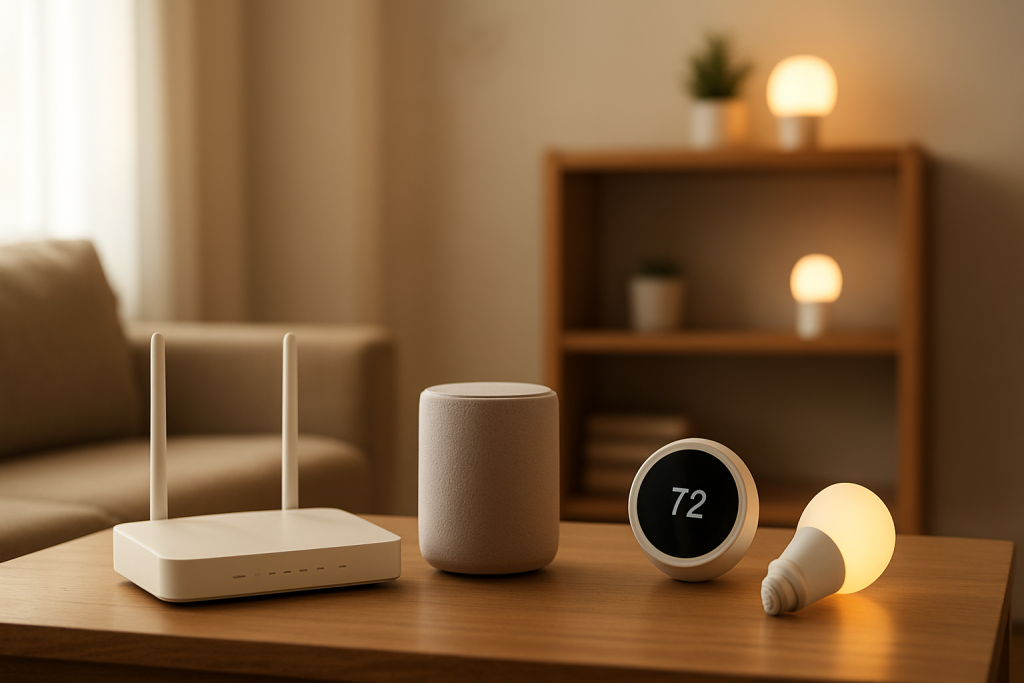
Troubleshoot unstable band steering that causes WiFi to switch bands and disconnect smart devices. Learn what to check and practical fixes to stabilize connections.
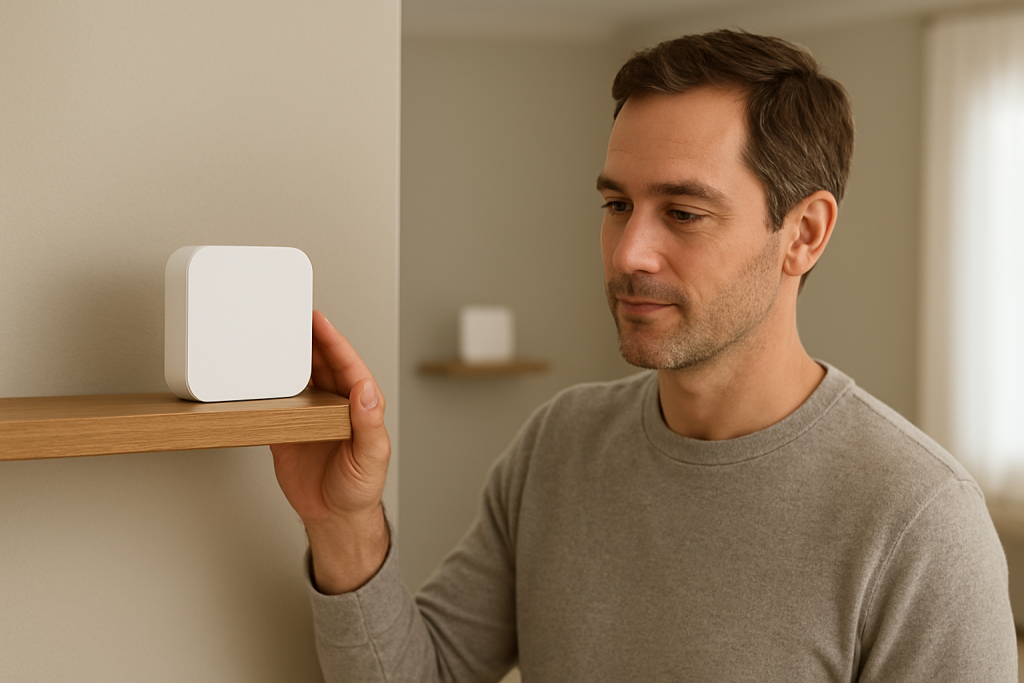
If a mesh node appears online but doesnt boost coverage, check backhaul stability, node placement, channel congestion, and firmware or configuration issues to restore performance.
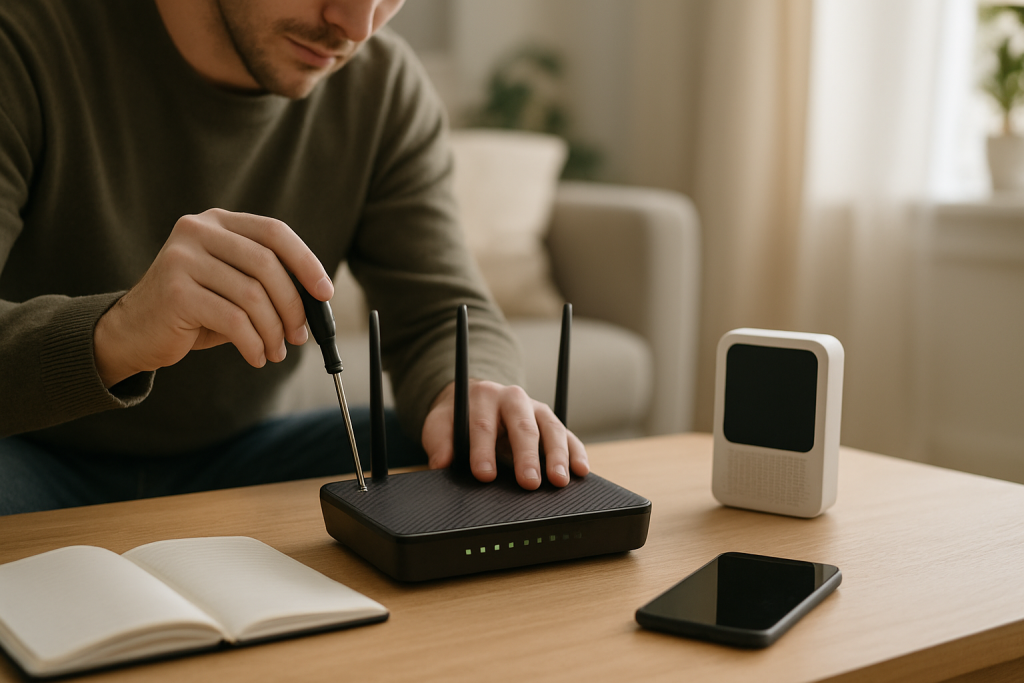
Troubleshoot pairing failures caused by a hidden WiFi SSID. Learn what to check, simple fixes to try, and how to complete smart device setup.
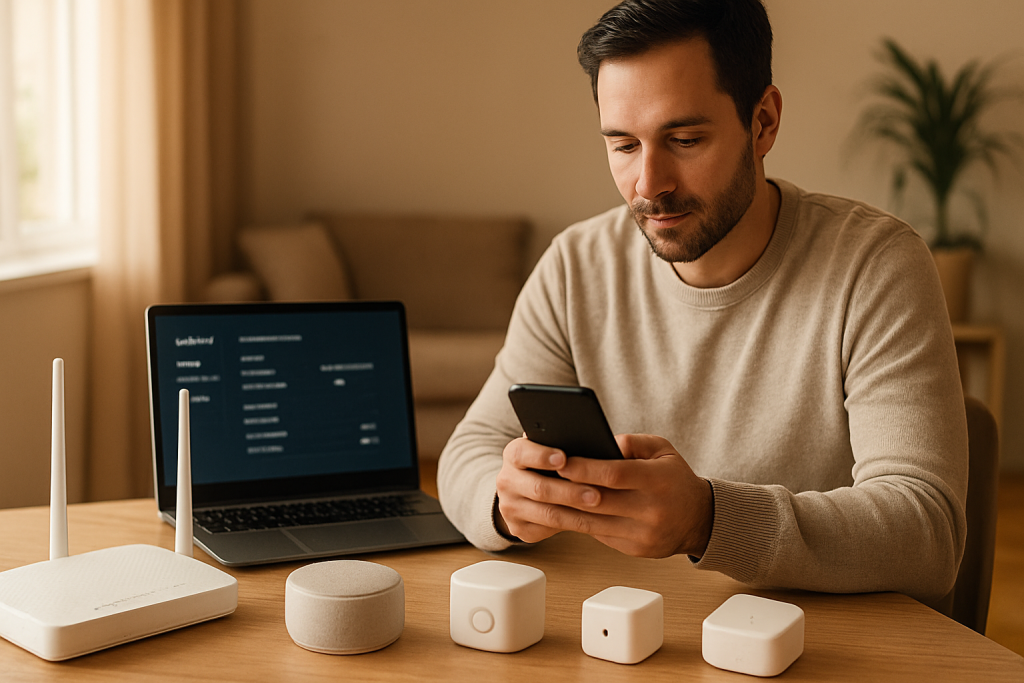
Learn common causes and practical fixes when smart devices won’t connect after enabling WPA3. Steps include checking router settings, firmware, and device compatibility.
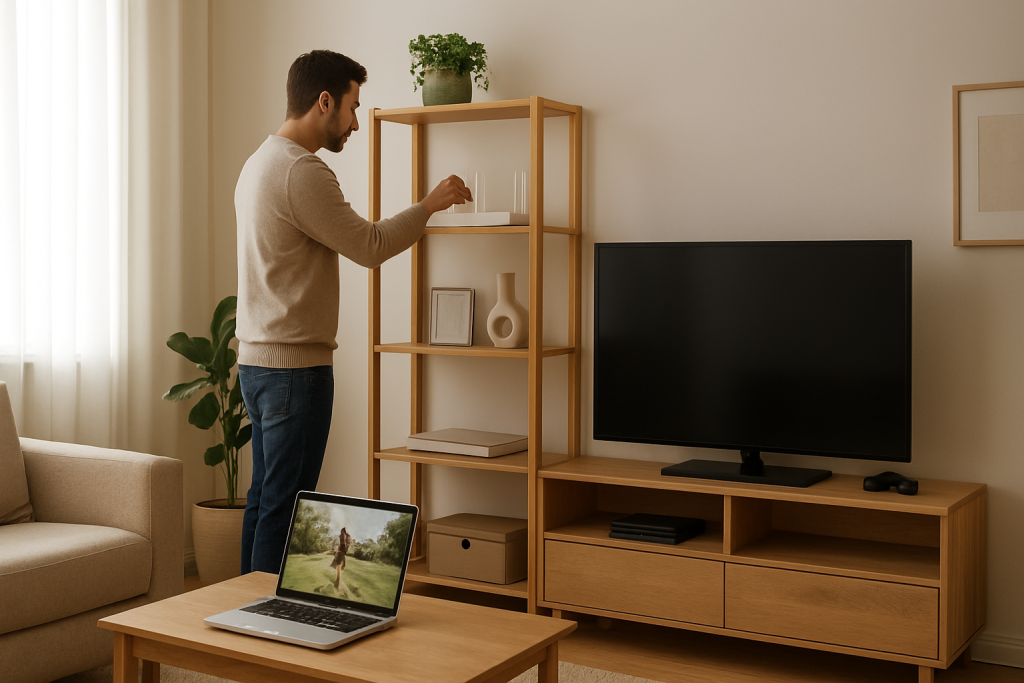
Learn why WiFi drops happen only during streaming or gaming when QoS bandwidth is saturated and what checks and fixes to try to restore stable performance.
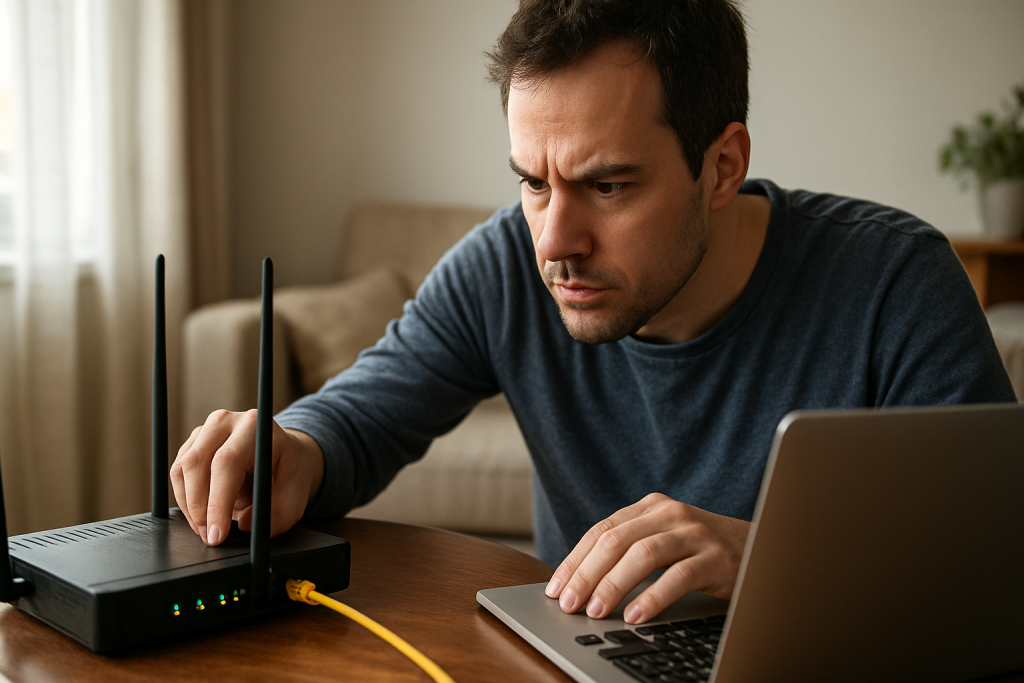
If one device is connected to WiFi but websites will not load, an IP address conflict may be the cause. Learn what to check and step-by-step fixes to restore connectivity.
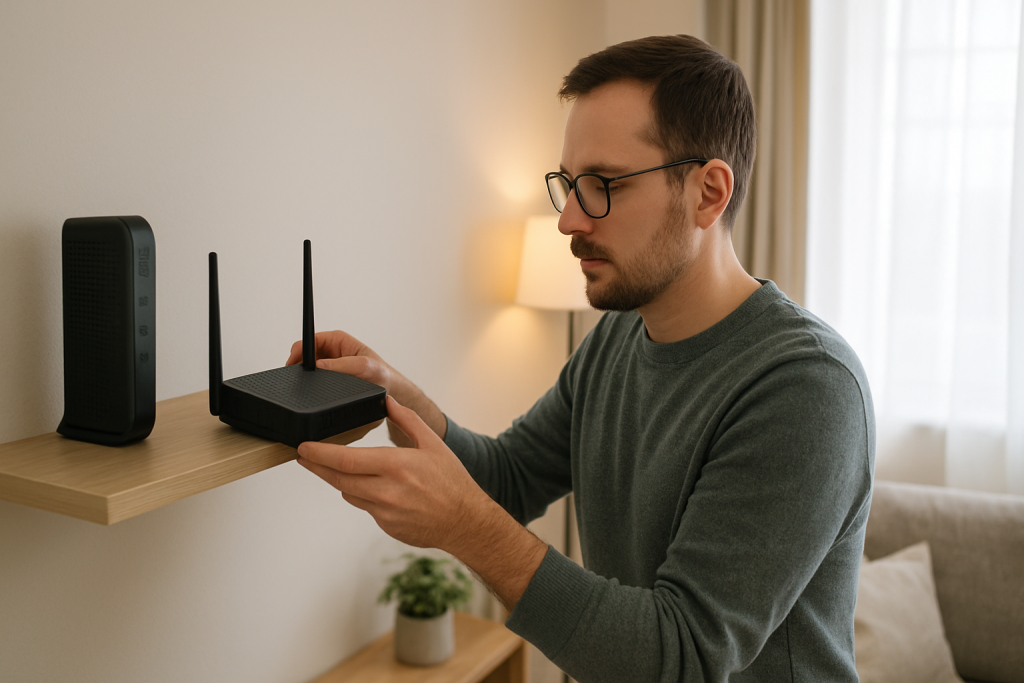
Learn common DNS misconfiguration causes from ISPs that make smart home devices lose connectivity and practical steps to restore service and stability.

Learn why WiFi keeps asking you to sign in and how to stop captive portal loops. Practical steps to diagnose network, browser, and device settings and fixes to try.