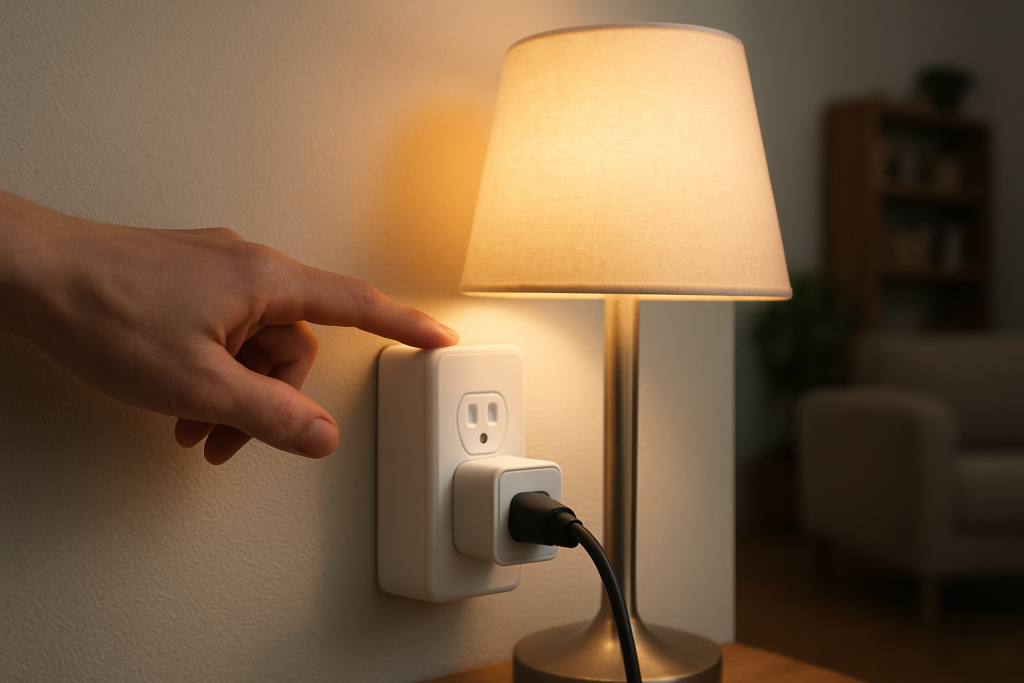
Understand why a smart plug may feel warm during use, what levels of heat are normal, and clear steps to check load, ventilation, and when to stop using it.
Understand why a smart plug may feel warm during use, what levels of heat are normal, and clear steps to check load, ventilation, and when to stop using it.
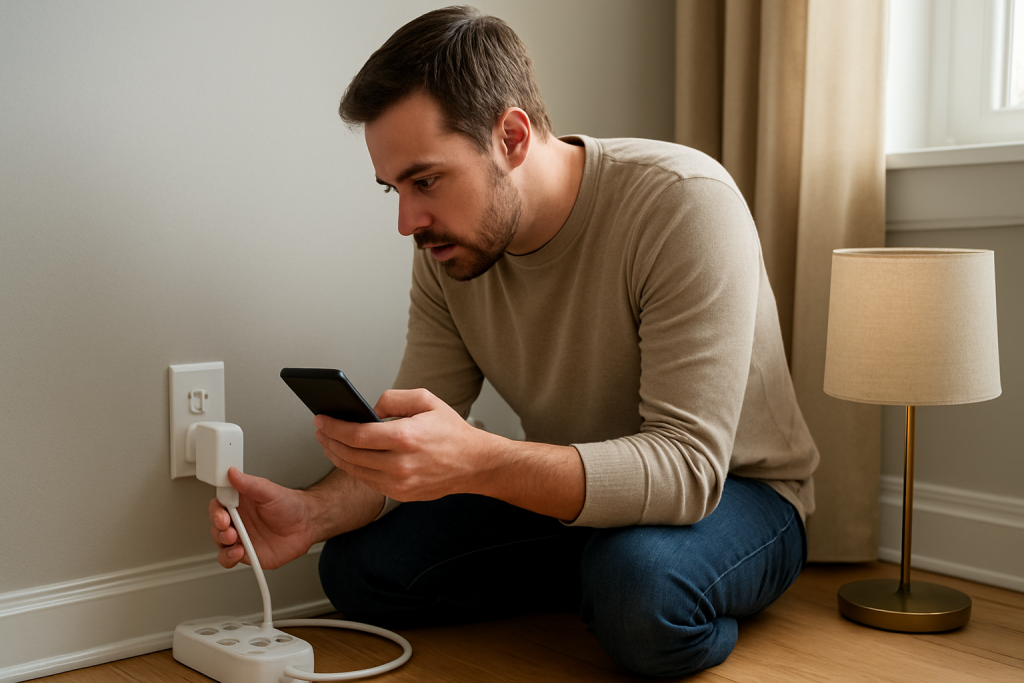
Troubleshoot energy data that won’t refresh in your smart plug app. Learn what to check and fixes to try for sync, firmware, and cloud delay issues.
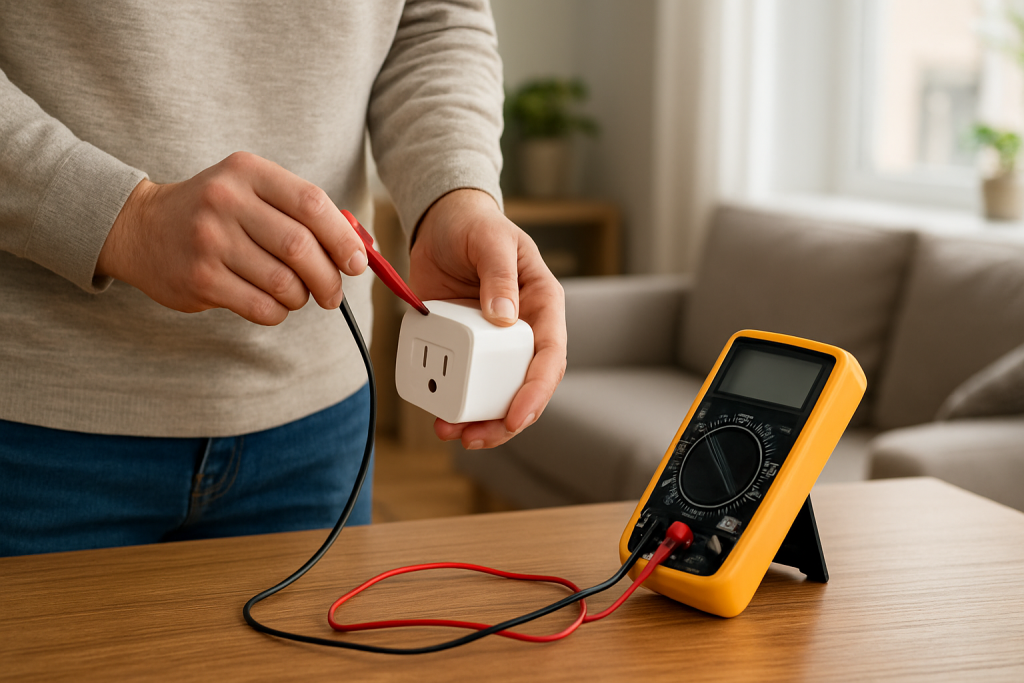
Practical steps to diagnose why a smart plug shows wrong energy use. Learn what to check first including wiring, load type, calibration, and device limits.
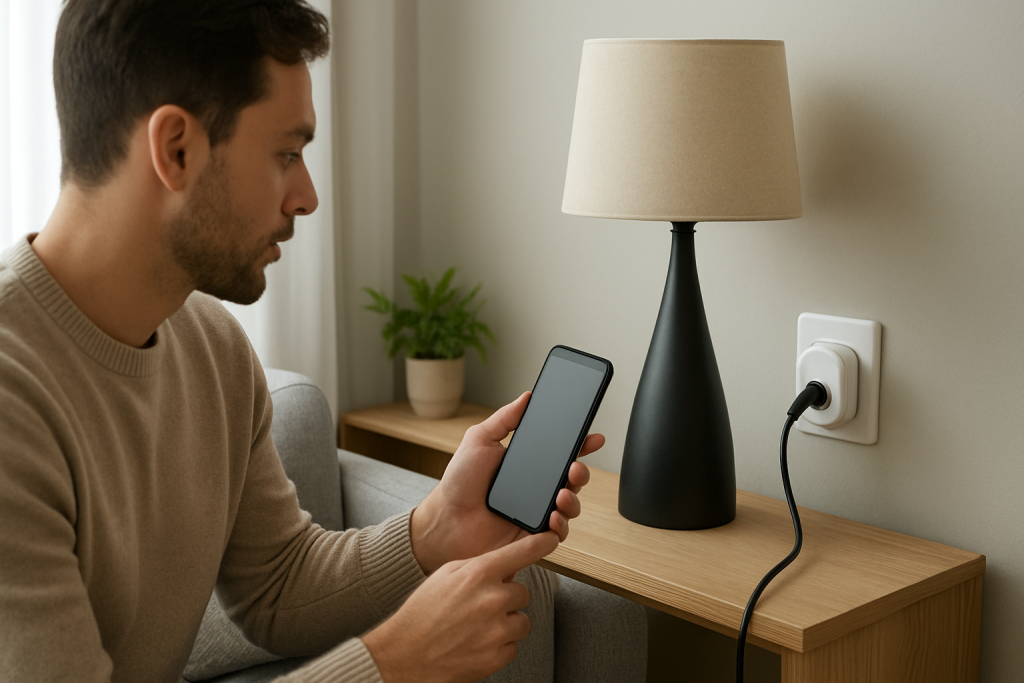
If your smart plug repeatedly loses its name or room, this guide shows practical checks and fixes to restore device metadata and keep it synced.
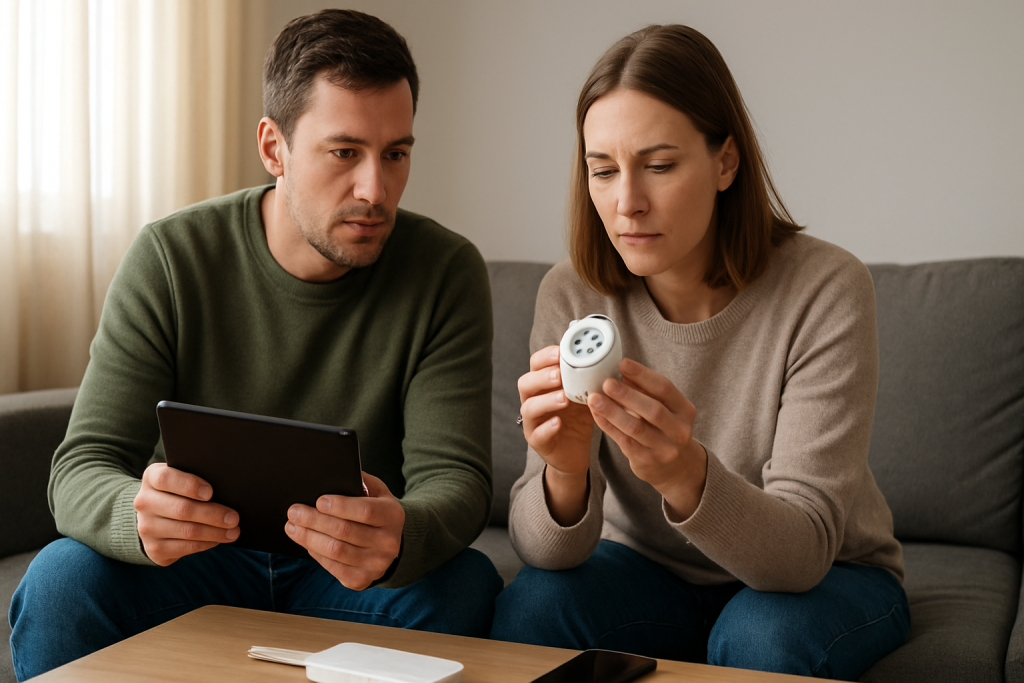
Learn common causes and practical fixes for smart plug sharing and account sync problems so multiple users can control the device again.
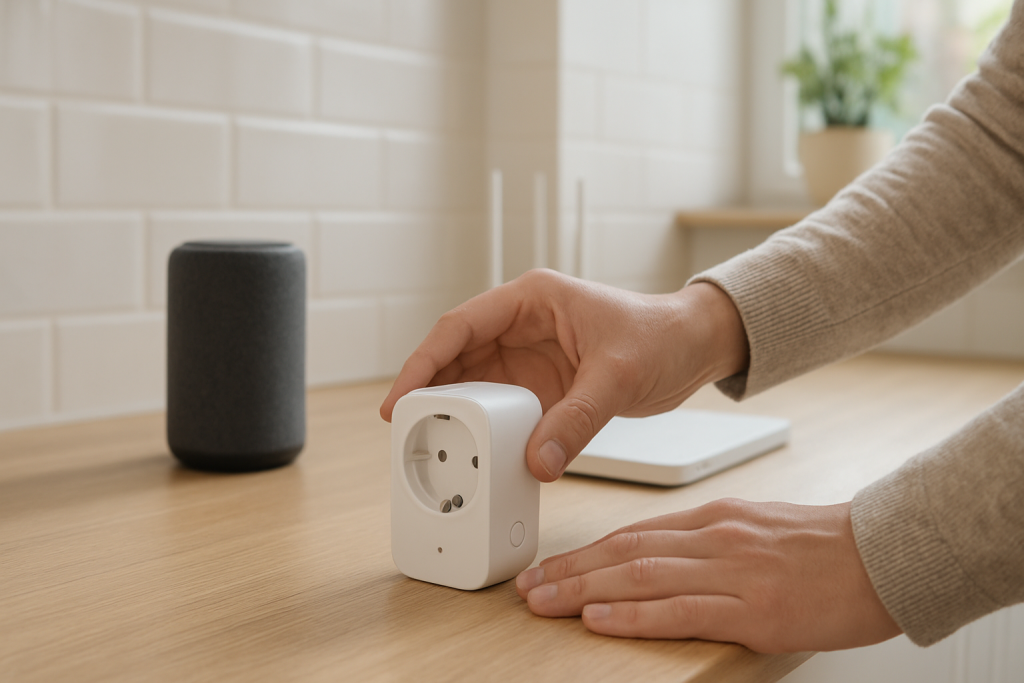
Practical steps to fix a smart plug not appearing in Alexa. Learn common discovery failure causes, account link checks, and network fixes to try.
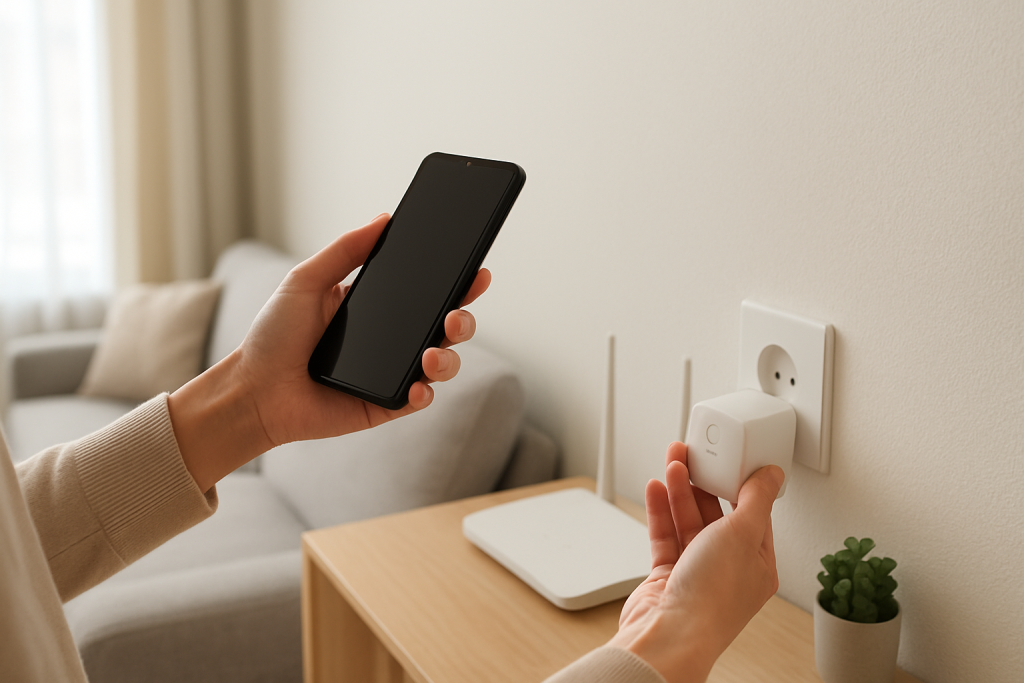
If your smart plug doesn’t appear in Google Home, follow simple checks and fixes to restore device discovery and sync without losing settings.
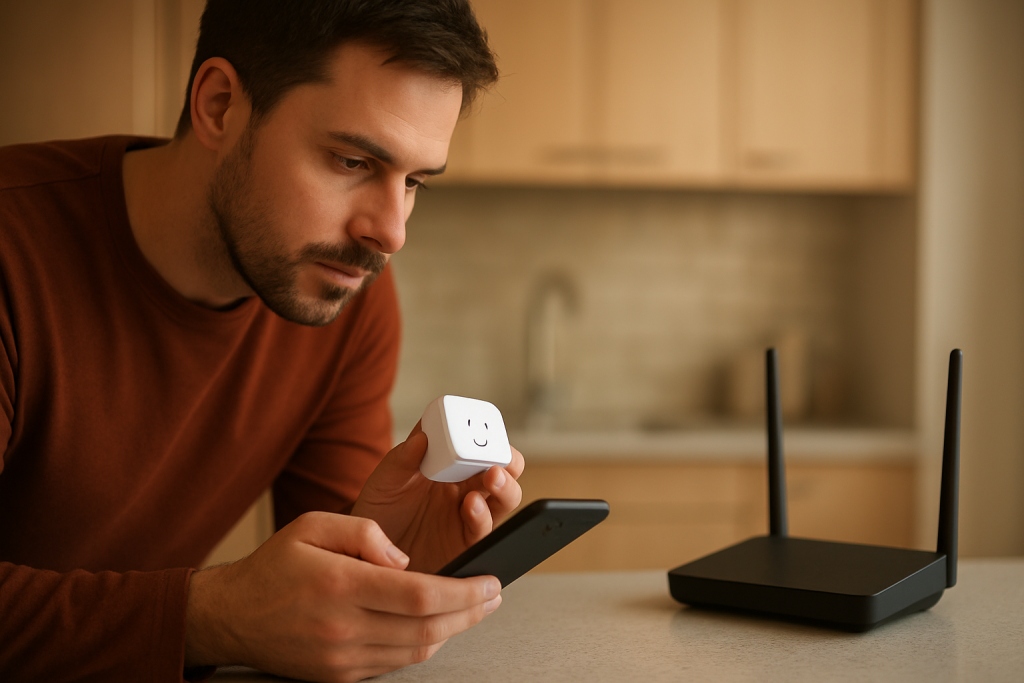
Learn common causes of smart plug firmware update failures and safe checks to retry updates. Practical steps to inspect connectivity, power, and reset options.
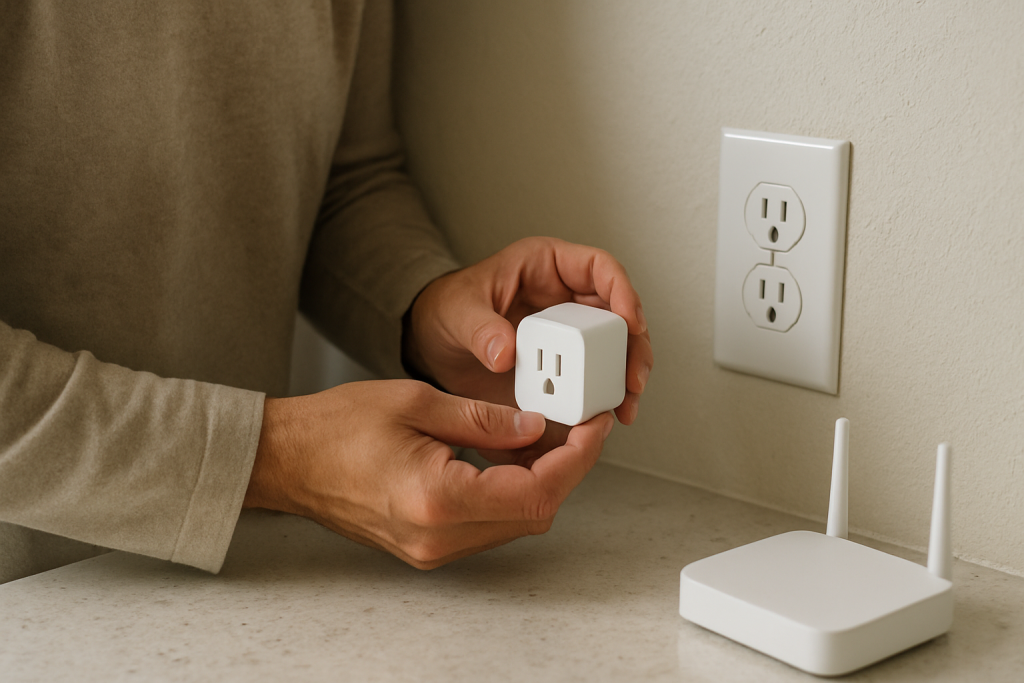
If your smart plug firmware update is stuck, follow clear steps to diagnose causes and safely recover the device. Includes power, network, and reset checks.
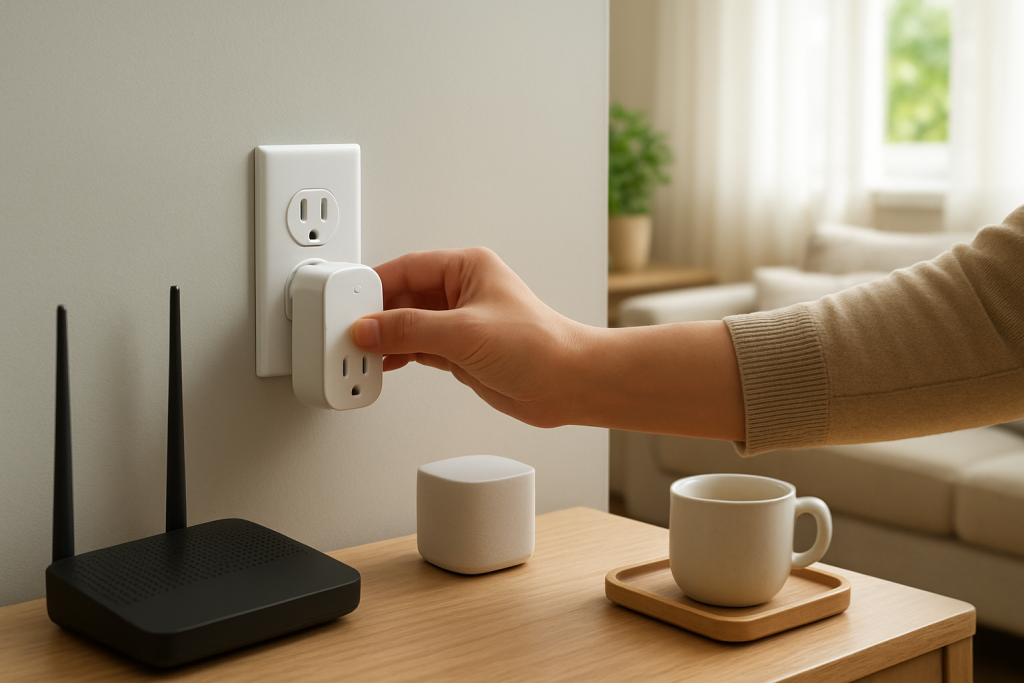
If your smart plug went offline after a power outage, this guide explains common causes like reboot order and wifi recovery and practical fixes to try.