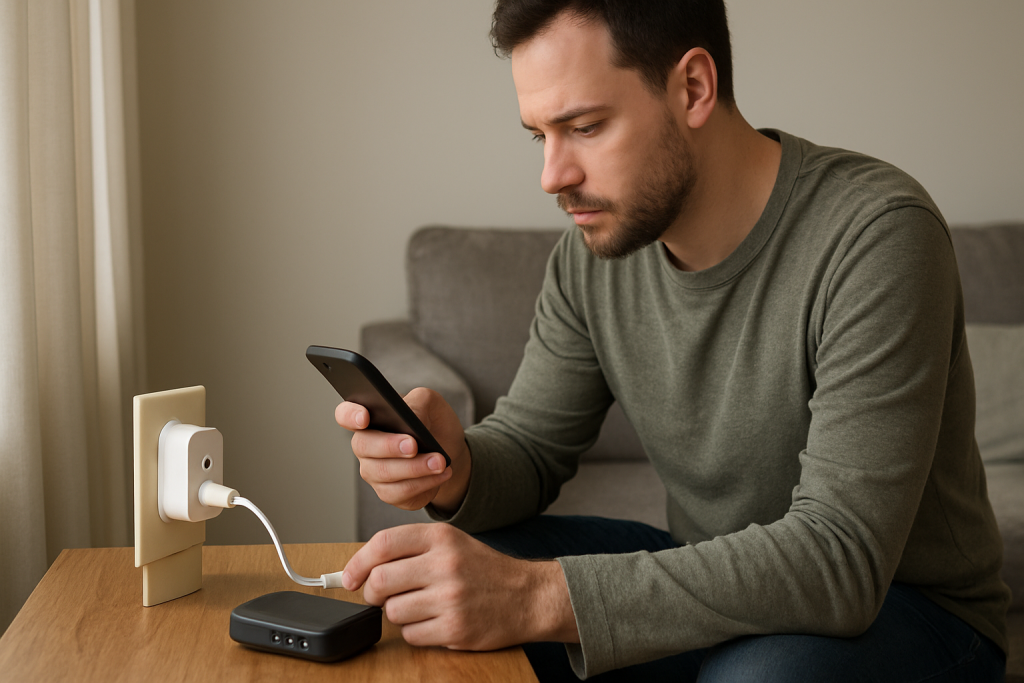
If your smart plug fails to reconnect after a router reboot, check DHCP settings, Wi‑Fi recovery timing, and power cycling steps to restore connection.
If your smart plug fails to reconnect after a router reboot, check DHCP settings, Wi‑Fi recovery timing, and power cycling steps to restore connection.
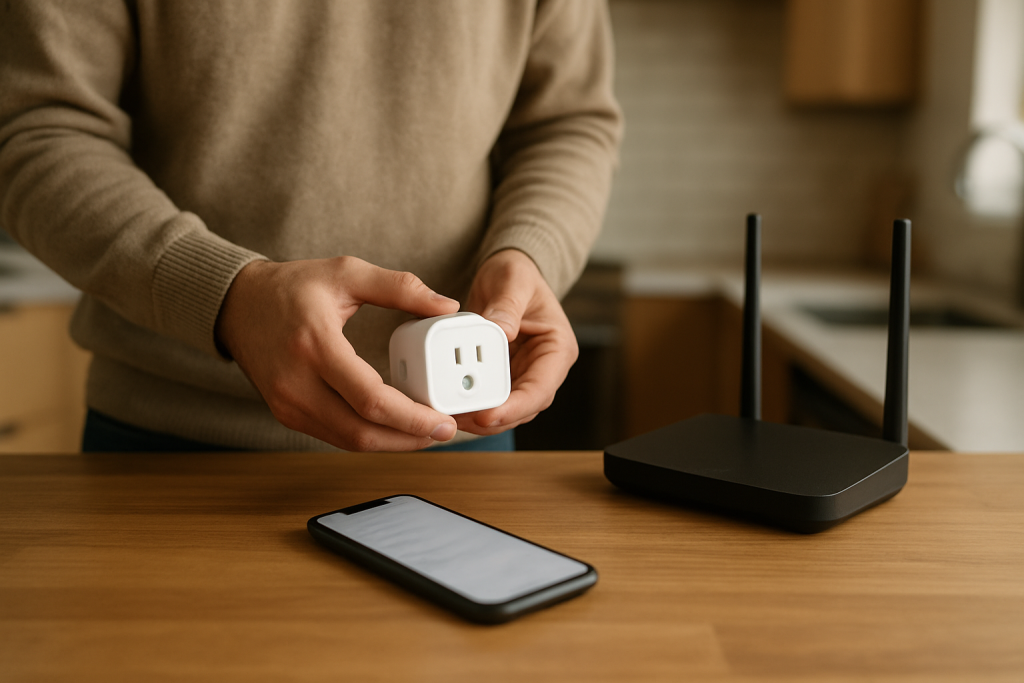
If a smart plug appears offline in the Home app it may be a sync issue not a device failure. Learn what to check and simple fixes to get it back online.
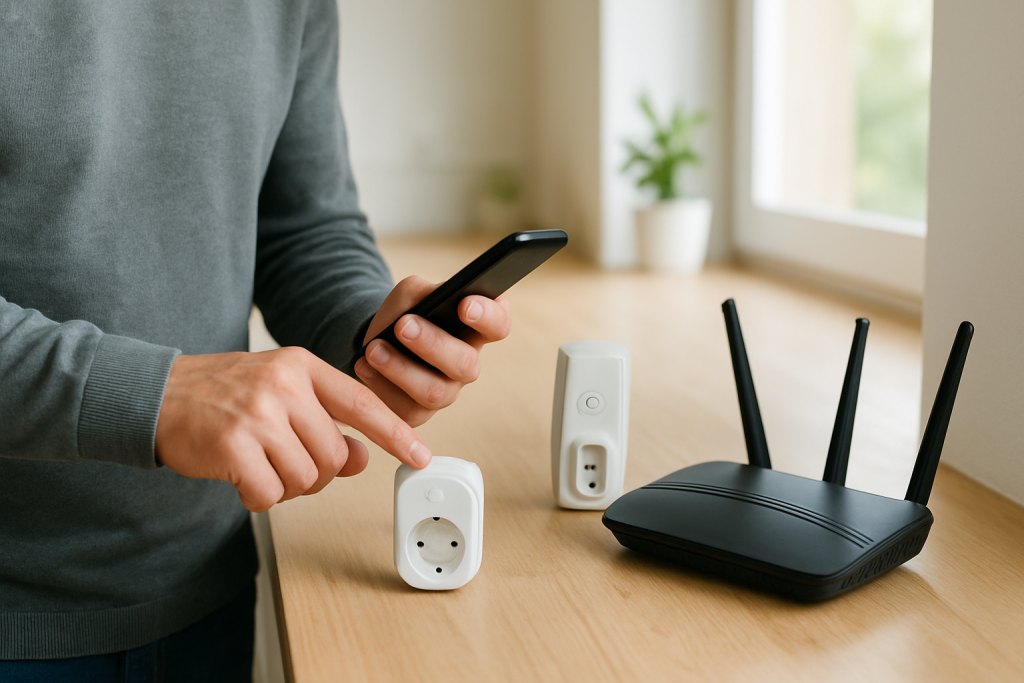
Learn why your smart plug responds slowly and what to check to speed it up. Covers WiFi latency, cloud delays, app sync, and simple fixes to try.
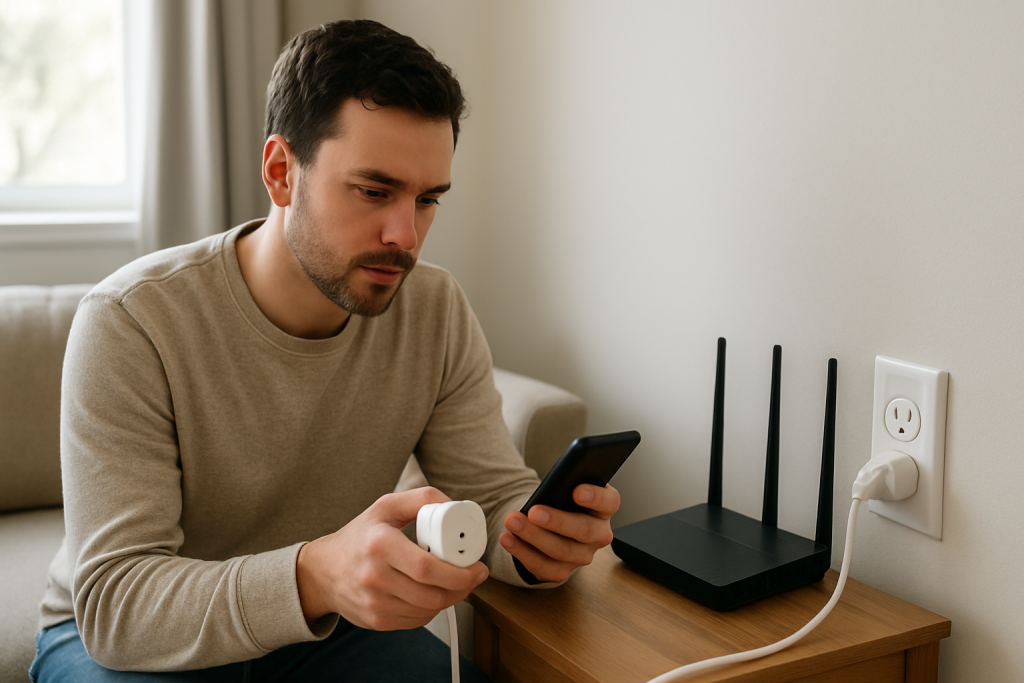
If your smart plug automation never runs, check app conditions, cloud versus local state, and connectivity. Follow step-by-step checks to identify and fix common trigger failures.
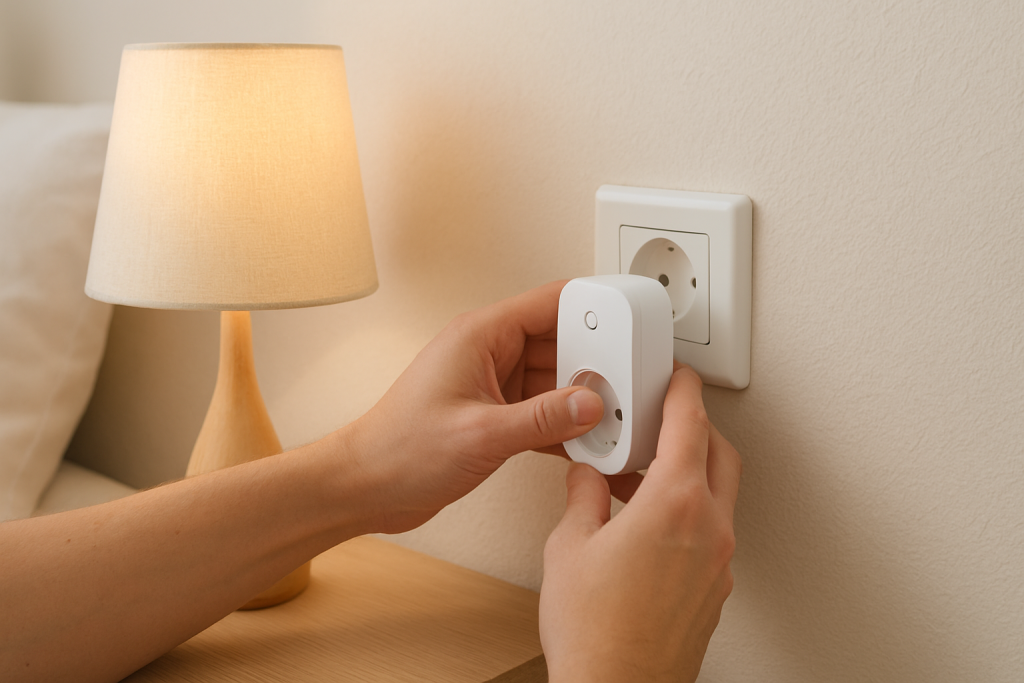
Learn how to troubleshoot a smart plug timer that runs early or late by checking device timezone, app rules, and firmware to correct timing drift.
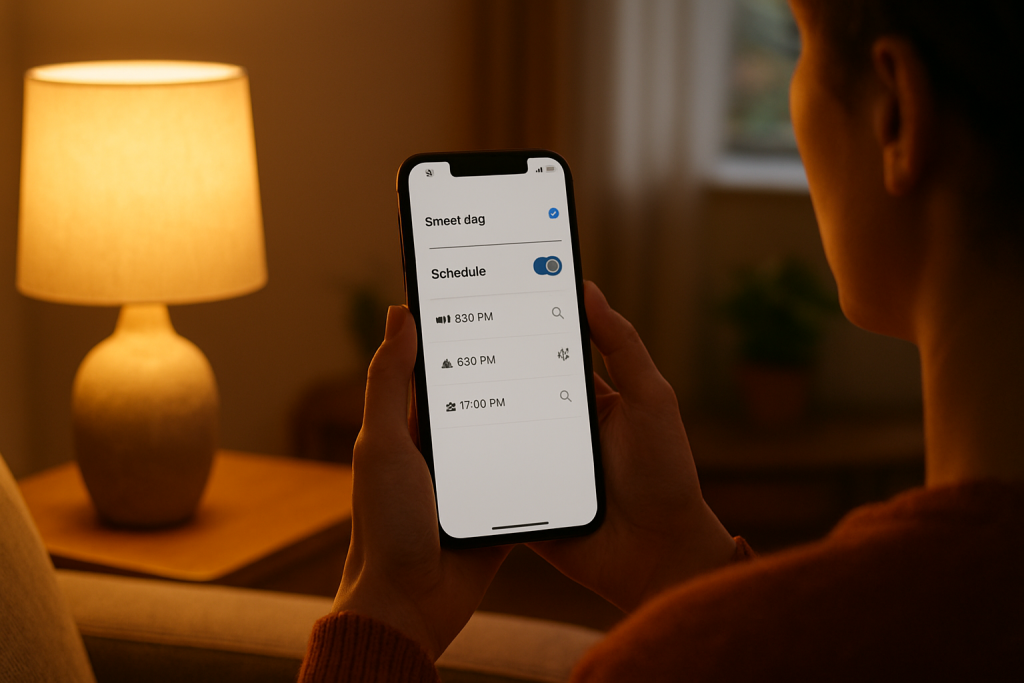
Troubleshoot a smart plug sunrise sunset schedule that is not triggering. Learn what to check for timezone settings, location permissions, and cloud sync fixes to restore automation.
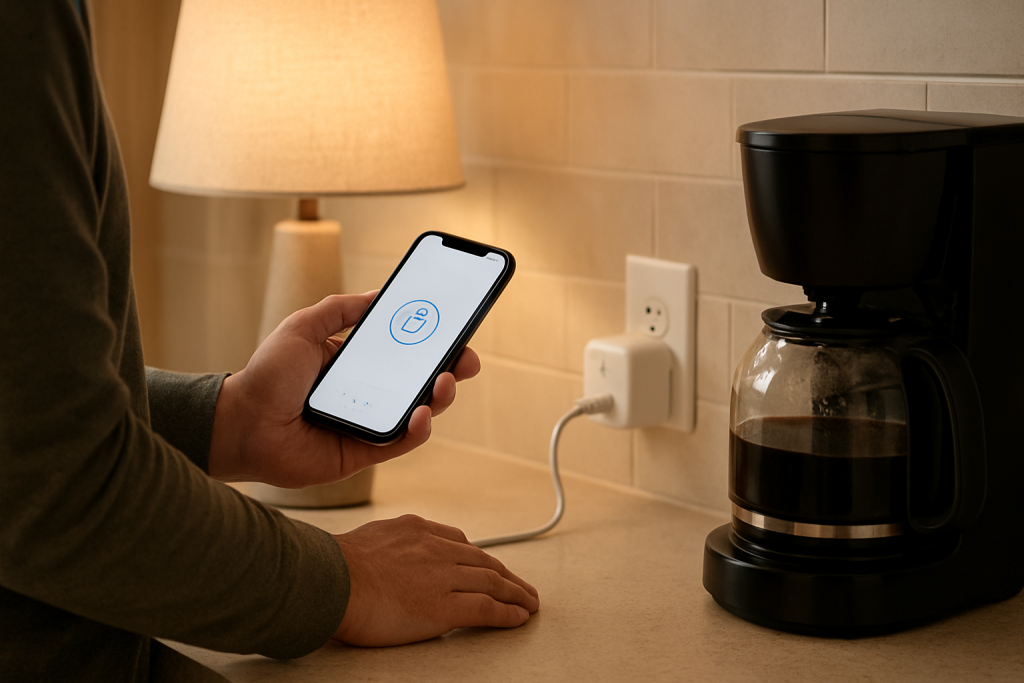
Learn why a smart plug schedule may work only sometimes and what to check, including sync delays, app conflicts, connectivity, and power issues.
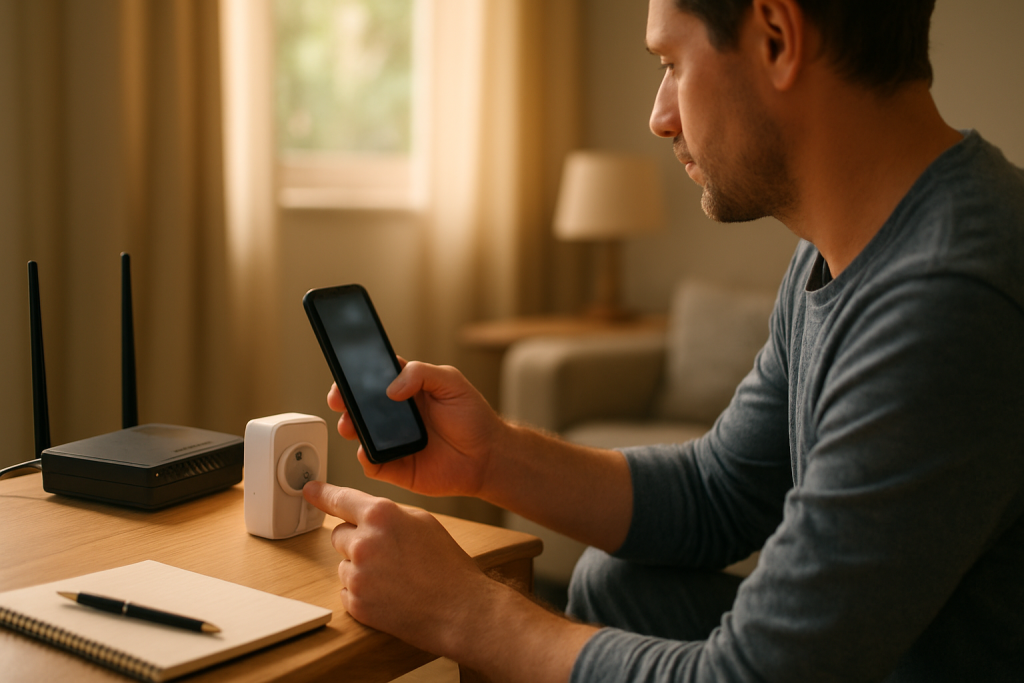
If your smart plug is not following its schedule, check time synchronization, app cloud status, and connectivity. This guide shows practical checks and fixes to try first.
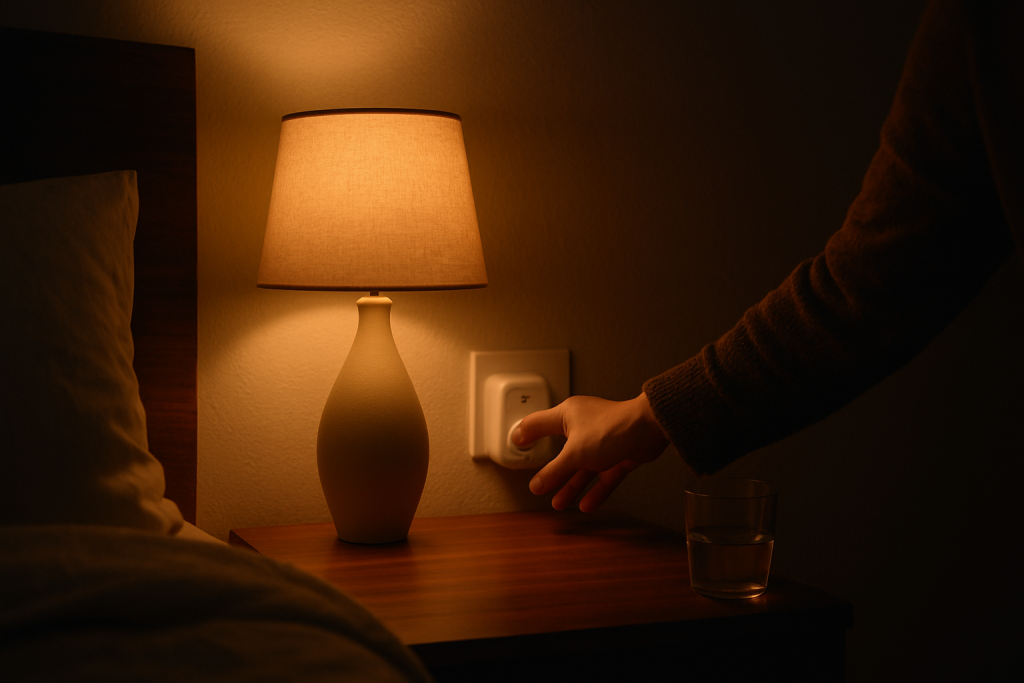
Learn common reasons a smart plug activates at night and practical checks and fixes to stop it, including schedule review, routine conflicts, and power reset steps.
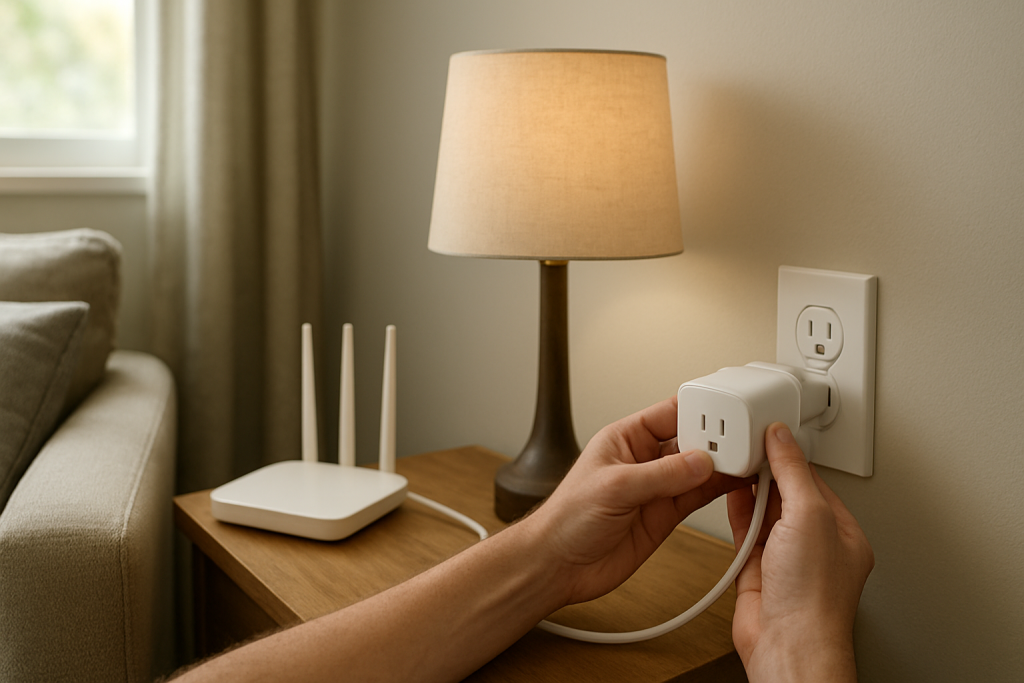
If your smart plug keeps turning off by itself, start by checking schedules and automations, then inspect power and Wi‑Fi stability for common causes and fixes to try.