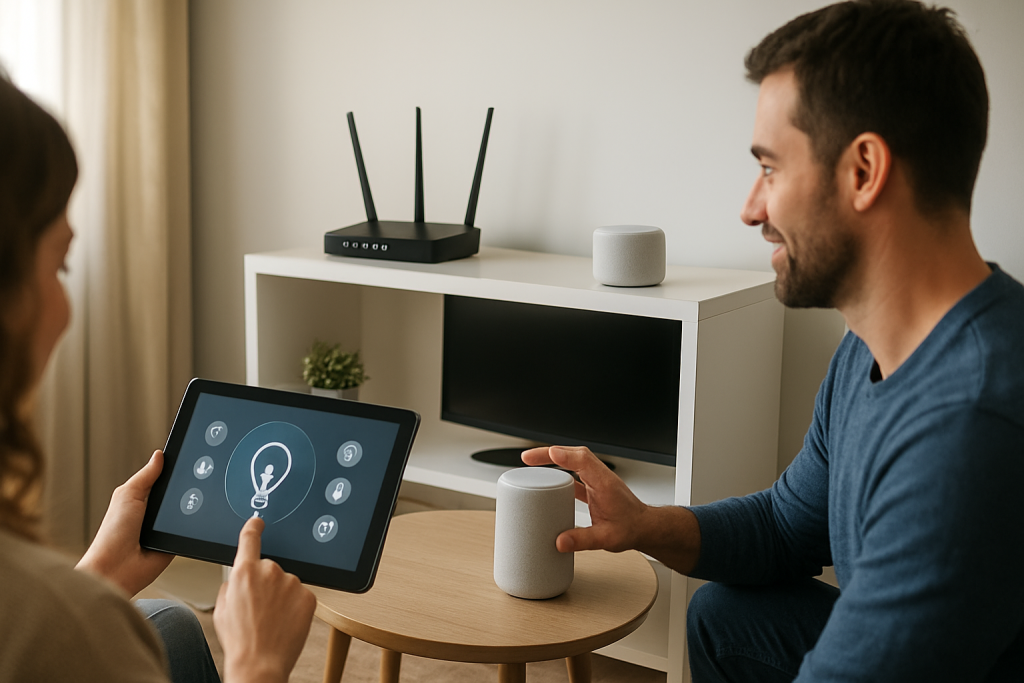
If your speed test is great but smart devices lag, bufferbloat may be causing latency spikes. Learn what to check and simple fixes to reduce lag.
If your speed test is great but smart devices lag, bufferbloat may be causing latency spikes. Learn what to check and simple fixes to reduce lag.
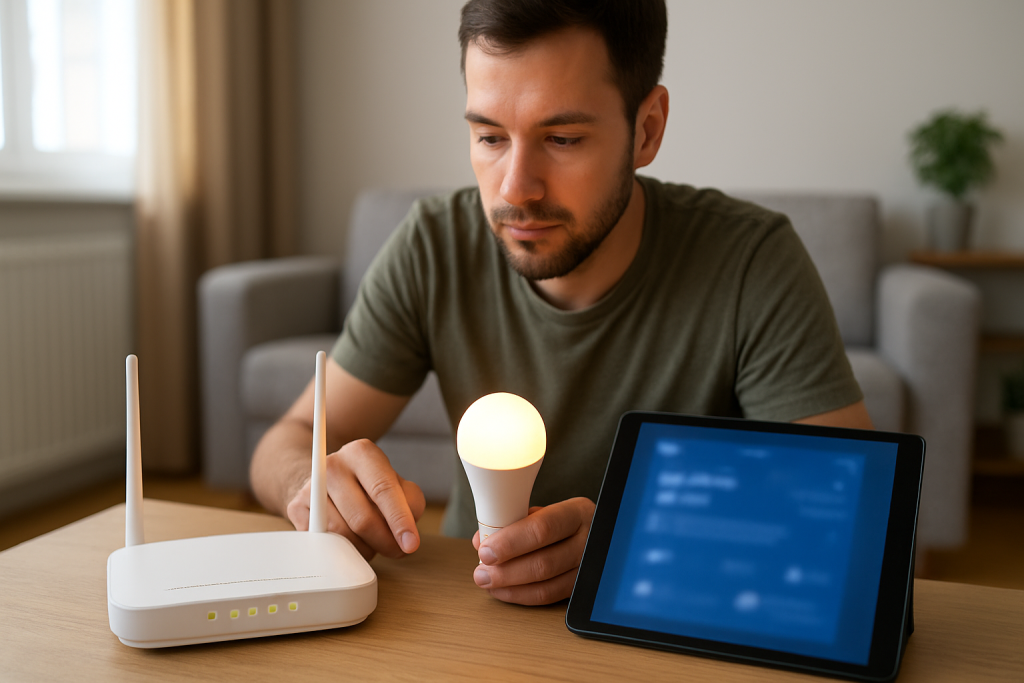
If smart devices do not reconnect after a router restart, DHCP renewal failure is a common cause. Learn practical checks and fixes to restore connectivity.
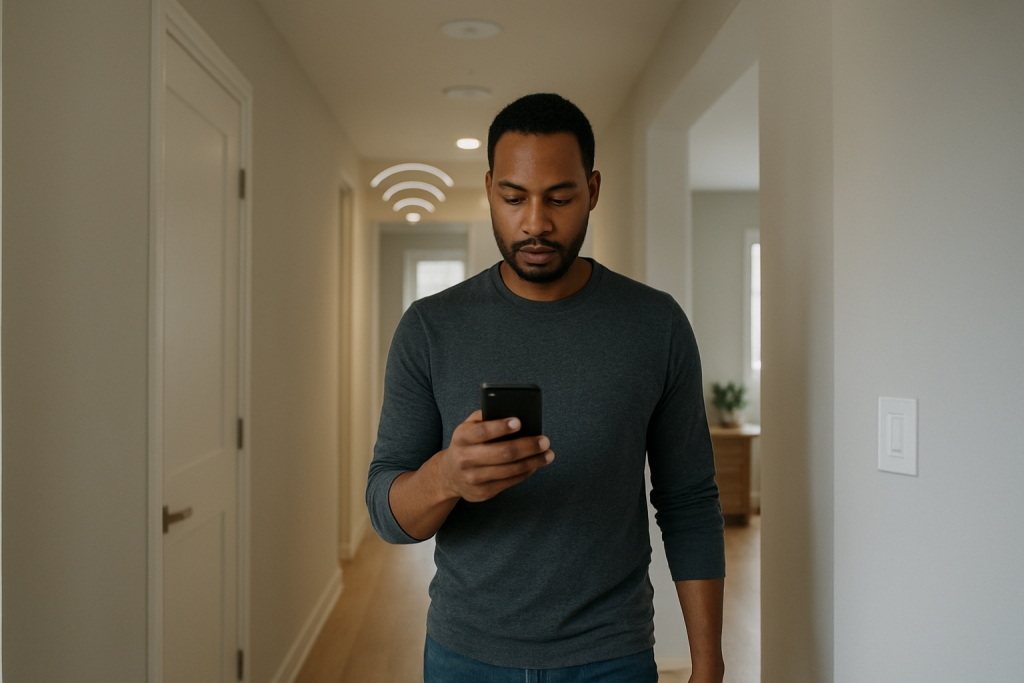
If your WiFi drops as you walk around, the roaming threshold or access point handoff may be misconfigured. Learn what to check and fixes to try to improve seamless roaming.

If smart devices act up, outdated router firmware may be the cause. Learn what to check, how to update firmware safely, and fixes to try if problems persist.
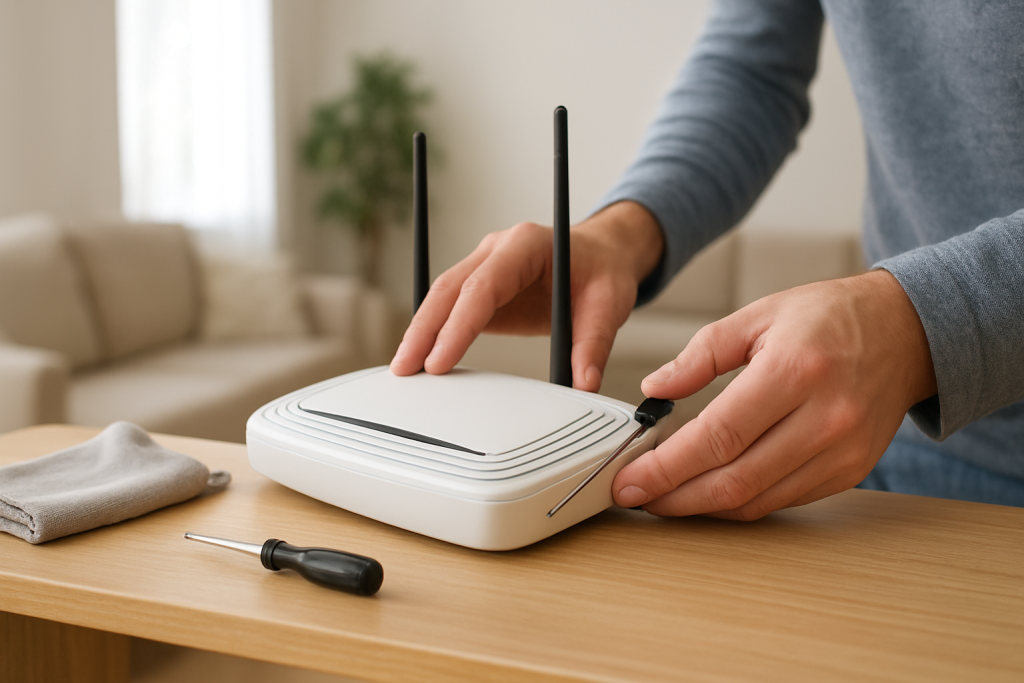
Learn what causes router overheating and WiFi drops, how to safely cool and ventilate your device, and practical fixes to prevent thermal hardware throttling.
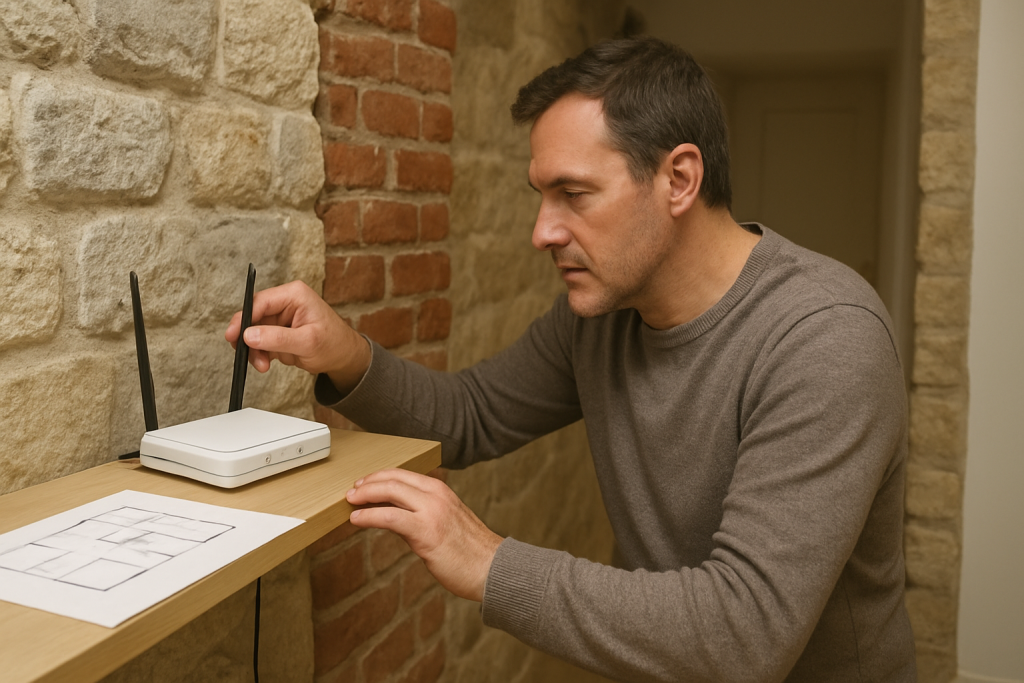
Learn practical ways to improve WiFi coverage when thick walls and dense materials block signals. What to check and fixes to try for better reach.
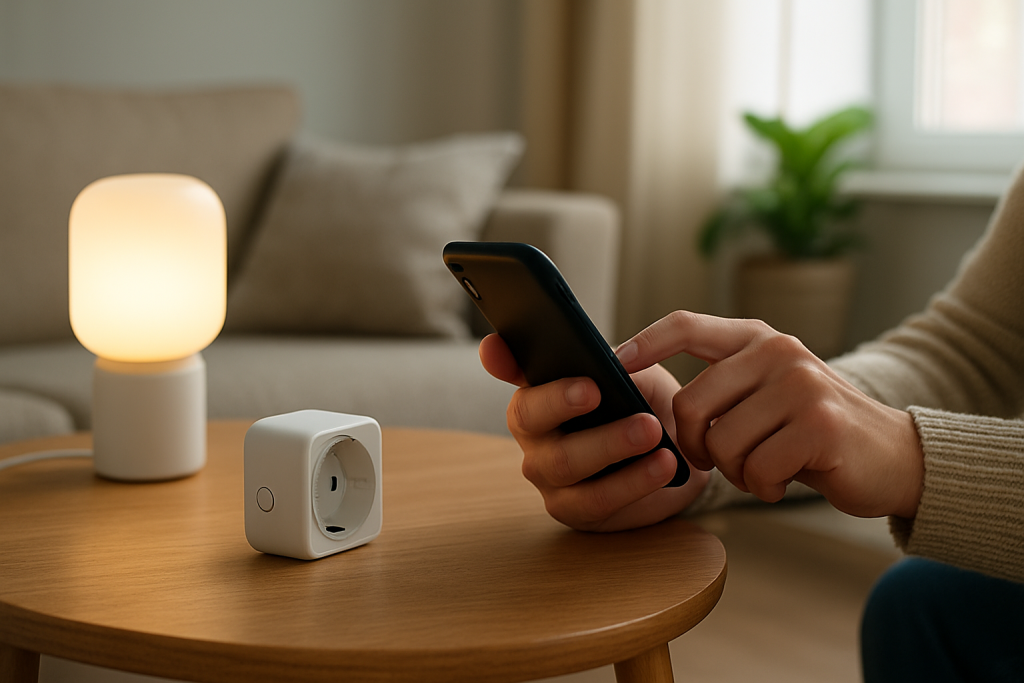
If a device works on a phone hotspot but not on your home WiFi, a router security mismatch is a common cause; learn what settings to check and fixes to try.
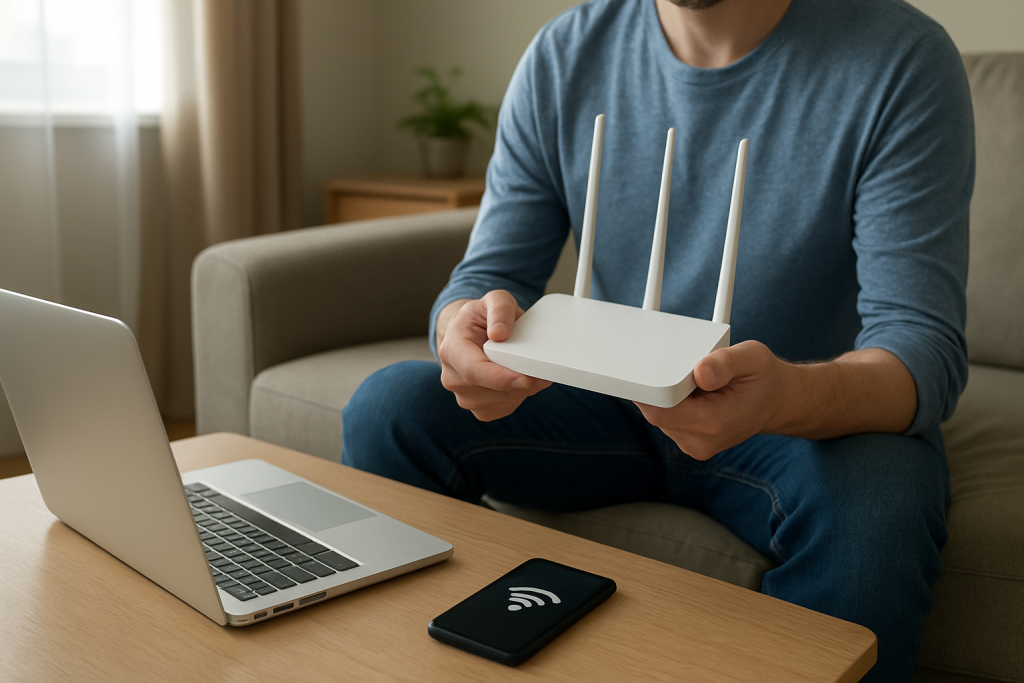
Learn why WiFi slows down every few minutes from channel congestion overlap and what to check and change to restore steady speeds.
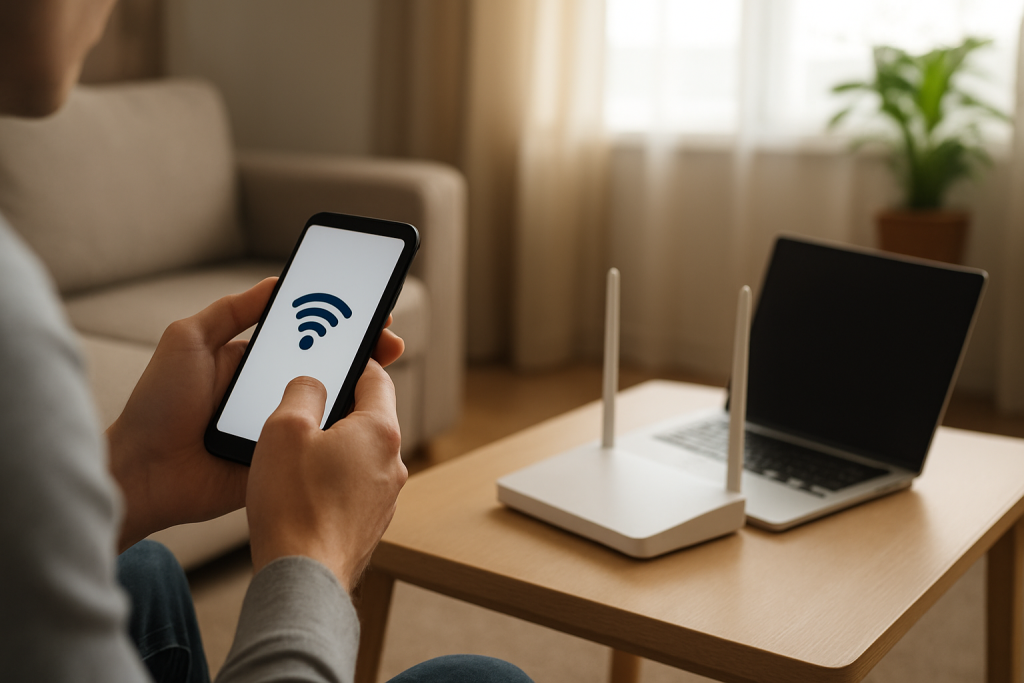
Troubleshoot a single device that lost internet after changing DNS. Learn what to check, common causes like wrong DNS settings, and steps to restore connection.
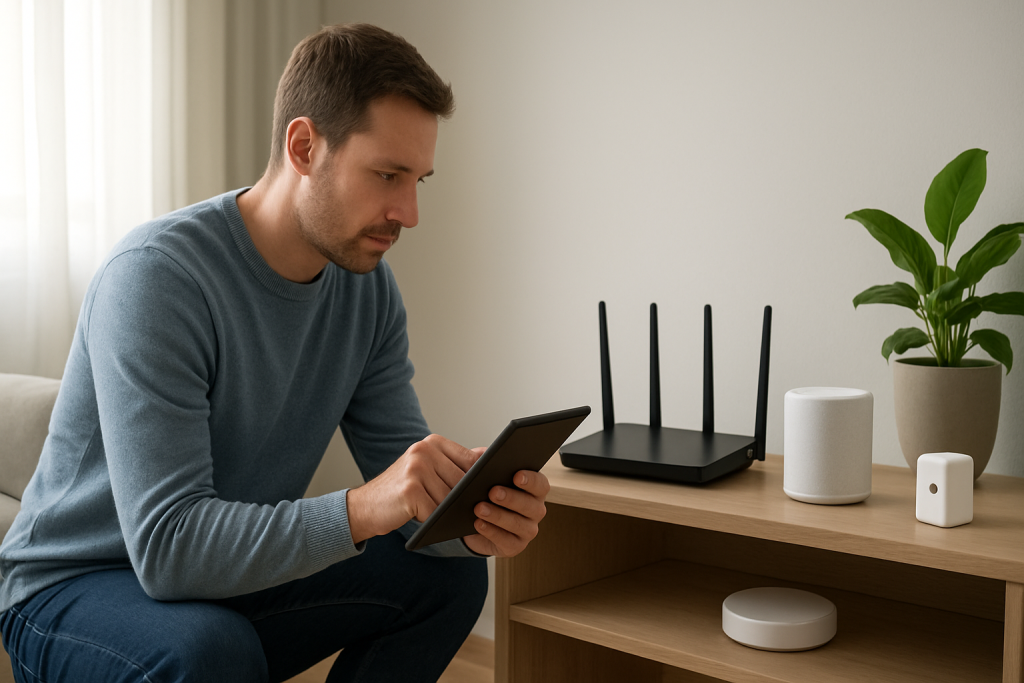
If smart devices stopped working after switching internet providers, check IP address ranges, router settings, DHCP leases, and device network configurations to restore connectivity.