If Alexa works during the day but not at night, common causes include Do Not Disturb or router settings that limit overnight connections. Learn what to check and simple fixes to try.
If Alexa works during the day but not at night, common causes include Do Not Disturb or router settings that limit overnight connections. Learn what to check and simple fixes to try.
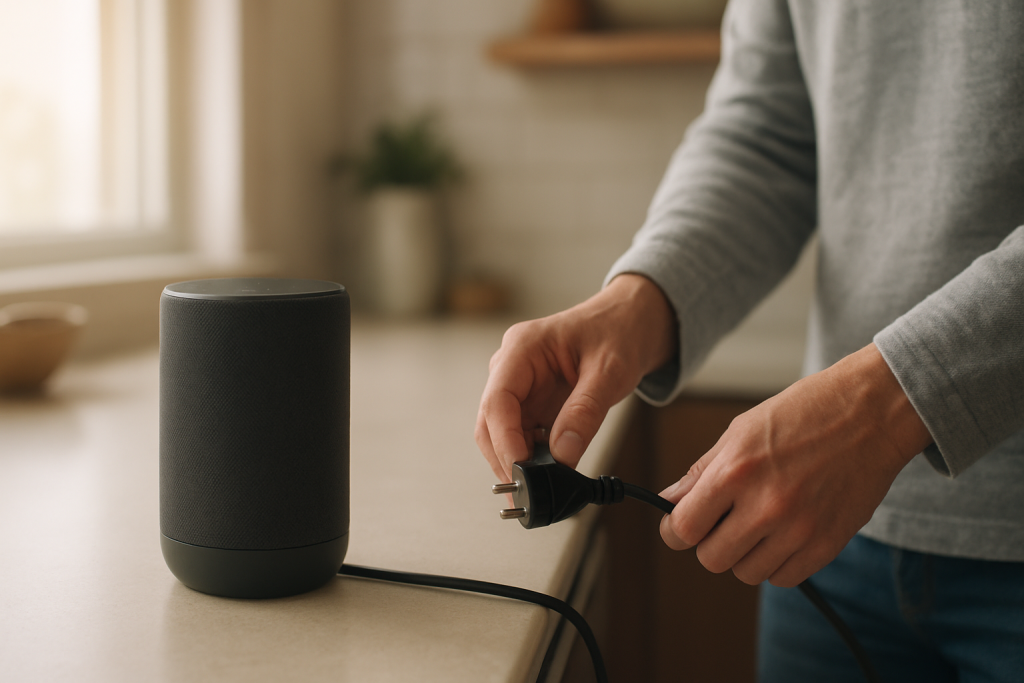
If your Alexa stops responding after a power outage, it often needs a clean restart and time resync. Follow step-by-step checks to restore voice responses and connectivity.
Learn why Alexa changes settings like Brief Mode by itself and steps to stop profile sync conflicts and household or user switching from overwriting preferences.
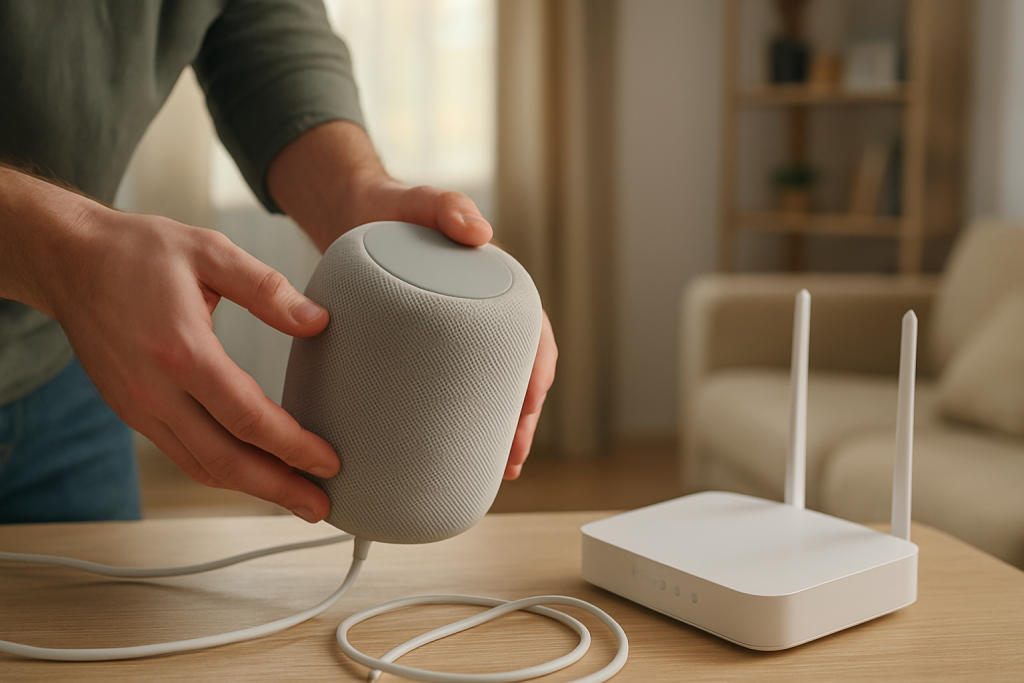
If Alexa reports your device is not registered, the account link or setup likely failed. This guide explains common causes and step by step checks to fix registration.
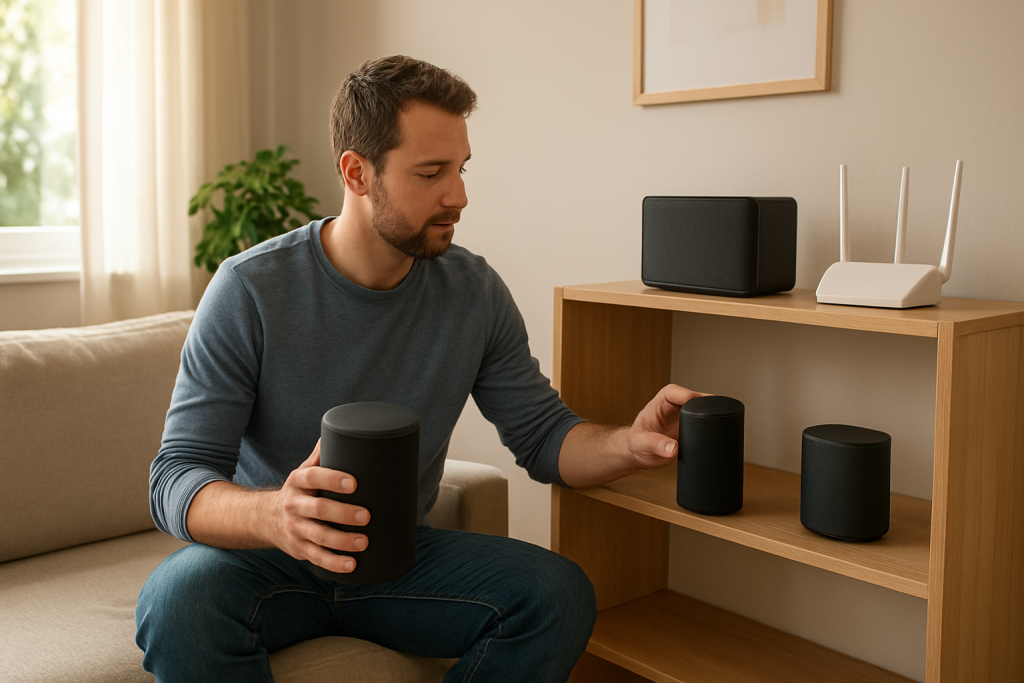
Troubleshoot out of sync multi room music by addressing speaker clock drift and network jitter. Learn what to check and simple fixes to restore synchronized group playback.
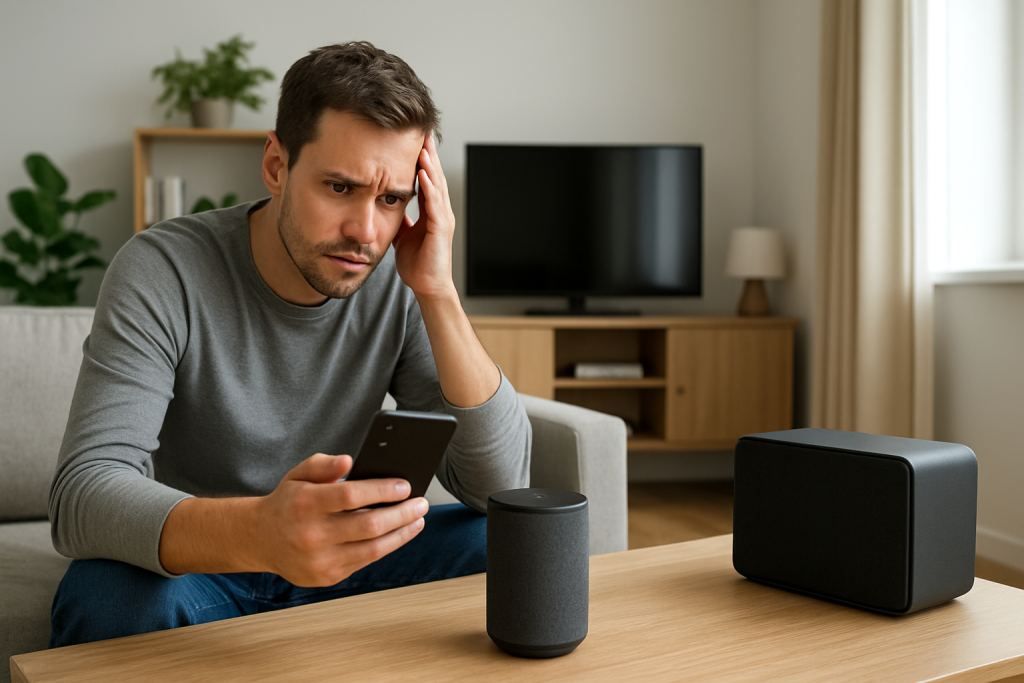
Troubleshoot Alexa Bluetooth disconnects by identifying interference sources, disabling power saving, and preventing automatic audio switching. Follow practical checks and fixes to stop reconnect loops.
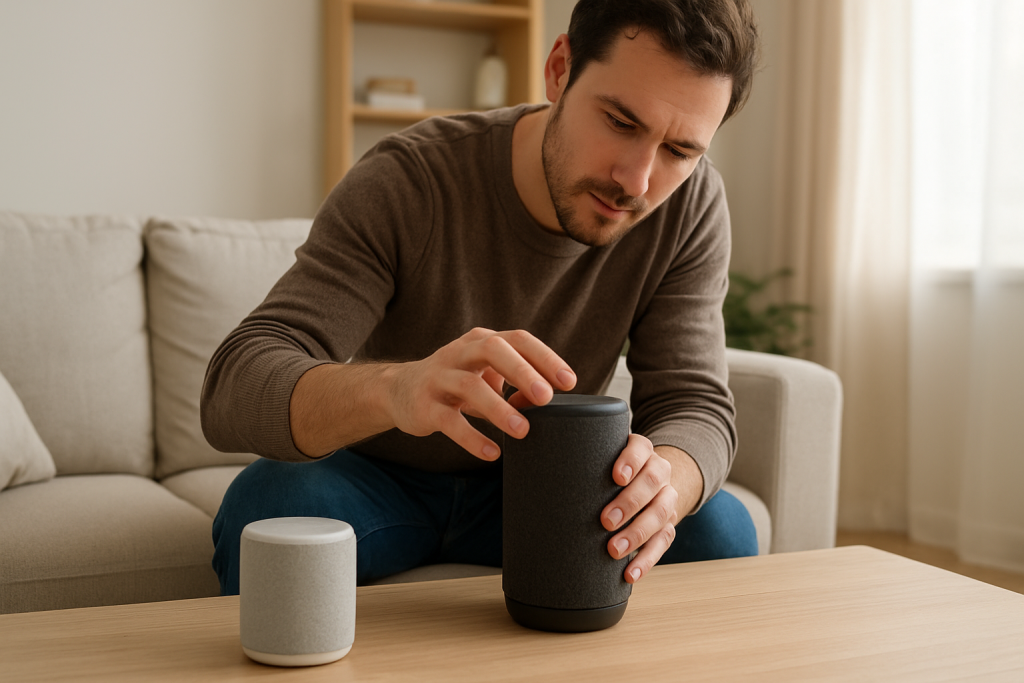
Step-by-step troubleshooting for when Alexa won’t connect to a Bluetooth speaker because pairing or profile negotiation fails. Learn what to check and easy fixes to try.
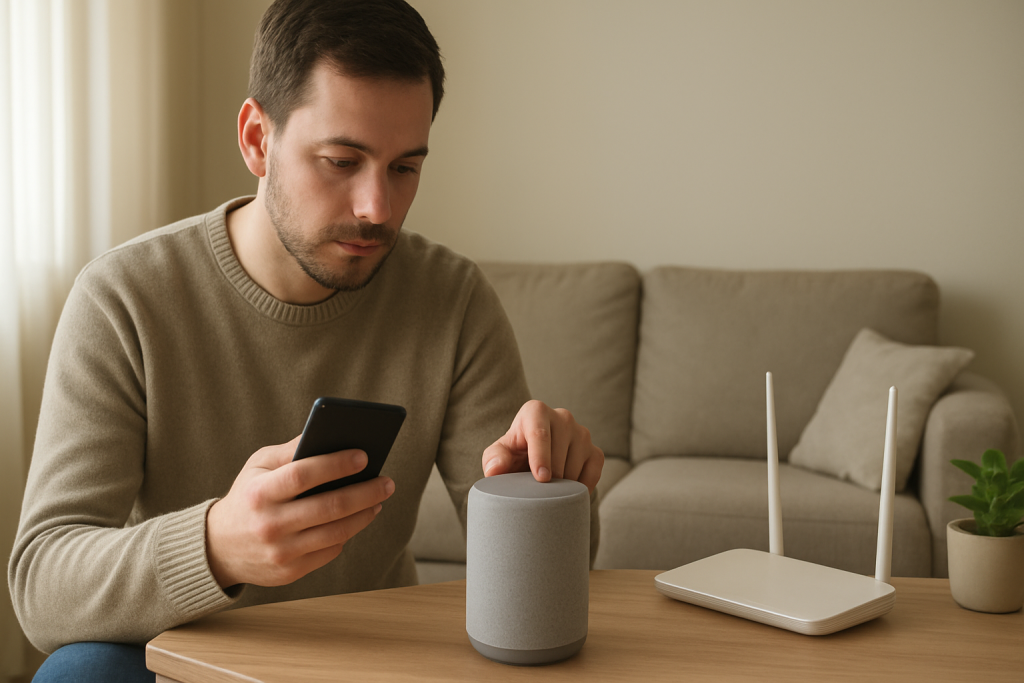
Learn common causes and practical fixes when Alexa calls or Drop In fail, including permission checks, account settings, and firewall or NAT issues to test.
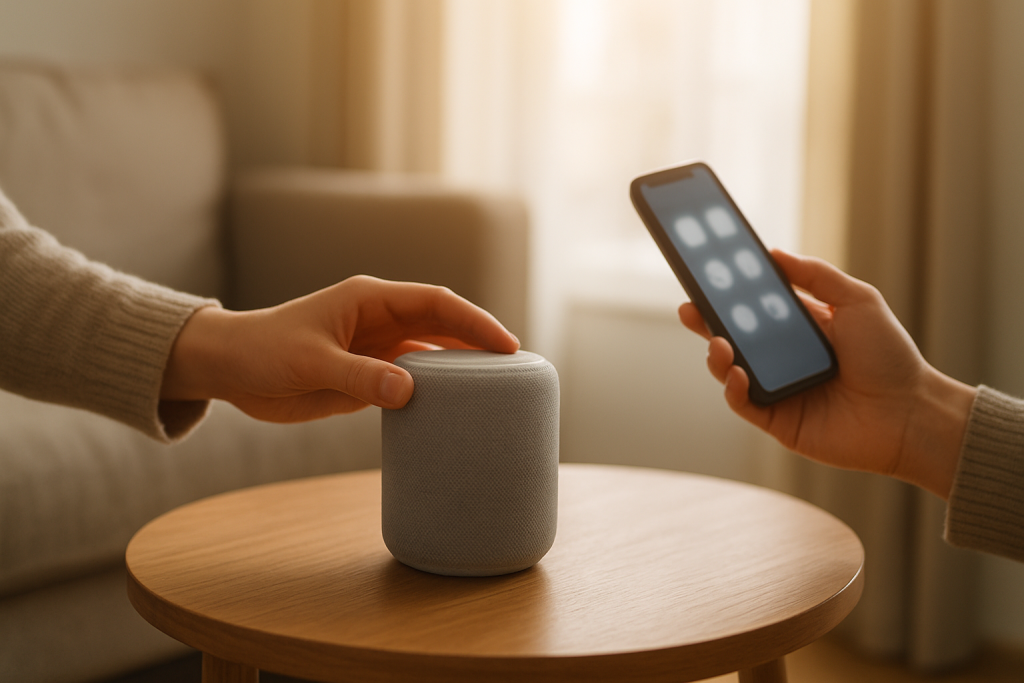
If Alexa timers or alarms fail, check your device timezone, Do Not Disturb status, and schedule synchronization. Follow simple steps to resync settings and restore reliable alerts.
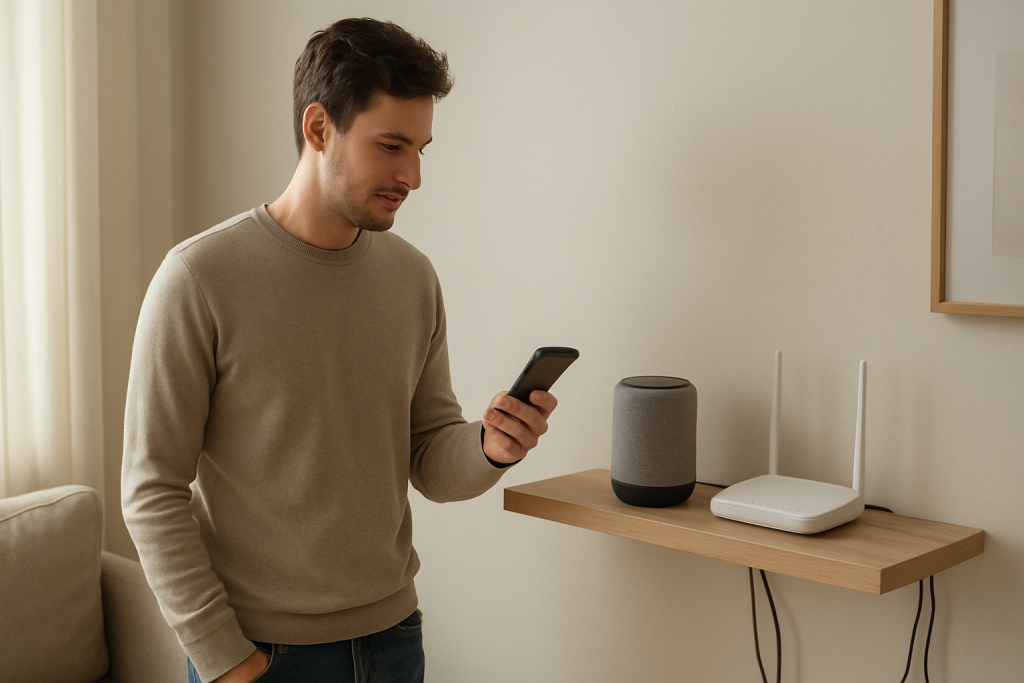
Learn practical steps to diagnose and fix Alexa routines that work only sometimes. Check cloud sync, network stability, device conditions, and routine conflicts.